

Zulu Time Widget - GMT/UTC
Rate Of Climb Industries · Utilities
Independent analytics for this App Store listing. AppTracker is not affiliated with Rate Of Climb Industries.
Chart standing · US
What changed · US
Listing changes AppTracker has observed for this app in this storefront — new versions, price moves, rating shifts, and store copy.
Added support for Julian, or Ordinal Date format. (ex: 23163) I received several requests for this feature from military personnel who need to use this date format with Zulu time on a daily basis. In the app, go to Settings and select Julian as your Date Format. If you have an Apple Watch, Zulu Time there will automatically display with the Julian format as well. - Lots of internal updates for WatchOS 27 and iOS 27
Price & rating history · US
Reconstructed from the listing changes AppTracker has observed in this storefront. A field is charted once it has changed more than once, and each line starts at the value it moved from.
Average rating · ★ 4.70 now · 3 changes on record
Ratings breakdown · US
The star breakdown behind this app's rating in this storefront.
In-app purchases · US
No in-app purchases.
Screenshots
Keywords this app targets
Search terms AppTracker associates with this app — estimates, not search volume. ❝ = in the app's title; a highlighted number is its current position for that term.
Similar apps
Competitors and close alternatives, as estimated by AppTracker.
 Zulu Time
Derek Spears
1 shared topic · 3 shared title words
Zulu Time
Derek Spears
1 shared topic · 3 shared title words
 Julian Clock
Adam Allard
1 shared topic
Julian Clock
Adam Allard
1 shared topic
 World Clock Time Zone Widgets
Overdesigned, LLC
1 shared title word
World Clock Time Zone Widgets
Overdesigned, LLC
1 shared title word
 Simple Date & Time Widget
Pedro Cassian
3 shared title words
Simple Date & Time Widget
Pedro Cassian
3 shared title words
 Alt Time: World Clock Widget
MMH Adventures LLC
Alt Time: World Clock Widget
MMH Adventures LLC
 Weather Time Widget
LaunchSpace LLC
3 shared title words
Weather Time Widget
LaunchSpace LLC
3 shared title words
 Clock Widget for Apple Watch
Ibrahim Poyraz
Clock Widget for Apple Watch
Ibrahim Poyraz
 Clocker App
Roman Romadin
Clocker App
Roman Romadin
About
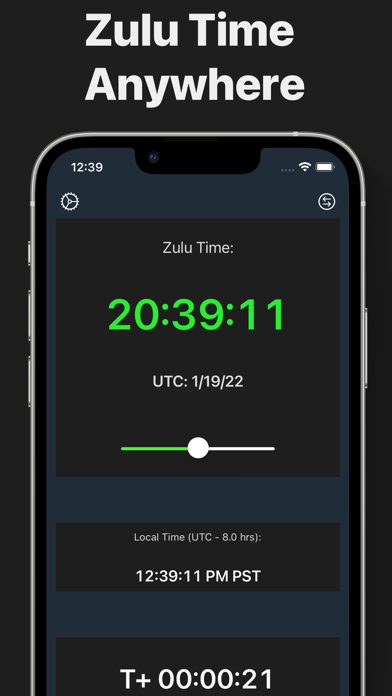
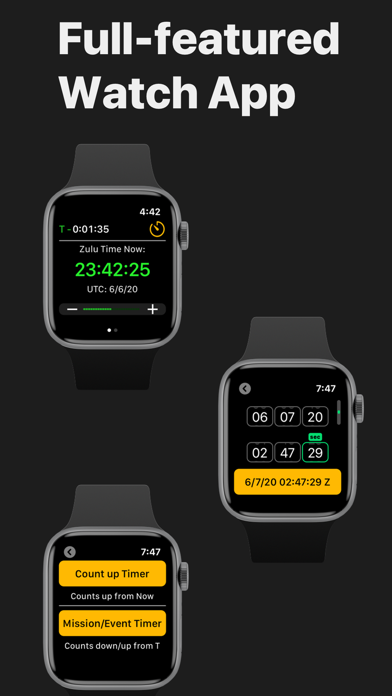
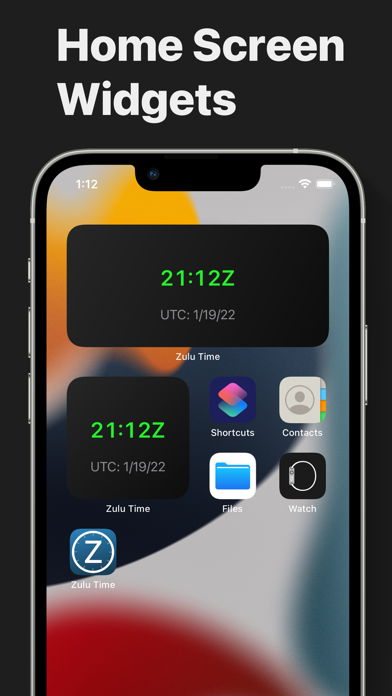
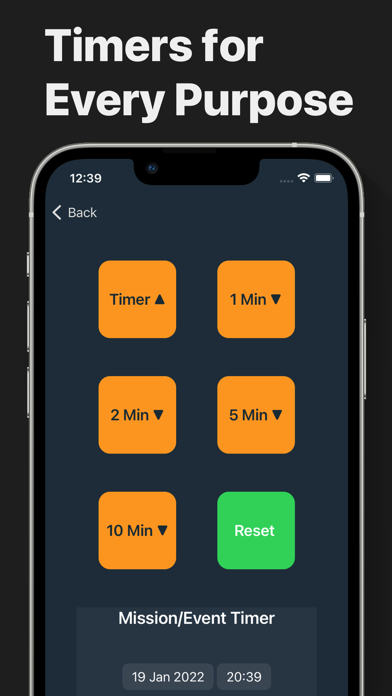
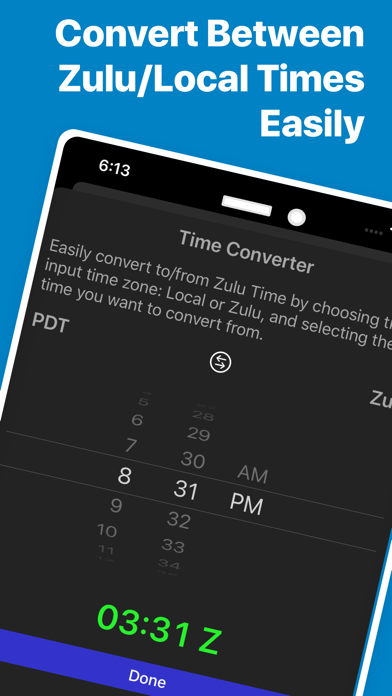
Full-featured and convenient Zulu Time App for iPhone, iPad and Apple Watch. Get the current Zulu/GMT/UTC Time, UTC or Julian Date and offset anytime, in any time zone. Super quick and convenient tool for pilots, military personnel, sailors, etc. Includes iPhone/iPad app, Home Screen, Lock Screen Widgets and Apple Watch app with complications showing the Zulu hour and date right on the watch face. Includes a robust Mission/Event Timer for synchronizing with Zulu Time Events such as IFR clearance void times, rocket launches, flight plans, ICAO border crossings, military maneuvers and missions, etc. On iPad, Zulu Time fully support split view allowing you to run it alongside a navigation app, for instance. Also show seconds and the current GMT date. TAF style UTC date format is available as an option. Includes an easy-to-use converter tool to convert any time between Zulu time and your current local timezone in either direction. When on the phone with Flight Service on a trip through Canada, just swipe to bring up the Home Screen and find the current Zulu Time as a widget. If you have an Apple Watch, it's even easier! Just glance at your watch with the included complications. Leaving in 3.5 hours? Just slide the time slider on either the iPhone/iPad or Apple Watch Planner view forward to get the Zulu time for 3.5 hours from now. No need to do math in your head! Zulu Time automatically adjusts for daylight savings and your local time zone. Add a widget to your Home Screen by long pressing on your Home Screen, then tapping the "+" in the upper left corner and selecting any of the Zulu Time Widgets.
What's new · 3.5
Added support for Julian, or Ordinal Date format. (ex: 23163) I received several requests for this feature from military personnel who need to use this date format with Zulu time on a daily basis. In the app, go to Settings and select Julian as your Date Format. If you have an Apple Watch, Zulu Time there will automatically display with the Julian format as well. - Lots of internal updates for WatchOS 27 and iOS 27
Details