

Canvas by Instructure
Instructure Inc. · Education
Independent analytics for this App Store listing. AppTracker is not affiliated with Instructure Inc.
Chart standing · US
What changed · US
Listing changes AppTracker has observed for this app in this storefront — new versions, price moves, rating shifts, and store copy.
- Added IgniteAI Study Tools for Tier Next Institutions. - Added support for Notebook. - Added a loading indicator to the Syllabus Summary page. - Added offline sync support for Syllabus content. - Improved file list ordering. - Display assignment unlock date on Assignment List and Assignment Details. - Show an alert in more places when content isn't available offline. - Scanning documents for a file submission now creates a PDF whenever possible, instead of producing images. - Page titles are now displayed above the page content as selectable text. - A newly created announcement now opens as "Announcement Details" instead of "Discussion Details". - Smart Search result titles no longer change to the course color after being opened. - Fixed To-do items not appearing if "Favorite Courses Only" option is turned on, but there are no favorite courses available. - Fixed navigation errors of some custom navigation links. - Fixed a deleted file stayed open instead of returning to the file list. - Fixed the Wi-Fi only sync toggle not animating back on when turned back on after being turned off. - Fixed malformed PPTX files appearing when teachers use Student View. - Fixed editing page not allowed. - Fixed some past courses not appearing on the all courses screen. - Fixed To-do tab showing incorrect badge count. - Fixed some external tools not appearing in the main menu. - Fixed rich text formatting not being rendered for text submissions. - Fixed Smart Search input field disappearing on iPad in landscape. - Fixed unrelated push notification toggles switching when tapping one toggle repeatedly. - Fixed Announcement Widget opening announcements as "Discussion Details". - Fixed PowerPoint, Word and Excel files showing incorrect images. - Fixed QR login tutorial image shrink in landscape mode. - Fixed file renaming not updating the files list properly. - Fixed user screen not loading for groups. - Career – Added support for offline assignment submissions.
Ratings breakdown · US
The star breakdown behind this app's rating in this storefront.
In-app purchases · US
No in-app purchases.
Screenshots
Keywords this app targets
Search terms AppTracker associates with this app — estimates, not search volume. ❝ = in the app's title; a highlighted number is its current position for that term.
Similar apps
Competitors and close alternatives, as estimated by AppTracker.
 Blackboard
Anthology Inc.
1 shared topic
Blackboard
Anthology Inc.
1 shared topic
 Moodle
 Pty Ltd
3 shared topics
Moodle
Moodle Pty Ltd
3 shared topics
 itslearning new
itslearning as
2 shared topics
itslearning new
itslearning as
2 shared topics
 Brightspace Pulse
D2L Corporation
1 shared topic
Brightspace Pulse
D2L Corporation
1 shared topic
 Acadly
Acetone Designs
1 shared topic
Acadly
Acetone Designs
1 shared topic
 Udemy Online Video Courses
Udemy
1 shared topic
Udemy Online Video Courses
Udemy
1 shared topic
 Schoology
PowerSchool Group LLC
2 shared topics
Schoology
PowerSchool Group LLC
2 shared topics
 Gradescope
Turnitin
2 shared topics
Gradescope
Turnitin
2 shared topics
About
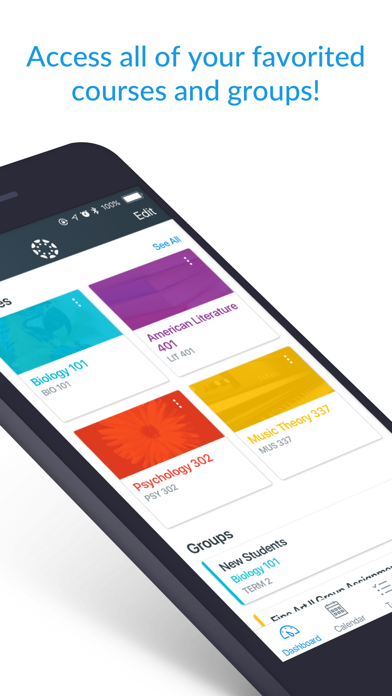
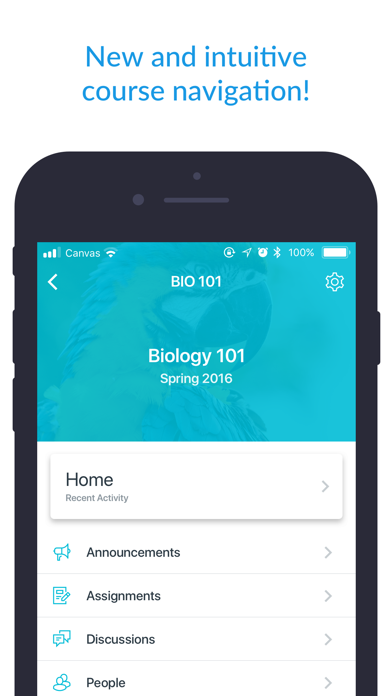
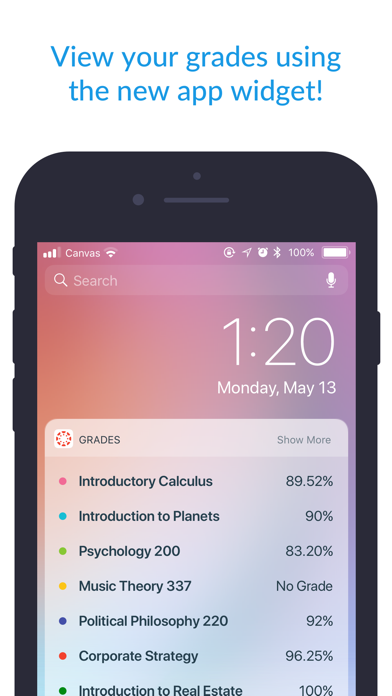
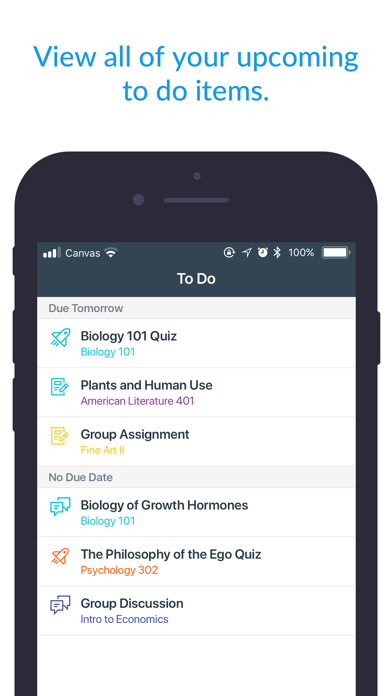
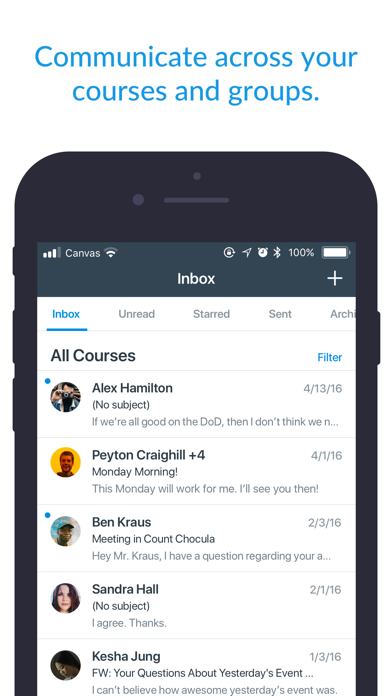
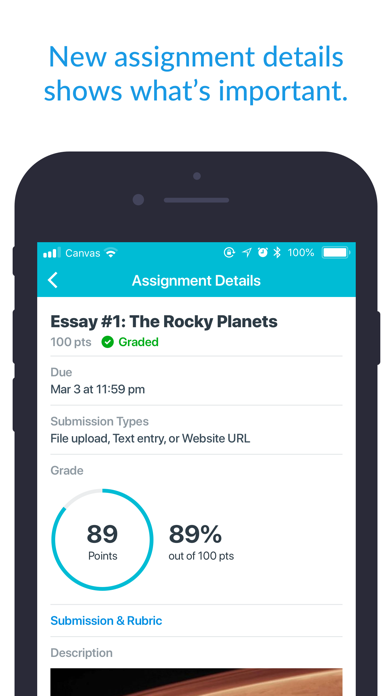
Your learning, anywhere. Stay connected to your courses with the official Canvas app for learners. Whether you’re in class, commuting, or offline, Canvas helps you stay organized and engaged. Note for instructors: For teaching and grading features, use the Canvas Teacher app. What you can do • Organize: View grades, track assignments, homework, and schoolwork; get reminders, push notifications and add customizable widgets for quick access • Engage: Send messages, join class discussions and collaborate with classmates in real time • Learn: Submit assignments, PDFs, docs, and media files for teachers to annotate in SpeedGrader, take quizzes, and watch videos on the go • Offline: Download full courses and keep studying even without internet • Integration & inclusivity: Use integrated classroom tools (LTIs), enjoy dark mode, and rely on built-in accessibility for everyone (VPAT 2.2 compliant) • Lifelong learning: Support for continuous learning, career-focused skill based learning programs, and AI-powered learning experience via Career experience Trusted by over 40 million learners worldwide.
What's new · 8.13.0
- Added IgniteAI Study Tools for Tier Next Institutions. - Added support for Notebook. - Added a loading indicator to the Syllabus Summary page. - Added offline sync support for Syllabus content. - Improved file list ordering. - Display assignment unlock date on Assignment List and Assignment Details. - Show an alert in more places when content isn't available offline. - Scanning documents for a file submission now creates a PDF whenever possible, instead of producing images. - Page titles are now displayed above the page content as selectable text. - A newly created announcement now opens as "Announcement Details" instead of "Discussion Details". - Smart Search result titles no longer change to the course color after being opened. - Fixed To-do items not appearing if "Favorite Courses Only" option is turned on, but there are no favorite courses available. - Fixed navigation errors of some custom navigation links. - Fixed a deleted file stayed open instead of returning to the file list. - Fixed the Wi-Fi only sync toggle not animating back on when turned back on after being turned off. - Fixed malformed PPTX files appearing when teachers use Student View. - Fixed editing page not allowed. - Fixed some past courses not appearing on the all courses screen. - Fixed To-do tab showing incorrect badge count. - Fixed some external tools not appearing in the main menu. - Fixed rich text formatting not being rendered for text submissions. - Fixed Smart Search input field disappearing on iPad in landscape. - Fixed unrelated push notification toggles switching when tapping one toggle repeatedly. - Fixed Announcement Widget opening announcements as "Discussion Details". - Fixed PowerPoint, Word and Excel files showing incorrect images. - Fixed QR login tutorial image shrink in landscape mode. - Fixed file renaming not updating the files list properly. - Fixed user screen not loading for groups. - Career – Added support for offline assignment submissions.
Details