

Gradescope
Turnitin · Education
Independent analytics for this App Store listing. AppTracker is not affiliated with Turnitin.
Chart standing · US
What changed · US
Listing changes AppTracker has observed for this app in this storefront — new versions, price moves, rating shifts, and store copy.
Price & rating history · US
Reconstructed from the listing changes AppTracker has observed in this storefront. A field is charted once it has changed more than once, and each line starts at the value it moved from.
Average rating · ★ 1.39 now · 10 changes on record
Ratings breakdown · US
The star breakdown behind this app's rating in this storefront.
In-app purchases · US
No in-app purchases.
Screenshots
Keywords this app targets
Search terms AppTracker associates with this app — estimates, not search volume. ❝ = in the app's title; a highlighted number is its current position for that term.
Similar apps
Competitors and close alternatives, as estimated by AppTracker.
 Schoology
PowerSchool Group LLC
2 shared topics
Schoology
PowerSchool Group LLC
2 shared topics
 iDoceo Grade Scanner
iDoceo Studios Ltd.
1 shared topic
iDoceo Grade Scanner
iDoceo Studios Ltd.
1 shared topic
 Canvas by Instructure
Instructure Inc.
2 shared topics
Canvas by Instructure
Instructure Inc.
2 shared topics
 Blackboard
Anthology Inc.
1 shared topic
Blackboard
Anthology Inc.
1 shared topic
 itslearning new
itslearning as
2 shared topics
itslearning new
itslearning as
2 shared topics
 Gradekeeper for iPhone
Daniel Ethier
Gradekeeper for iPhone
Daniel Ethier
 Syllabi
 Limited
1 shared topic
Syllabi
Syllabi Limited
1 shared topic
 Moodle
 Pty Ltd
2 shared topics
Moodle
Moodle Pty Ltd
2 shared topics
About
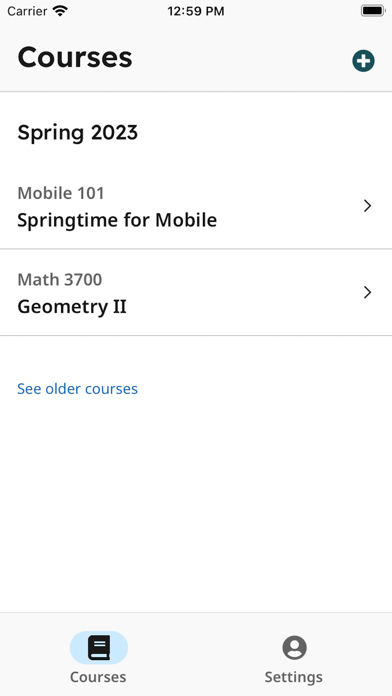
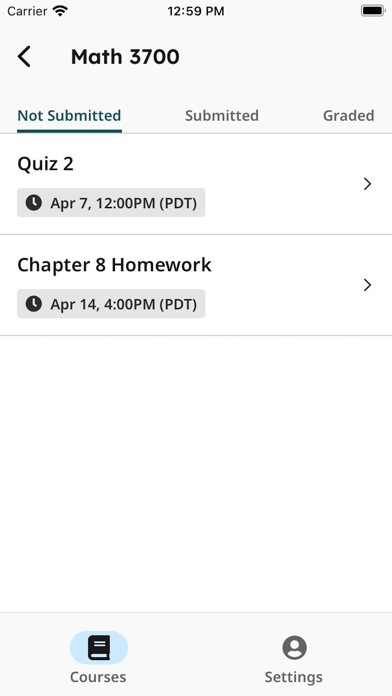
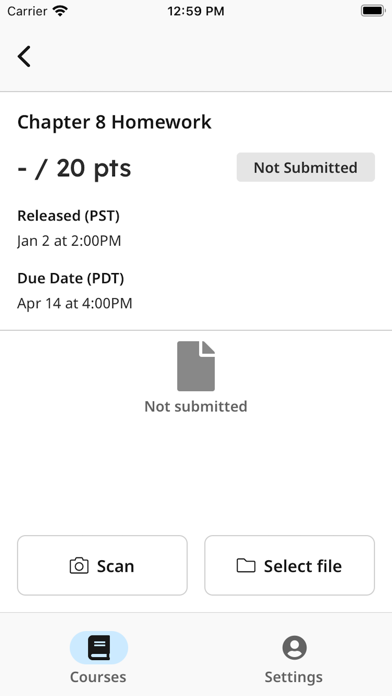
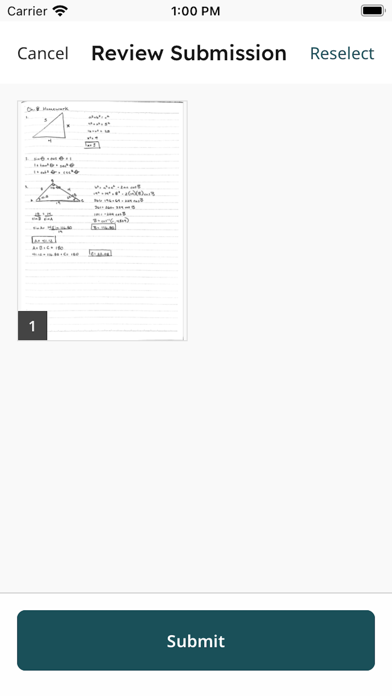
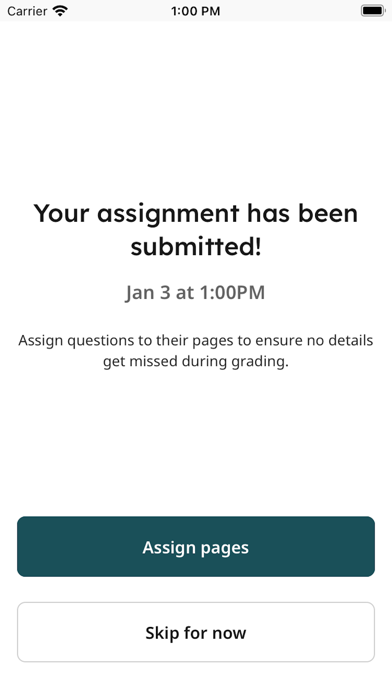
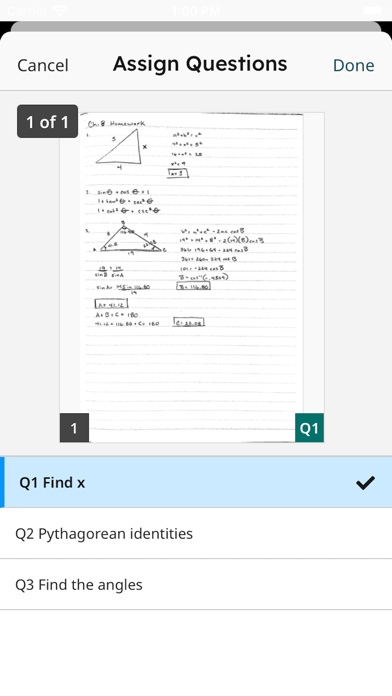
Students, upload your assignments to Gradescope more easily than ever before! If your instructor uses Gradescope for your assignments, you can now upload your submission with our mobile app. After installing and opening the app, login to see your Gradescope courses and assignments. To upload a submission, click on the assignment in the “Not Submitted” tab and either “Select File” to select an existing file from your device or “Scan” all pages of your completed work using your iPhone’s camera. Once you submit your file(s), for templated assignments, you’re all set. For variable-length assignments, “Assign pages” to indicate where your answer for each question appears within your submission. It’s that easy! After confirming, your assignment then moves to the “Submitted” tab. If needed, you can resubmit your assignment until the due date your instructor set has passed. Once it is graded and grades are published for the assignment, it then moves to the “Graded” tab. Note: For V1 of the app, you will be directed to our mobile website for any advanced functionality, including viewing feedback and submitting timed, programming, or online assignments. Stay tuned for future updates that will allow you to do even more with our mobile app!
What's new · 1.1.11
Various improvements
Details