

WeBe Bluetooth Mouse for Mac
Gabriel Hohener · Utilities
Independent analytics for this App Store listing. AppTracker is not affiliated with Gabriel Hohener.
Chart standing · US
What changed · US
Listing changes AppTracker has observed for this app in this storefront — new versions, price moves, rating shifts, and store copy.
Price & rating history · US
Reconstructed from the listing changes AppTracker has observed in this storefront. A field is charted once it has changed more than once, and each line starts at the value it moved from.
Average rating · ★ 1.83 now · 24 changes on record
Ratings breakdown · US
The star breakdown behind this app's rating in this storefront.
In-app purchases · US
No in-app purchases.
Screenshots
Keywords this app targets
Search terms AppTracker associates with this app — estimates, not search volume. ❝ = in the app's title; a highlighted number is its current position for that term.
Similar apps
Competitors and close alternatives, as estimated by AppTracker.
 Smart Mouse and Keyboard
SENSONET BILISIM TEKNOLOJILERI ELEKTRONIK YAZILIM SANAYI VE TICARET LTD STI
Smart Mouse and Keyboard
SENSONET BILISIM TEKNOLOJILERI ELEKTRONIK YAZILIM SANAYI VE TICARET LTD STI
 RemotePad - remote mouse
Amit Nadir
RemotePad - remote mouse
Amit Nadir
 PhoneMouse – Wireless Mouse
Benjamin Nærø
PhoneMouse – Wireless Mouse
Benjamin Nærø
 Mobile Mouse
R.P.A. Tech
Mobile Mouse
R.P.A. Tech
 Mouse · Keyboard
Remote Sunrise LTD
Mouse · Keyboard
Remote Sunrise LTD
 Remote for Mac
Aexol sp. z o.o.
Remote for Mac
Aexol sp. z o.o.
 Remote Mouse Pro
耀 阮
Remote Mouse Pro
耀 阮
 Rowmote Pro for Mac
Evan Schoenberg, M.D.
Rowmote Pro for Mac
Evan Schoenberg, M.D.
About
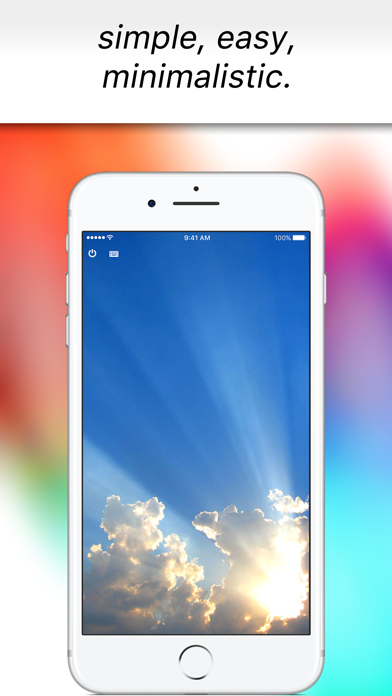
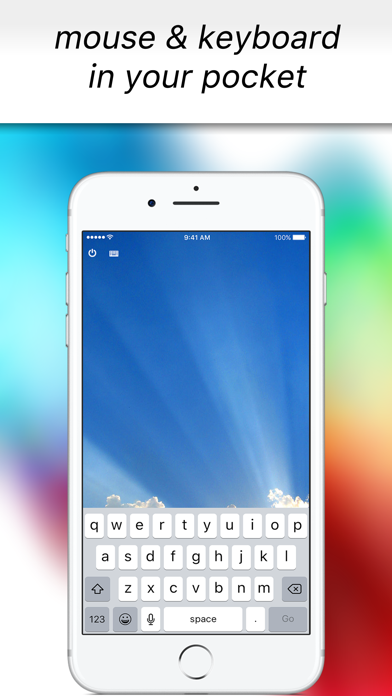
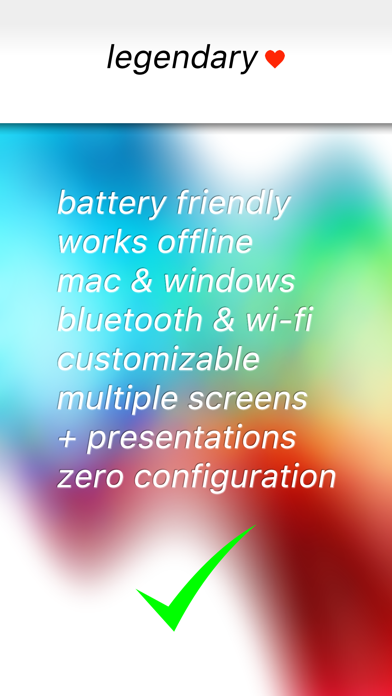
Turn your iPhone into a precision trackpad and keyboard for Mac and Windows. Originally launched in 2010 and featured in the US App Store, WeBe returns as version 2.0 — completely rebuilt for today’s Mac and Windows systems. Connect via Bluetooth, Wi-Fi, or USB and control your computer instantly. Whether you're presenting, working across multiple monitors, or controlling your computer from the couch, WeBe delivers smooth, precise control in seconds. No complicated setup. No outdated helpers. Install the desktop helper and start controlling instantly. FEATURES • Precision trackpad with smooth scrolling • Built-in keyboard for instant typing • Bluetooth, Wi-Fi and USB connectivity • Multi-monitor support • macOS Hot Corners & Dock activation • Works with Mac and Windows • Optimized for modern macOS and Windows versions • Clean, minimal interface • Built for speed and stability PERFECT FOR • Presentations and slide control • Remote work setups • Media control from your couch • Multi-monitor workflows • Emergency backup when your mouse fails SIMPLE SETUP • Install the desktop helper on your Mac or Windows PC • Open WeBe on your iPhone • Connect via Bluetooth, Wi-Fi or USB • Start controlling instantly SUPPORT, PRIVACY & TERMS Download desktop helpers and setup instructions: https://webe-app.com Privacy Policy: https://webe-app.com/privacy-policy Terms & Conditions: https://webe-app.com/terms-and-conditions
What's new · 2.0
Version 2.0.0 • Complete rebuild from the ground up • Modern Bluetooth, Wi-Fi and USB connectivity • Improved stability and performance • Multi-monitor support enhancements • Better macOS Hot Corners and Dock triggering • Updated Windows helper • Smoother scrolling and cursor precision • Optimized onboarding experience • Bug fixes and performance improvements WeBe has been fully modernized for today’s macOS and Windows systems.
Details