

Smart Mouse and Keyboard
SENSONET BILISIM TEKNOLOJILERI ELEKTRONIK YAZILIM SANAYI VE TICARET LTD STI · Utilities
Independent analytics for this App Store listing. AppTracker is not affiliated with SENSONET BILISIM TEKNOLOJILERI ELEKTRONIK YAZILIM SANAYI VE TICARET LTD STI.
Chart standing · US
Screenshots
Keywords this app targets
Search terms AppTracker associates with this app — estimates, not search volume. ❝ = in the app's title; a highlighted number is its current position for that term.
Similar apps
Competitors and close alternatives, as estimated by AppTracker.
 PhoneMouse – Wireless Mouse
Benjamin Nærø
2 shared topics · 1 shared title word
PhoneMouse – Wireless Mouse
Benjamin Nærø
2 shared topics · 1 shared title word
 Remote for Mac
Aexol sp. z o.o.
1 shared topic
Remote for Mac
Aexol sp. z o.o.
1 shared topic
 Mouse · Keyboard
Remote Sunrise LTD
1 shared topic · 2 shared title words
Mouse · Keyboard
Remote Sunrise LTD
1 shared topic · 2 shared title words
 Mobile Mouse
R.P.A. Tech
1 shared title word
Mobile Mouse
R.P.A. Tech
1 shared title word
 Remote Mouse Pro
耀 阮
1 shared topic · 1 shared title word
Remote Mouse Pro
耀 阮
1 shared topic · 1 shared title word
 Remote, Mouse & Keyboard Pro
Remote Sunrise LTD
1 shared topic · 2 shared title words
Remote, Mouse & Keyboard Pro
Remote Sunrise LTD
1 shared topic · 2 shared title words
 RemotePad - remote mouse
Amit Nadir
1 shared title word
RemotePad - remote mouse
Amit Nadir
1 shared title word
 Rowmote
Evan Schoenberg, M.D.
1 shared topic
Rowmote
Evan Schoenberg, M.D.
1 shared topic
About
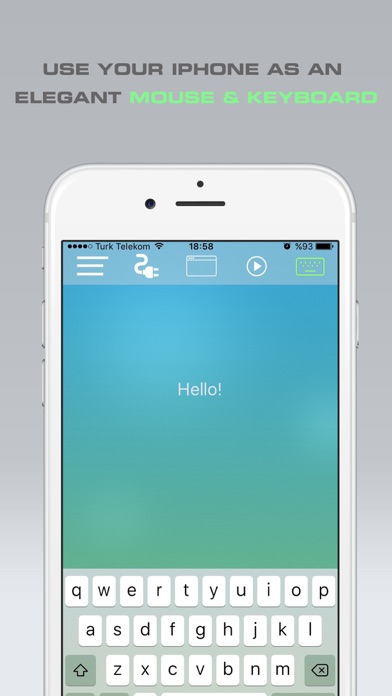
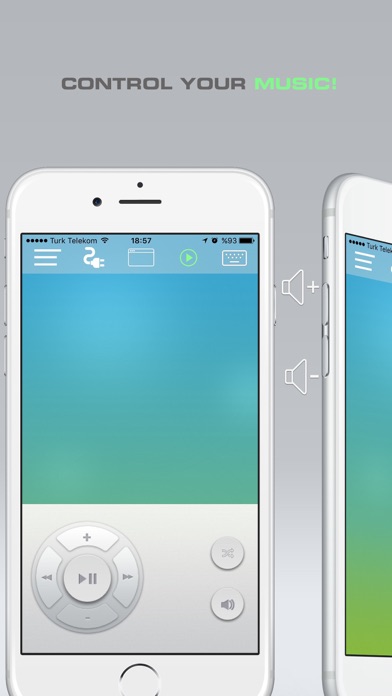
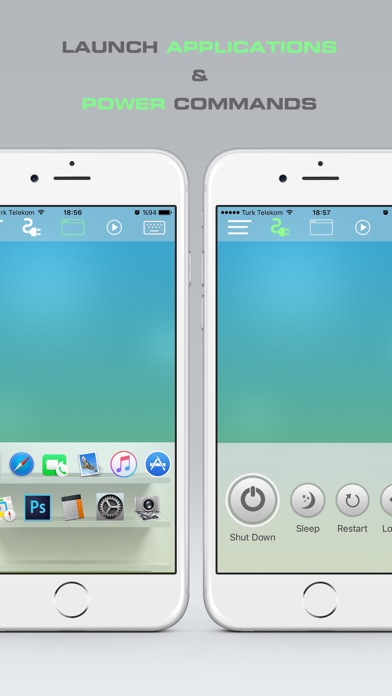
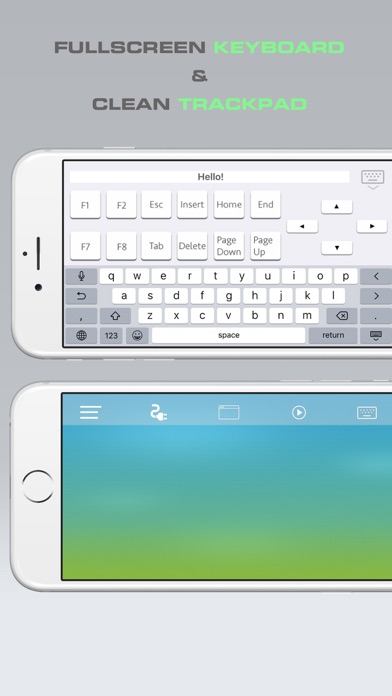
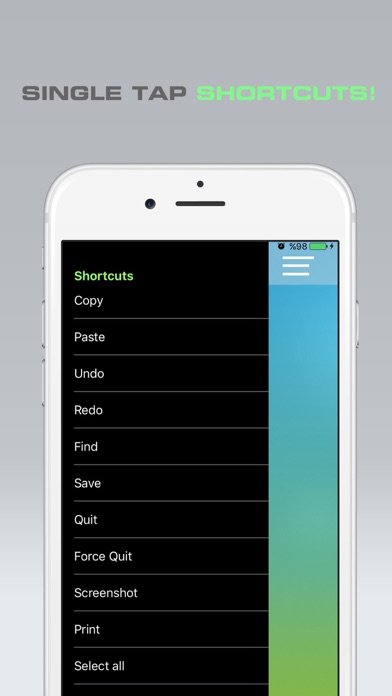
This app turns your iPhone into a magical wireless remote control for your Mac. An elegant wireless mouse and keyboard! You can control your presentations, music or even other applications with just a few simple touches or finger gestures. The app comes with the full packet and doesn't require any in-app purchase. ** FEATURES ** • Fully Simulated Mouse • Fullscreen Keyboard in Landscape Mode • Trackpad • Multi-Touch Gestures • Media Remote • Key Combination shortcuts • Physical Volume Buttons Control to adjust computer volume • Application Launcher & Switcher • Shut Down / Sleep / Restart / Log Off Remotely • Remotely Typing with Voice (need Siri) • Seamless connection • Works under Wi-Fi • Mac OSX 10.6+ (Windows support very soon) ** IMPORTANT ** For now, the app is only supported for Mac. We will publish the Windows version very soon. To be able to use the app, you will also need to install Mouse application on your Mac! 1. Visit bit.ly/39HaBYE1 with your Mac. Download & install Mouse application. 2. Make sure that your mobile device is connected to the same Wi-Fi as your computer. 3. Open Mouse App and that's all. The app will connect seamlessly to your Mac.
What's new · 1.2
New launch screen
Details