

Photo Frame Calendar & Clock
Eval'das Sichyunas · Lifestyle
Independent analytics for this App Store listing. AppTracker is not affiliated with Eval'das Sichyunas.
Chart standing · US
What changed · US
Listing changes AppTracker has observed for this app in this storefront — new versions, price moves, rating shifts, and store copy.
Price & rating history · US
Reconstructed from the listing changes AppTracker has observed in this storefront. A field is charted once it has changed more than once, and each line starts at the value it moved from.
Price · 11.00 USD now · 3 changes on record
Ratings breakdown · US
The star breakdown behind this app's rating in this storefront.
In-app purchases · US
What this app sells inside itself, grouped by kind and priced for this storefront.
Screenshots


Keywords this app targets
Search terms AppTracker associates with this app — estimates, not search volume. ❝ = in the app's title; a highlighted number is its current position for that term.
Similar apps
Competitors and close alternatives, as estimated by AppTracker.
 PhotoPanel: Photo Frame
ROBIN SCHONWALD
1 shared topic · 3 shared title words
PhotoPanel: Photo Frame
ROBIN SCHONWALD
1 shared topic · 3 shared title words
 Framio - Photo & Video Frame
seiya kawano
1 shared topic · 2 shared title words
Framio - Photo & Video Frame
seiya kawano
1 shared topic · 2 shared title words
 PixFolio Business Photo Frame
Brian Wood
1 shared topic · 3 shared title words
PixFolio Business Photo Frame
Brian Wood
1 shared topic · 3 shared title words
 Photo Widget: Theme Wallpapers
Photo Widget Inc.
1 shared title word
Photo Widget: Theme Wallpapers
Photo Widget Inc.
1 shared title word
 Flip Clock - Minimal Time
Grzegorz Rakoca
Flip Clock - Minimal Time
Grzegorz Rakoca
 FrameSense
adam smith
FrameSense
adam smith
 Ink: Lockscreen Calendar, Note
SilverAI Joint Stock Company
1 shared title word
Ink: Lockscreen Calendar, Note
SilverAI Joint Stock Company
1 shared title word
 Calpaper: Today at a Glance
Daniel Garcia
Calpaper: Today at a Glance
Daniel Garcia
About
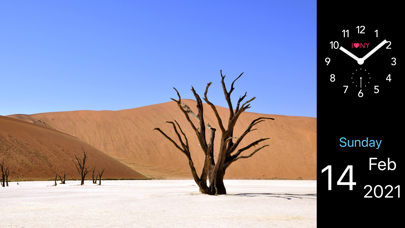
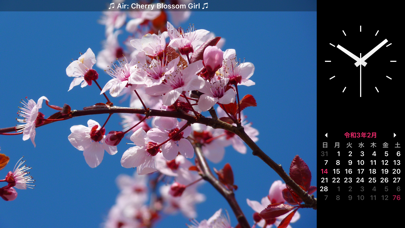
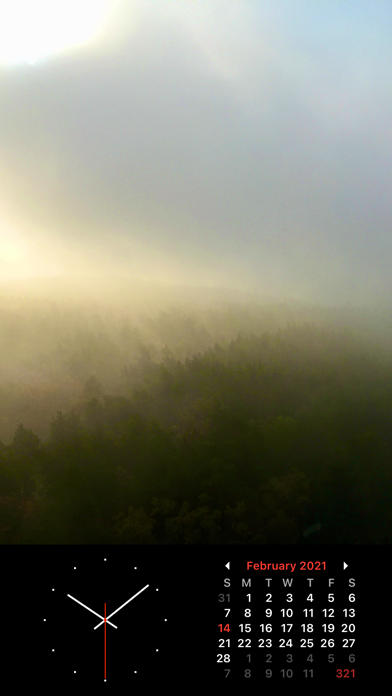
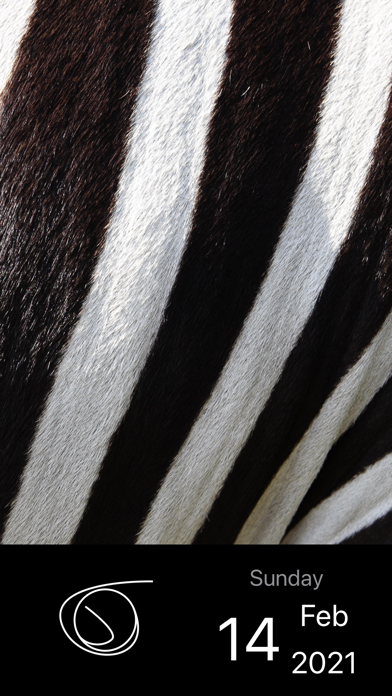
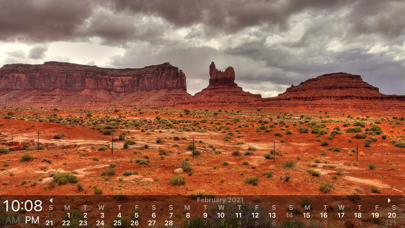
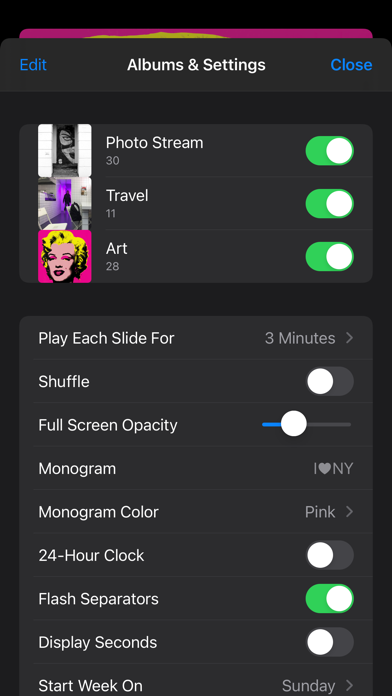
Turn your device into a minimalistic digital photo frame. Think of this as more quality-of-life improvements to a pure productivity tool. Tap the current photo to show the next one from the selected albums. Double-tap the current photo to switch the crop modes for its album. Long-press the current photo to hide / show calendar and clock. Tap calendar or clock to cycle through their faces (2 and 4 respectively). Double-tap calendar or clock to enter / exit full screen. Long-press and drag calendar or clock to change their locations. Place your iPhone face down to put the app to sleep. Use Quick Actions menu to quickly open the app’s albums and settings. Title-tap the app’s albums and settings to scroll to the top / bottom. Use photoframe:// URL scheme to open the app. The PDF vectors of the clock faces for modifications are accessible in Files > On My Device > PhotoFrame > Clock Faces, or from Finder (iTunes) File Sharing. Since iPadOS / iOS 13, if you use more than one language or keyboard on your device, then it becomes possible to select a preferred language for the app’s calendar and clock in Settings > PhotoFrame > Language. For educational purposes and beyond. (Currently available: 日本語, Français, Italiano, Português, Español, Українська, Русский, Deutsch, and English.) Thank you everyone for over 100,000 downloads! Tip Jar Subscription: An optional auto-renewing monthly subscription is available which adds a bonus option Random for colour settings. Payment will be charged to your Apple ID account at the confirmation of purchase. Subscription automatically renews unless it is canceled at least 24 hours before the end of the current period. Your account will be charged for renewal within 24 hours prior to the end of the current period. You can manage and cancel your subscriptions by going to your account settings on the App Store after purchase. Privacy Policy + Terms of Use: WWW.EV4LDAS.XYZ
What's new · 2.8 (Donna)
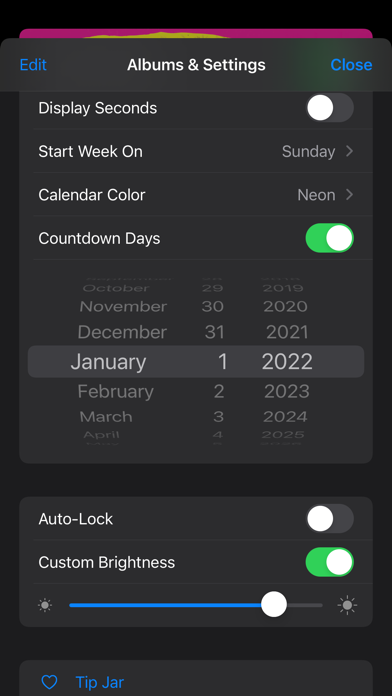
• Replaced the First Day option with an enriched Start Week On option • Now you can quickly open in-app albums without pressing the Edit button if you prefer • Fixed rearranging of in-app album photos for latest versions of iOS and iPadOS • Added one more sample clock face into the app’s Clock Faces > Samples folder • A few visual improvements and fixes Previously on 2.8 • Title-tap the app’s albums and settings to scroll to the top / bottom • The ‘i’ button is now located above the current photo • Added an option to flash separators in the 12 / 24-hour digital clock • Added an option to display seconds in the 12 / 24-hour digital clock For lovers of creativity • The PDF vectors of the clock faces for modifications are accessible in Files > On My Device > PhotoFrame > Clock Faces, or from Finder (iTunes) File Sharing. Modify those PDF vectors, or replace them with a few of the existing samples, or put there any transparent PNGs with the same names (preferably 320 x 320 pixels or higher). Feel comfortable experimenting, they are just copies, you can even delete them to get fresh ones. (The free Vectornator app for iOS / iPadOS / macOS, or Adobe Photoshop are ideal for editing and creating your own PDF vectors with shadows under the clock hands.) For lovers of languages • Now you can see the year’s name of the system calendar (e.g. Japanese, Buddhist, etc.). Alternate the year’s name in Settings > General > Language & Region > Calendar. Since iPadOS / iOS 13, if you use more than one language or keyboard on your device, then it becomes possible to select a preferred language for the app’s calendar and clock in Settings > PhotoFrame > Language. For educational purposes and beyond. (Currently available: 日本語, Français, Italiano, Português, Español, Українська, Русский, Deutsch, and English.)
Details