

Grocery AI
Pocket Labs · Food & Drink
Independent analytics for this App Store listing. AppTracker is not affiliated with Pocket Labs.
Chart standing · US
What changed · US
Listing changes AppTracker has observed for this app in this storefront — new versions, price moves, rating shifts, and store copy.
Price & rating history · US
Reconstructed from the listing changes AppTracker has observed in this storefront. A field is charted once it has changed more than once, and each line starts at the value it moved from.
Average rating · ★ 4.28 now · 3 changes on record
Ratings breakdown · US
The star breakdown behind this app's rating in this storefront.
In-app purchases · US
What this app sells inside itself, grouped by kind and priced for this storefront.
Screenshots



Keywords this app targets
Search terms AppTracker associates with this app — estimates, not search volume. ❝ = in the app's title; a highlighted number is its current position for that term.
Similar apps
Competitors and close alternatives, as estimated by AppTracker.
 Freezer & Pantry Inventory
CHRISTOPHER CLARKE
Freezer & Pantry Inventory
CHRISTOPHER CLARKE
 Friggio AI: Receipt & Pantry
Oleksandr Nechpai
1 shared topic · 1 shared title word
Friggio AI: Receipt & Pantry
Oleksandr Nechpai
1 shared topic · 1 shared title word
 Fridge Inventory & AI Scan
KOTARO OMORI
1 shared title word
Fridge Inventory & AI Scan
KOTARO OMORI
1 shared title word
 Mealify
Jobin Abraham
1 shared topic
Mealify
Jobin Abraham
1 shared topic
 PantryAI - Food Stock
FD Digital
PantryAI - Food Stock
FD Digital
 Weekly Meal Planner AI
BAUGEY MATHEO JAMES MORGAN
1 shared topic · 1 shared title word
Weekly Meal Planner AI
BAUGEY MATHEO JAMES MORGAN
1 shared topic · 1 shared title word
 FoodiePrep AI Meal Planner
Refactor Consulting Ltd
1 shared title word
FoodiePrep AI Meal Planner
Refactor Consulting Ltd
1 shared title word
 Pantry Buddy: AI Grocery List
bonbrain apps
2 shared title words
Pantry Buddy: AI Grocery List
bonbrain apps
2 shared title words
About
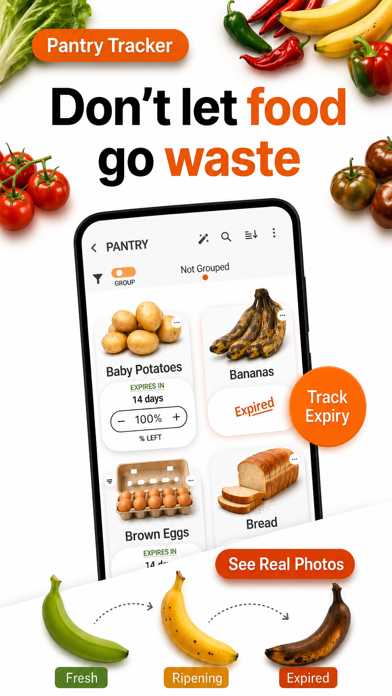
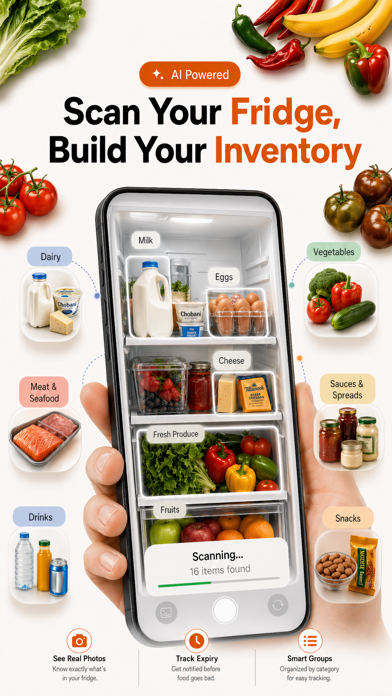
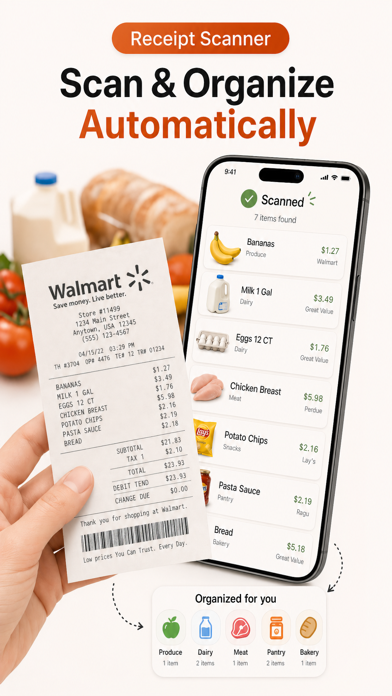
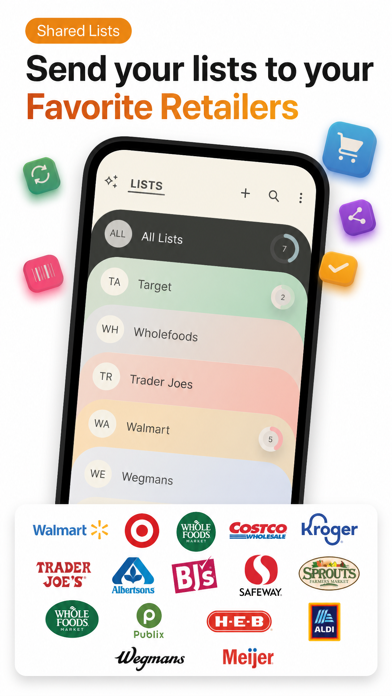
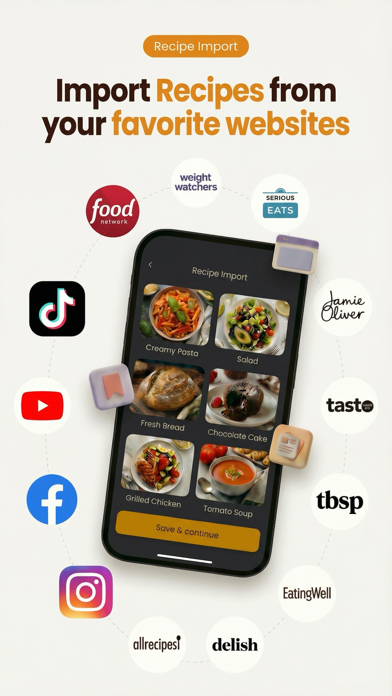
Stop food waste, save money, and keep your kitchen organized with Grocery AI. Grocery AI helps you track your grocery purchases, know what’s in your pantry, fridge, and freezer, plan meals around what you already have, organize recipes, and shop before you run out. From inventory tracking and expiry alerts to smart shopping lists, meal planning, and pantry-aware recipe ideas, Grocery AI helps you stay stocked, cook smarter, and waste less. Available on iPhone, iPad, Mac, Apple Watch, and iOS Home Screen widgets. === REDUCE FOOD WASTE & STAY STOCKED ◆ Track grocery purchases and move items into inventory so you always know what you have. ◆ Organize pantry, fridge, freezer, and other storage locations with custom inventory areas. ◆ Monitor stock using quantity or percentage-left. ◆ Add expiry dates, photos, barcodes, notes, and multipack sizes for better accuracy. ◆ Get alerts for low stock, out-of-stock, expiring soon, and expired items. ◆ Use ingredients before they go bad and avoid buying duplicates. ◆ Plan ahead so your pantry stays stocked with the items you use most. ◆ Automatically update inventory as items are purchased, used, or consumed. ◆ Import inventory from receipts, notes, pantry photos, CSV files, and Excel spreadsheets. === SMART SHOPPING LISTS ◆ Create color-coded shopping lists for different stores, trips, or occasions. ◆ Add items fast by search, barcode scan, Voice Add, AI receipt import, note import, photo import, or recipe ingredients. ◆ Build shopping lists based on what is low, missing, or needed for upcoming meals. ◆ Search by item, category, sub-category, or #tag to find what you need instantly. ◆ Organize items with quantity, unit, size, brand, notes, photos, barcode, priority, and favorites. ◆ Sort by aisle, category, favorites, priority, checked status, or Smart AI Sorting. ◆ Compare prices across retailers and track coupon savings, taxes, and totals. ◆ Save receipts to checkout history for returns, bookkeeping, and price tracking. ◆ Keep rewards cards linked to your list for faster checkout. ◆ Bulk edit items to move, copy, tag, recategorize, or update multiple items at once. === RECIPES & MEAL PLANNING ◆ Save and organize recipes so meal ideas are always easy to find. ◆ Import recipes from URLs, recipe websites, social media, cookbook pages, or AI generation tools. ◆ Generate recipes from ingredients you already have at home. ◆ Use Chef AI for pantry-aware meal ideas, substitutions, and recipe help. ◆ Add recipe ingredients to one or more shopping lists with scaled quantities. ◆ Plan your week with recipes or quick meal items. ◆ Build meal plans around ingredients that need to be used soon. ◆ Mark meals as eaten to keep inventory honest and up to date. ◆ Email or print your meal plan for the family or the fridge. === AI TOOLS THAT SAVE TIME ◆ Voice Add 2.0 turns natural speech into grocery items with quantities, sizes, brands, units, and notes. ◆ Import shopping lists from receipts, notes, and pantry or fridge photos. ◆ AI helps classify and organize imported items so you spend less time cleaning up. ◆ Scan cookbook pages or recipe websites into editable digital recipes. ◆ Scan a dish photo to generate a recipe or nutrition card. === APPLE WATCH, WIDGETS & SYNC ◆ Use Apple Watch to view lists, check off items, and glance at inventory alerts. ◆ Add Grocery AI widgets to your iPhone Home Screen for shopping lists, inventory, recipes, and meal plans. ◆ Interactive shopping list widgets let you check off items even faster on supported iOS versions. ◆ Sync Shopping Lists, Inventory, Recipes, and Meal Planner across devices by signing in with the same Grocery AI account. Some advanced AI, sync, import, and sharing features may require Premium. Subscription options may include monthly or yearly billing, and auto-renewal can be managed in your Apple ID account settings. Terms Of Use: https://www.groceryai.com/termsofservice Privacy Policy: https://www.groceryai.com/privacypolicy
What's new · 3.3.1
What's New in v3.3.1 ◆ Dark / Light mode now works for all screens now, including Recipes, Inventory, Meal Planner, Settings, and shopping screens. ◆ Checkout checked items from All Lists in one flow, with history and inventory updates. ◆ New Inventory Assistant and duplicate cleanup improvements. ◆ Faster quantity/price edits while shopping. ◆ Smoother onboarding, recipe saving, sync, alerts, and keep-screen-awake reliability.
Details