

Vectorize!
Synium Software GmbH · Graphics & Design
Independent analytics for this App Store listing. AppTracker is not affiliated with Synium Software GmbH.
Chart standing · US
Screenshots
Keywords this app targets
Search terms AppTracker associates with this app — estimates, not search volume. ❝ = in the app's title; a highlighted number is its current position for that term.
Similar apps
Competitors and close alternatives, as estimated by AppTracker.
 Graphic for iPhone
Picta, Inc
1 shared topic
Graphic for iPhone
Picta, Inc
1 shared topic
 VectorPaint: Drawing & SVG
Anyi County Bingzhiyi Trading Co., Ltd.
1 shared topic
VectorPaint: Drawing & SVG
Anyi County Bingzhiyi Trading Co., Ltd.
1 shared topic
 SVGify
Andy Ball
SVGify
Andy Ball
 SvgTrace Classic
SvgTrace
2 shared topics
SvgTrace Classic
SvgTrace
2 shared topics
 SvgTrace Pro
2824908 Ontario Inc
SvgTrace Pro
2824908 Ontario Inc
 Linearity Curve: Graphic Art
Linearity GmbH
1 shared topic
Linearity Curve: Graphic Art
Linearity GmbH
1 shared topic
 Image Converter: JPG PNG HEIC
CAEN, K.K.
Image Converter: JPG PNG HEIC
CAEN, K.K.
 Vektaro
Birkan Aksoy
Vektaro
Birkan Aksoy
About
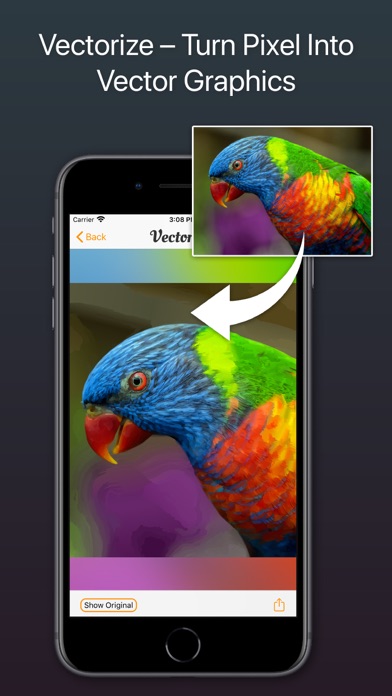
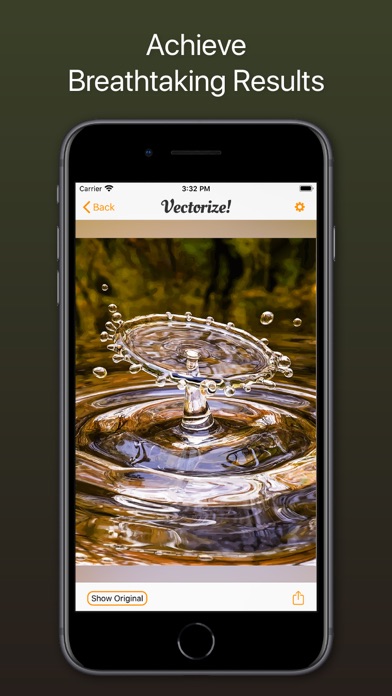
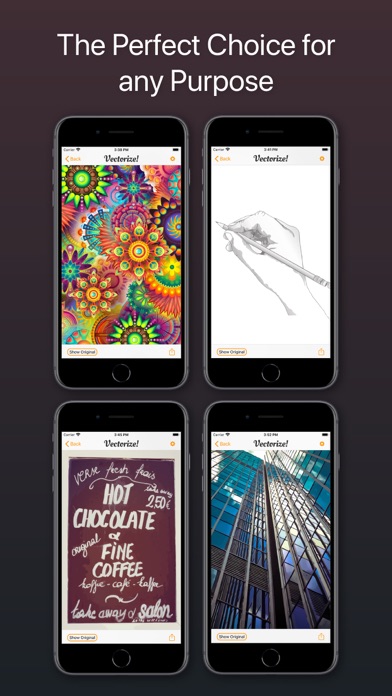
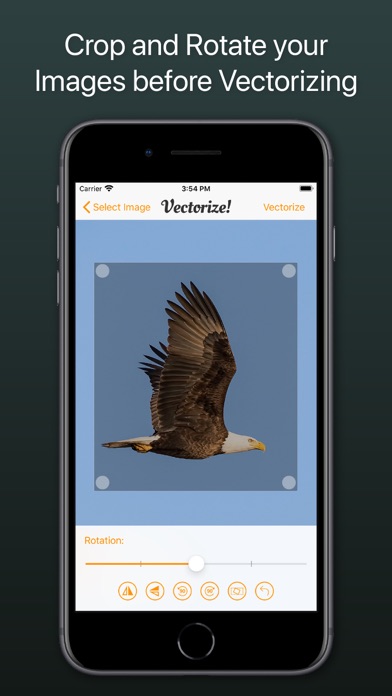
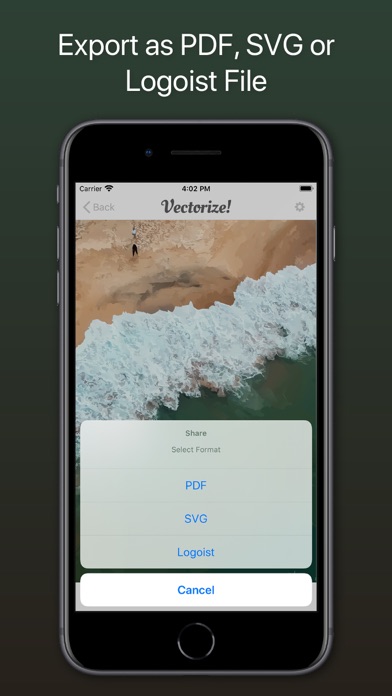
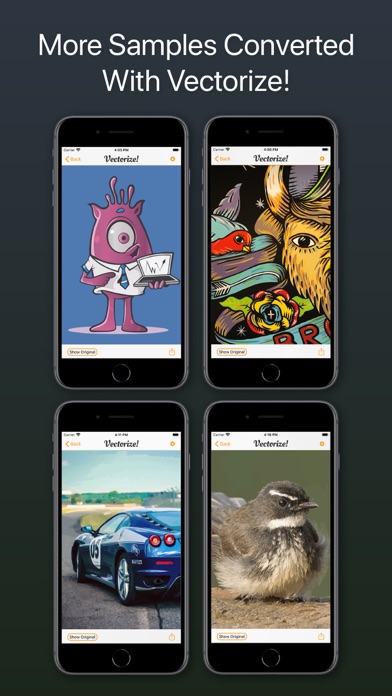
Vectorize! is the perfect tool for quickly and easily converting any pixel graphic into a resolution-independent, scalable vector format – and not just for iPhone and iPad, but also for Mac. No matter you’d like to convert, let’s say a low resolution JPG Logo, a comic, sketch, or even a complete photo – Vectorize! will turn your pixels into vectors. The starting material can then be upscaled at will. Import, Convert, Export Converting a pixel-based-graphic (e.g. a photo, drawing, etc.) into a resolution-independent vector graphic with Vectorize! is quite self-explanatory: First, simply choose a file, or use your iPhone to take a picture – and then let Vectorize! do the rest. Using your iPhone to take a photo to directly import into Vectorize! is another very practical option at your disposal. Your options for importing are: • JPG • PNG • TIFF • HEIC • GIF After your graphic has been selected and imported, you can determine the desired level of detail of your result and if additional contours or edge smoothing should be applied, after which the final product is only click on “Export” away. Your options for exporting are: • PDF • SVG • Logoist file – for further subsequent editing
What's new · 1.1.1
Fixes for an upcoming iOS release
Details