

Kodex
Bruno Philipe Resende Silva · Developer Tools
Independent analytics for this App Store listing. AppTracker is not affiliated with Bruno Philipe Resende Silva.
Chart standing · US
What changed · US
Listing changes AppTracker has observed for this app in this storefront — new versions, price moves, rating shifts, and store copy.
Ratings breakdown · US
The star breakdown behind this app's rating in this storefront.
In-app purchases · US
What this app sells inside itself, grouped by kind and priced for this storefront.
Screenshots

Keywords this app targets
Search terms AppTracker associates with this app — estimates, not search volume. ❝ = in the app's title; a highlighted number is its current position for that term.
Similar apps
Competitors and close alternatives, as estimated by AppTracker.
 Koder Code Editor
Reny Mustika
3 shared topics
Koder Code Editor
Reny Mustika
3 shared topics
 Codex: HTML Editor
MD UZZAL MIA
2 shared topics
Codex: HTML Editor
MD UZZAL MIA
2 shared topics
 Text Editor : Code Editor
Devashy Rangpariya
3 shared topics
Text Editor : Code Editor
Devashy Rangpariya
3 shared topics
 GoCoEdit - Code & Text Editor
Christoph Gogolin
2 shared topics
GoCoEdit - Code & Text Editor
Christoph Gogolin
2 shared topics
 Textastic Code Editor
Alexander Blach
3 shared topics
Textastic Code Editor
Alexander Blach
3 shared topics
 DraftCode: Code & Text Editor
献慧 陈
3 shared topics
DraftCode: Code & Text Editor
献慧 陈
3 shared topics
 iCodeEditor
斌 虞
3 shared topics
iCodeEditor
斌 虞
3 shared topics
 Code App
thebaselab Ltd
3 shared topics
Code App
thebaselab Ltd
3 shared topics
About
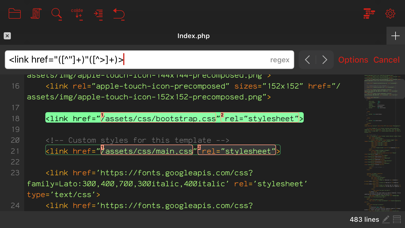
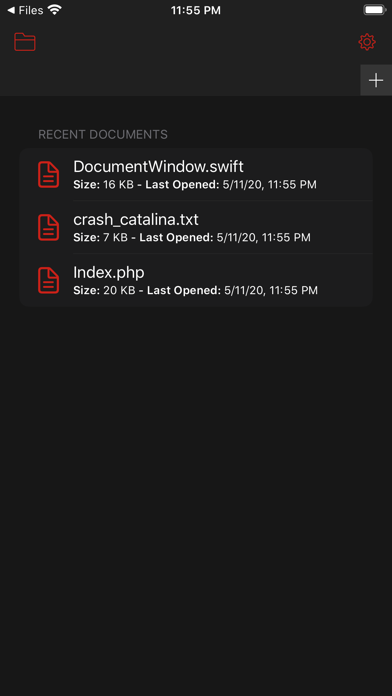
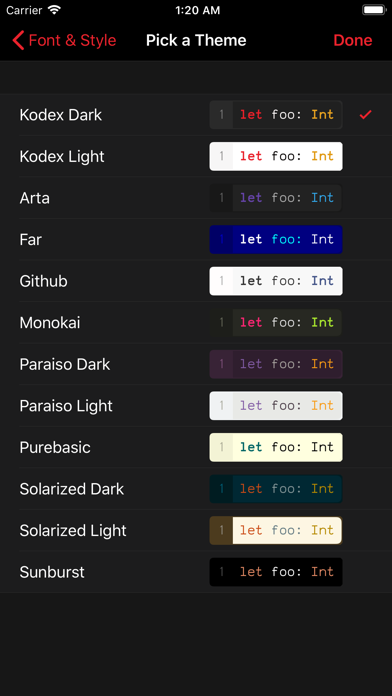
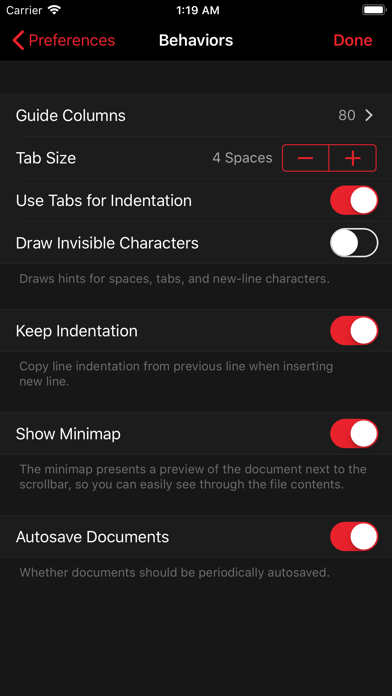
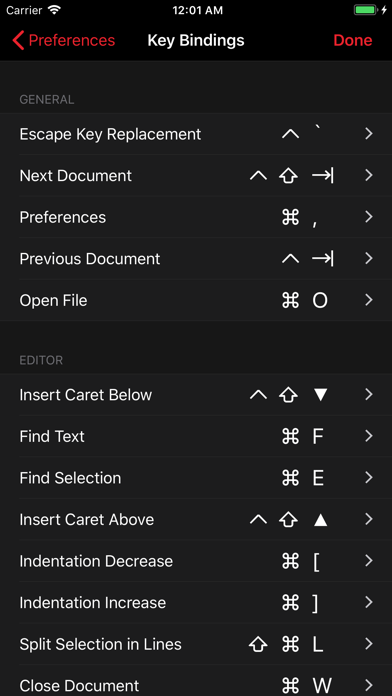
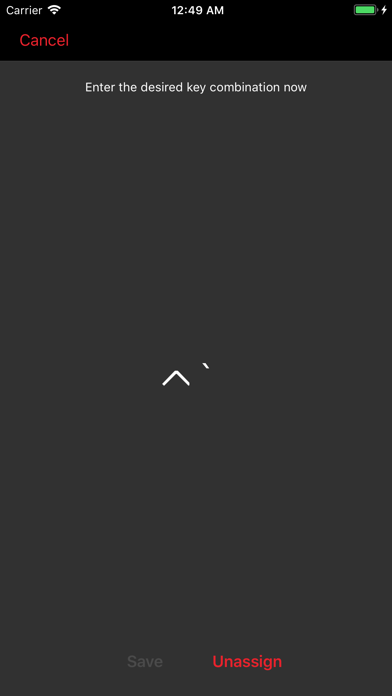
Kodex is an advanced code editor which brings powerful and desktop-class editor features to your iPad or iPhone: * Multi-caret editing, to quickly transform code selections. * Regex search and replace, with template matching and replace-all-matches. * Minimap which allows quick scroll navigation though the document. * Multiple window support * Syntax highlighting for over 150 languages. * Trackpad support with custom gestures to add cursors (ctrl+shift+click). * Auto complete feature (currently only for HTML). * Add as many guide columns as you wish (default 80 and 120 characters). * Configurable tab size (default 4 spaces), or insert spaces when pressing tab. * Draw hints for invisible characters such as new lines, tabs, and spaces. * Customizable key bindings, so you can configure Kodex to use the same key combos you are already used to. * Kodex smartly preserves your open documents so that your work stays as you left it between launches. * Light and Dark modes. Kodex is integrated with the Files app, so you can easily open files from any other app, and from your iCloud documents folder. You can launch Kodex QuickEdit from any file sharing view in any app to edit its contents without launching the main Kodex App (be aware this functionality depends on the host app implementing the sharing activity properly). Included are 10 editor themes, and several monospaced fonts for code editing (you can install your own preferred fonts using system profiles). Font size and line spacing are adjustable, so you can configure Kodex to best fit your preferred screen size, arrangement, and orientation. Kodex is not a compiler, and you can not build or run the code you edit from it. Think of Kodex as a NotePad++ or Sublime Text substitute for iPhone and iPad. Kodex is currently optimized for external keyboards, such as Apple's Smart Keyboard for the iPad Pro, or any bluetooth/USB keyboard. More virtual keyboard features will be added in a future version.
What's new · 1.4.2
Fixes crash on launch.
Details