
Yam Display
Yamstu Inc. · Productivity
Independent analytics for this App Store listing. AppTracker is not affiliated with Yamstu Inc.
Chart standing · US
What changed · US
Listing changes AppTracker has observed for this app in this storefront — new versions, price moves, rating shifts, and store copy.
Price & rating history · US
Reconstructed from the listing changes AppTracker has observed in this storefront. A field is charted once it has changed more than once, and each line starts at the value it moved from.
Average rating · ★ 4.34 now · 2 changes on record
Ratings breakdown · US
The star breakdown behind this app's rating in this storefront.
In-app purchases · US
What this app sells inside itself, grouped by kind and priced for this storefront.
Screenshots
Keywords this app targets
Search terms AppTracker associates with this app — estimates, not search volume. ❝ = in the app's title; a highlighted number is its current position for that term.
Similar apps
Competitors and close alternatives, as estimated by AppTracker.
 Easy Air Screen
JEONG HYEON CHOI
Easy Air Screen
JEONG HYEON CHOI
 Remote for Mac
Aexol sp. z o.o.
1 shared topic
Remote for Mac
Aexol sp. z o.o.
1 shared topic
 Rowmote
Evan Schoenberg, M.D.
1 shared topic
Rowmote
Evan Schoenberg, M.D.
1 shared topic
 Mouse · Keyboard
Remote Sunrise LTD
1 shared topic
Mouse · Keyboard
Remote Sunrise LTD
1 shared topic
 Smart Mouse and Keyboard
SENSONET BILISIM TEKNOLOJILERI ELEKTRONIK YAZILIM SANAYI VE TICARET LTD STI
Smart Mouse and Keyboard
SENSONET BILISIM TEKNOLOJILERI ELEKTRONIK YAZILIM SANAYI VE TICARET LTD STI
 Mocha VNC
MochaSoft
1 shared topic
Mocha VNC
MochaSoft
1 shared topic
 ScreenCommand
Simple Products Studio
ScreenCommand
Simple Products Studio
 DeskX
Giovanni Altrui
1 shared topic
DeskX
Giovanni Altrui
1 shared topic
About
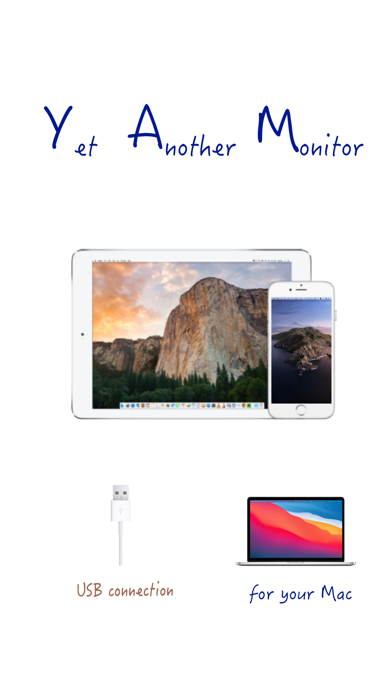
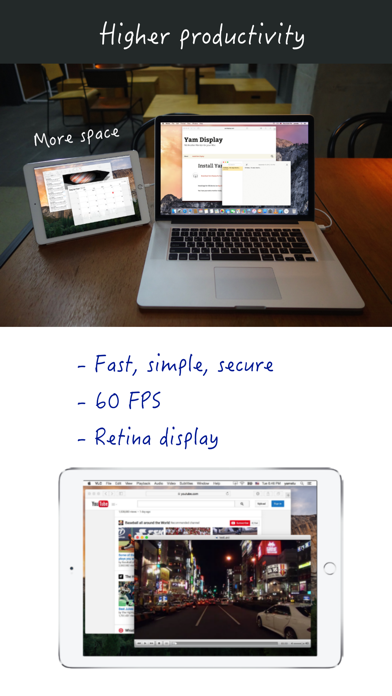
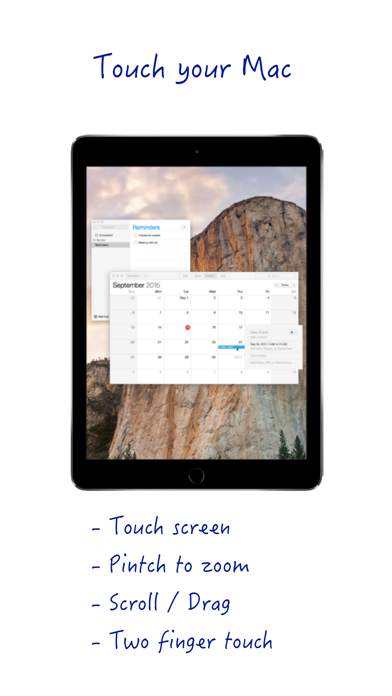
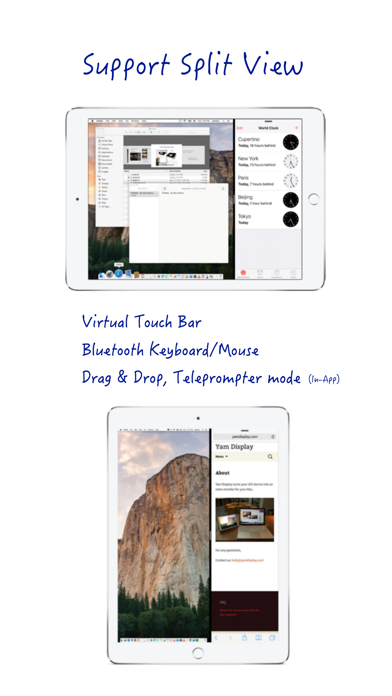
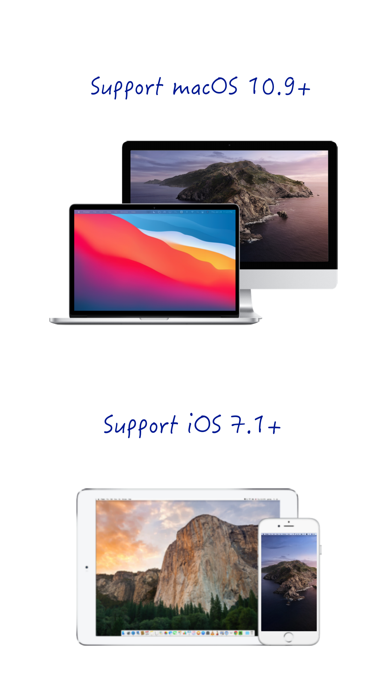
# iPad/iPhone as a second display for Mac via USB # Yam Display turns your iPad/iPhone into a second display for your Mac. Wired by USB, browse documents or watch videos without delay. Control your Mac with touch gestures and keyboard on your iPad. For multitasking enabled iPads, you can utilize every single pixel of your screen in Split View. Plus features such as Drag and Drop and Teleprompter Mode will make your workflow more efficient. Yam Display is fast, secure, simple and will help you to improve your productivity. Key Features: - Minimal lag for browsing or video playback - Energy efficient for static screens - Retina display - 60 FPS / 30 FPS - Split View (iOS 9 or later) - Touch gestures: Click / Zoom / Scroll / Drag / Rotate - Virtual Touch Bar (for Mac with macOS Sierra 10.12.2 or later) - Bluetooth keyboard and mouse Plus Features (In-App Purchase): - Drag and Drop between iPad and Mac (iOS 11 or later) - Teleprompter Mode System Requirements: - iOS devices with iOS 7.1 or later - Macs with macOS 10.9 or later Download app for Mac from: yamdisplay.com (free) For any questions or suggestions: help@yamdisplay.com
What's new · 2.2
Fixes for the latest iOS/iPadOS.
Details