

XL Keyboard
Piet Hein van Cleef · Utilities
Independent analytics for this App Store listing. AppTracker is not affiliated with Piet Hein van Cleef.
Chart standing · US
In-app purchases · US
No in-app purchases.
Screenshots
Keywords this app targets
Search terms AppTracker associates with this app — estimates, not search volume. ❝ = in the app's title; a highlighted number is its current position for that term.
Similar apps
Competitors and close alternatives, as estimated by AppTracker.
 The Big Keyboard
Defriction LLC
1 shared topic · 1 shared title word
The Big Keyboard
Defriction LLC
1 shared topic · 1 shared title word
 Larger Keyboard – Type Faster w Bigger XL Keys
Wong Jun Ming
2 shared topics · 2 shared title words
Larger Keyboard – Type Faster w Bigger XL Keys
Wong Jun Ming
2 shared topics · 2 shared title words
 Bigger Keyboard for low vision
Carolina Coronado
2 shared topics · 1 shared title word
Bigger Keyboard for low vision
Carolina Coronado
2 shared topics · 1 shared title word
 BigKeys Large Key Keyboard
Tzahi Bergman
BigKeys Large Key Keyboard
Tzahi Bergman
 Typster - Big Keys Keyboard
PAAL EIRIK PAULSEN
1 shared title word
Typster - Big Keys Keyboard
PAAL EIRIK PAULSEN
1 shared title word
 BiggerKeys: Large Key Typing
Pierre Stanislas
2 shared topics
BiggerKeys: Large Key Typing
Pierre Stanislas
2 shared topics
 Keyboard X-Key
Daniele Miglioli
1 shared title word
Keyboard X-Key
Daniele Miglioli
1 shared title word
 Numberie Keyboard
Ratha Sou
1 shared topic · 1 shared title word
Numberie Keyboard
Ratha Sou
1 shared topic · 1 shared title word
About
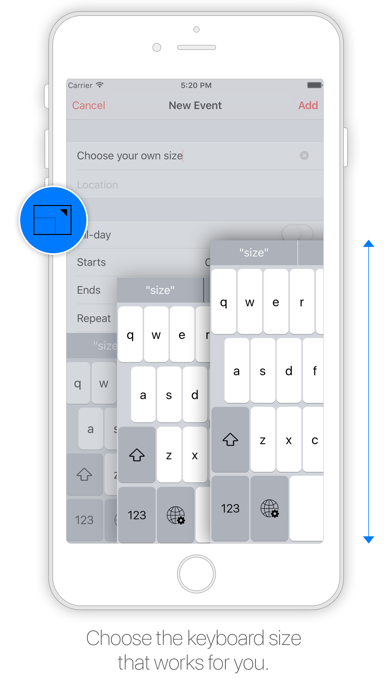
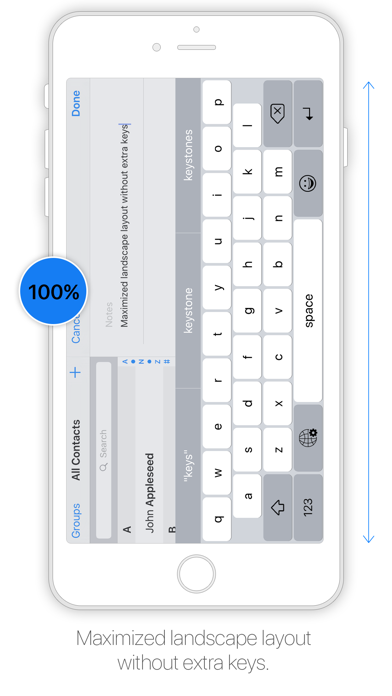
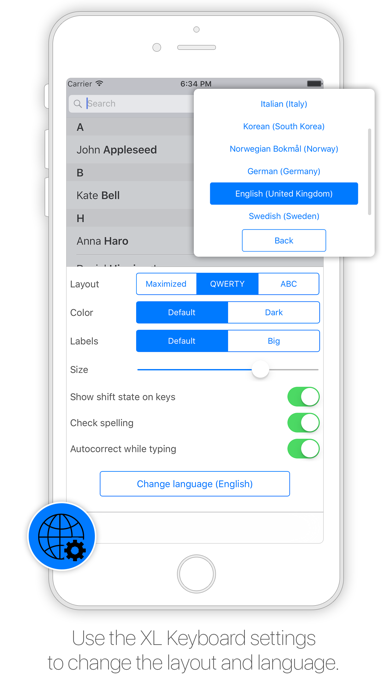
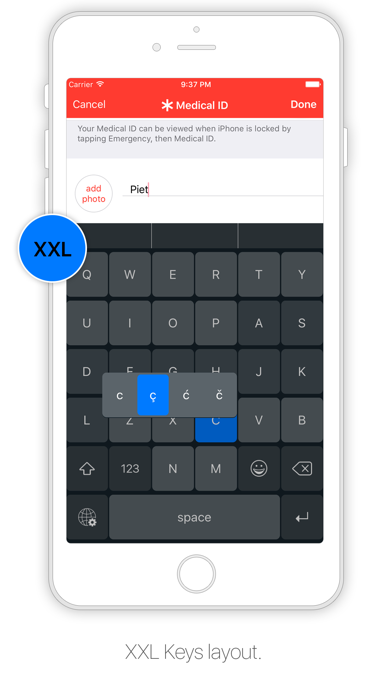
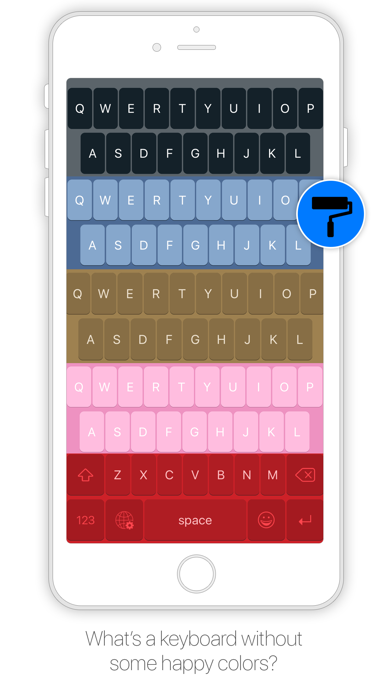
Designed to resemble the standard keyboard with extra large keys. Change the size of the keyboard, select any existing system language for spelling suggestions and autocorrect and choose the keyboard layout you like. Features: - Change layout: Maximized or default - Change size - Select emoji skin tone - Check spelling - Autocorrect - Select language (choose from all installed system languages) - Enable/disable shift state on keys - Enable/disable click sound - Change color - Thumb keyboard left/right (iPhone 6/iPhone 6 Plus) - QWERTY, AZERTY, QWERTZ, Turkish-Q, Turkish-F, or ABC - Supports Scandinavian, Turkish and Polish keyboard layout Tips: - Swipe to place thumb keyboard left/right (iPhone 6/iPhone 6 Plus) - Swipe up/down to change size of keyboard - Click to add word to dictionary to prevent autocorrect - To access XL Keyboard settings: tap and hold globe button - To access special characters: tap and hold a key - Tap and hold spacebar to switch to previously used languages To install go to: Settings > General > Keyboard > Keyboards > Add New Keyboard The application does not in anyway collect information while using the keyboard. Please note that dictation input is not possible.
What's new · 3.0.2
Emoji overlap fix.
Details