
Chart standing · US
Ratings breakdown · US
The star breakdown behind this app's rating in this storefront.
Screenshots

About
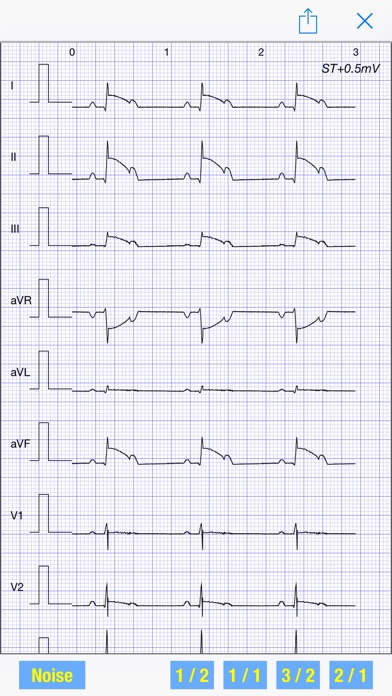
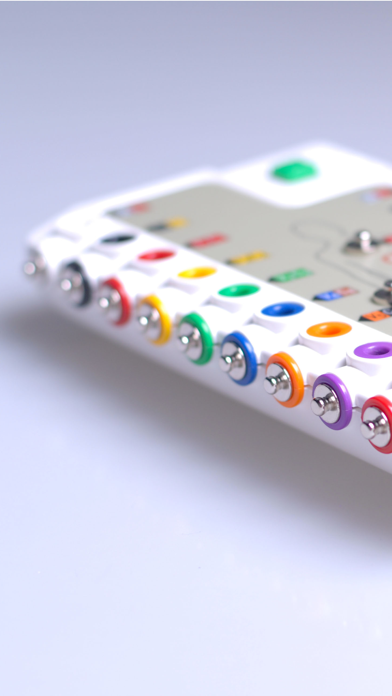
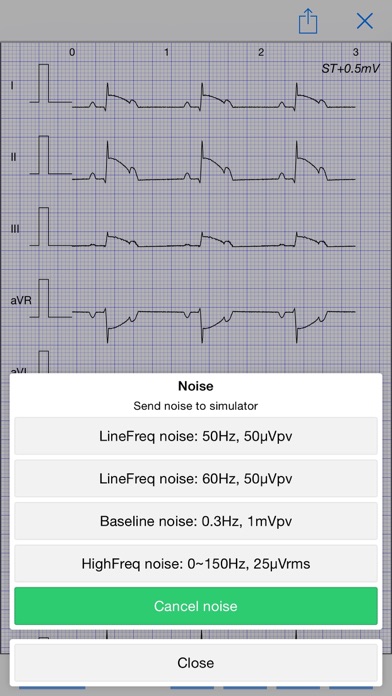
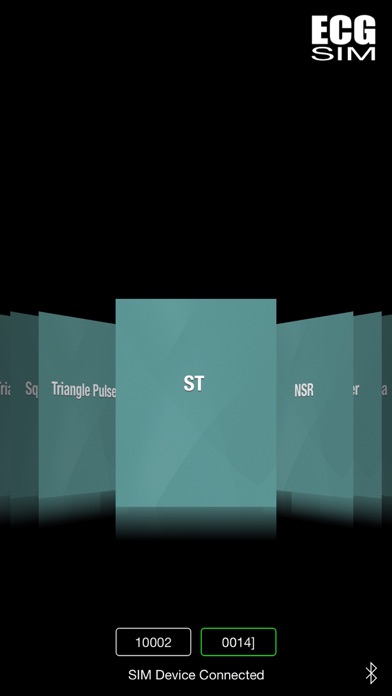
The app provides over 200 types of ECG signal data that can be sent to the Simulator device through BLE connection. It covers the fundamental standard ECG signals as well as the complicated real ECG cases, to test and verify the ECG machines' functionalities. Steps of operation - 1. Power on the ECG Simulator device 2. Open the app and scan for the device by tapping the bluetooth icon 3. Connect to the device by tapping it once it appears on the main screen 4. When connected, open an ECG signal data 5. Tap the upload icon on the top right corner, to send the ECG data to the device 6. When it is done, the ECG Simulator device starts to interpret and compile the data, and then generate a test signal based on the data 7. Hook up an ECG machine to the simulator device, it should print out the same ECG To purchase the SIM device, please contact: cathyfeib@vhecg.com
What's new · 1.1.1
Bug fixed: incomplete preview display of ECG waveform
Details