

@event
Schoeneckers, Inc. · Business
Independent analytics for this App Store listing. AppTracker is not affiliated with Schoeneckers, Inc.
Chart standing · US
What changed · US
Listing changes AppTracker has observed for this app in this storefront — new versions, price moves, rating shifts, and store copy.
- Representatives can now review the fields automatically mapped from a scanned badge and make corrections when needed before completing the lead capture. This helps ensure the information captured through optical scanning is accurate. - For form elements that are radio button, check box, dropdown, or consent types, Backstage users can now add a rule (visibility condition) that will determine whether or not the field will be displayed or not to the rep for them to fill-in. - Links to app content are now fully supported in text fields added to lead capture forms.
Ratings breakdown · US
The star breakdown behind this app's rating in this storefront.
In-app purchases · US
No in-app purchases.
Screenshots



About
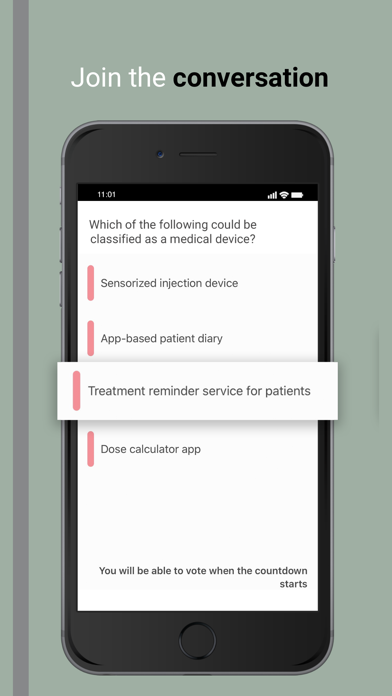
Carry your event details with you on the go with the @event mobile app.The @event app provides cutting-edge interactivity and engagement for event participants. IMPORTANT - To use this app you must be a registered participant of a @event-powered event and in possession of a valid activation code. For questions or issues accessing your event app, you can get in touch with us at AppSupport@biworldwide.com.
What's new · 3.7.1
- Representatives can now review the fields automatically mapped from a scanned badge and make corrections when needed before completing the lead capture. This helps ensure the information captured through optical scanning is accurate. - For form elements that are radio button, check box, dropdown, or consent types, Backstage users can now add a rule (visibility condition) that will determine whether or not the field will be displayed or not to the rep for them to fill-in. - Links to app content are now fully supported in text fields added to lead capture forms.
Details