

EXIF Viewer LITE by Fluntro
Mohith km · Photo & Video
Independent analytics for this App Store listing. AppTracker is not affiliated with Mohith km.
Chart standing · US
What changed · US
Listing changes AppTracker has observed for this app in this storefront — new versions, price moves, rating shifts, and store copy.
Stability enhancements and UI fixes for iOS 27
Price & rating history · US
Reconstructed from the listing changes AppTracker has observed in this storefront. A field is charted once it has changed more than once, and each line starts at the value it moved from.
Average rating · ★ 4.52 now · 2 changes on record
Ratings breakdown · US
The star breakdown behind this app's rating in this storefront.
In-app purchases · US
No in-app purchases.
Screenshots




About
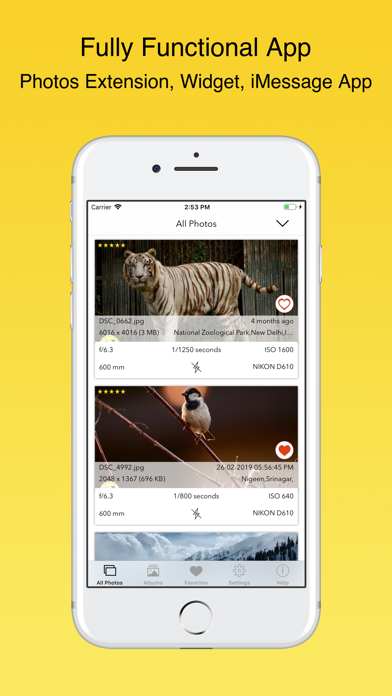
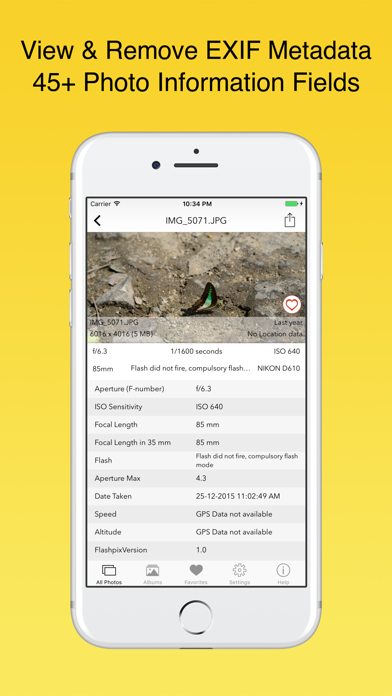
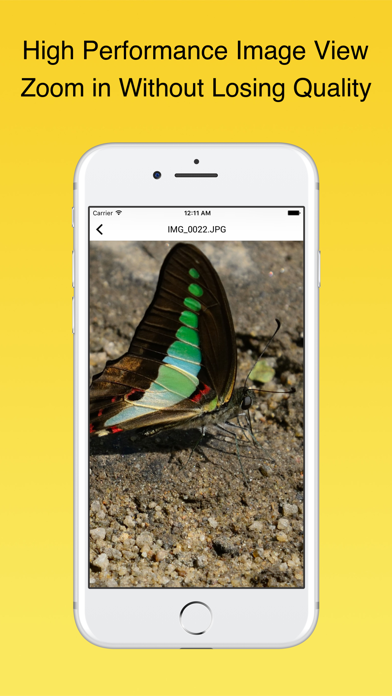
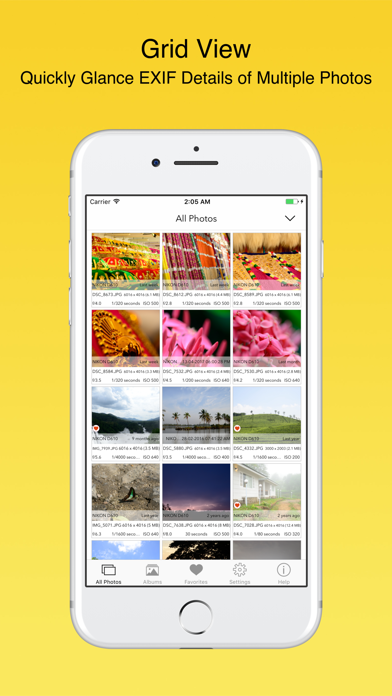
Exif Viewer is beautiful and well crafted app for professional photographers who are serious about their work. This app also contain ExifViewer Photos Extension along with fully functional app. It's an universal app, buy once, use on all your iOS devices like iPhone, iPad WHAT ARE FEATURES IN APP? ▸ App allows you to remove EXIF metadata including Photos GPS location known as Geotagging of photos. ▸ App displays EXIF metadata of any photo on your iOS device(s), Photo Stream or iCloud. ▸ Display EXIF tags like ISO,Shutter Speed,Focal length,Camera Model,Lens Model,Time stamp,Aperture,Shutter Count. ▸ Ability to Zoom in photos,even with large size like 80 MB without loosing clarity / resolution. ▸ Re-order EXIF tags in the way you prefer & ability to hide EXIF tags that you don't want to see. ▸ Select your preferred date formats (eg 1 day ago vs August 24th 2014 vs 24-08-2016 etc). ▸ You can optionally hide photos without EXIF metadata. ▸ Navigate quickly between next and previous photos in Exif detail screen by swiping right or left. ▸ App works great on landscape and portrait mode on iPads. ▸ App is optimised for all latest iOS Devices including iPhone 5SE,iPhone 8,iPhone X,iPad Mini,iPad air,iPad Pro. ▸ App also support 3D Touch on iPhone 8 and iPhone 8 Plus (or newer device with 3D Touch support). Including Appshortcut to access "Favorites","Photostreams","Albums","All photos" quickly. Also Peek and POP functionality on ExifCards and photos in grid view. ▸ Ability to share Image with or without EXIF Metadata. ▸ Copy EXIF data to Clipboard (So that you can paste & share EXIF data as text in any other app). ▸ Most Messaging and Social networking apps remove EXIF Metadata from photos you send/receive. However, sending photos using Mail/ AirDrop retains or SD Card reader/Camera connection kit etc retains EXIF metadata. HOW TO REMOVE EXIF METADATA on iPhone or iPad using Exif Viewer app by Fluntro You have option to remove EXIF data in two different ways 1) Overwrite newly created photo without EXIF data on original image (However other apps can revert back to original photo if needed) 2) Create duplicate copy of photo without EXIF details. (We also have option to remove original photo after duplicated copy is created) DIFFERENT TYPES OF VIEWS AVAILABLE ON EXIF VIEWER APP 1) EXIF Cards List view (as shown in screenshot), swipe to flip cards for Quick EXIF Details 2) Grid view 3) Map view shows cluster of photos on the map and view EXIF Details by tapping on photo (Satellite & Standard view) HOW TO REORDER OR HIDE EXIF TAGS IN EXIF VIEWER APP? Go to Settings > Manage & reorder Exif data tags.Drag and drop items you want to reorder. Turn off EXIF tags you don't want to see on EXIF Detail screen. HOW TO VIEW EXIF DATA USING EXIF VIEWER PHOTOS EXTENSION? 1) Open Native Photos App (or any other 3rd Party apps). Select desired photo (s) and tap on Share/Action button. Select ExifViewer app extension 2) Exif Viewer App extension with all EXIF details would be displayed. 3) Share photos with or without EXIF metadata or copy EXIF details to clipboard within Photos Extension. FAQ Q1)What is EXIF Metadata? EXIF “EXchangeable Image File Format”. We quite often take pictures with our digital camera or phone. It always records and store a considerable amount of exif data within each image you take, which contains a lot information about your camera settings ( ISO, aperture, focal length, image size, shutter speed, camera model, lens model, GPS) date, time, location and many more.Viewing EXIF metadata tags is important for beginners and professional photographers alike, to understand and review what camera settings or softwares were used to create and edit photo. Q2) What is difference between FREE & Full version? Free version contains Advertisements & allows you to select only first 2 albums in Albums screen & photo stream albums screen & ability to view only first 50 photo's exif details in exif list screen &100 Photos on Map View
What's new · 6.9
Stability enhancements and UI fixes for iOS 27
Details