

Export Messages - Save Print Backup Recover Text SMS iMessages
SOWJANYA ALLA · Entertainment
Independent analytics for this App Store listing. AppTracker is not affiliated with SOWJANYA ALLA.
Chart standing · US
Ratings breakdown · US
The star breakdown behind this app's rating in this storefront.
In-app purchases · US
No in-app purchases.
Screenshots
Keywords this app targets
Search terms AppTracker associates with this app — estimates, not search volume. ❝ = in the app's title; a highlighted number is its current position for that term.
Similar apps
Competitors and close alternatives, as estimated by AppTracker.
 SMS Export
Fabrizio Farenga
1 shared topic · 2 shared title words
SMS Export
Fabrizio Farenga
1 shared topic · 2 shared title words
 TextPort: Text Message Export
TSUBASA TECHNOLOGIES LIMITED LIABILITY COMPANY
1 shared topic · 2 shared title words
TextPort: Text Message Export
TSUBASA TECHNOLOGIES LIMITED LIABILITY COMPANY
1 shared topic · 2 shared title words
 Contacts Backup-Easy Export
婧 李
1 shared topic · 2 shared title words
Contacts Backup-Easy Export
婧 李
1 shared topic · 2 shared title words
 Export Contacts to Excel
New Marketing Lab, Inc
1 shared topic · 1 shared title word
Export Contacts to Excel
New Marketing Lab, Inc
1 shared topic · 1 shared title word
 Backup my Chats & Photos
Arpana Singh
1 shared topic · 1 shared title word
Backup my Chats & Photos
Arpana Singh
1 shared topic · 1 shared title word
 Export Contacts to Excel - CSV
WPPNT LTD
1 shared topic · 1 shared title word
Export Contacts to Excel - CSV
WPPNT LTD
1 shared topic · 1 shared title word
 MCBackup Pro - Contacts Backup
Ravi Kotadiya
1 shared topic · 1 shared title word
MCBackup Pro - Contacts Backup
Ravi Kotadiya
1 shared topic · 1 shared title word
 WT Chat Backup Restore Delete
Liger Infotech
1 shared topic · 1 shared title word
WT Chat Backup Restore Delete
Liger Infotech
1 shared topic · 1 shared title word
About
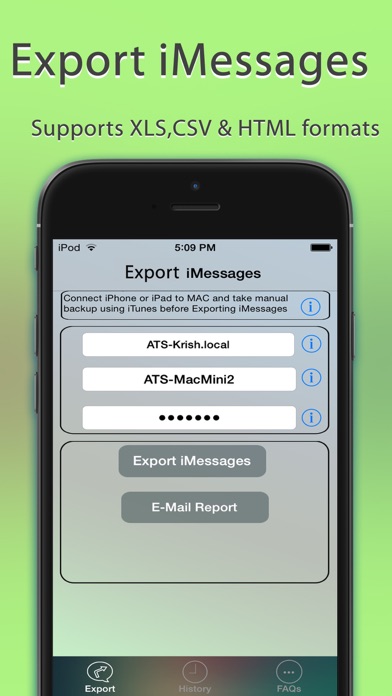
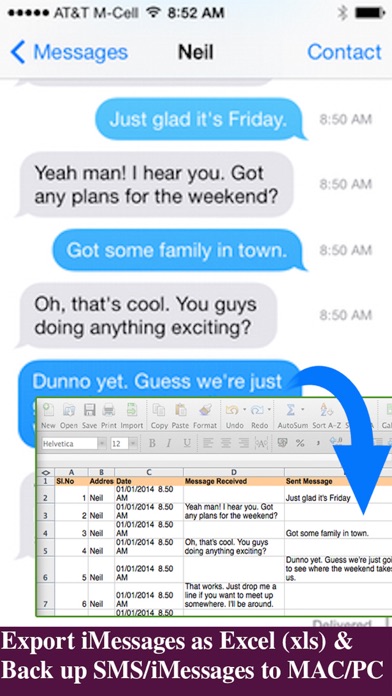
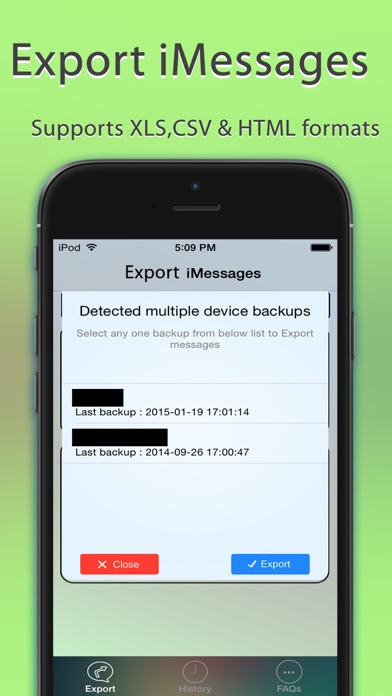
Export Messages App allows you to Save/Export all Text Messages,Audio messages, Images/Pictures,videos and other attachments to your MAC/PC from Messages App.If you need to print text messages for legal purpose, this is right app for you to take a print of any Text conversation. [IMPORTANT] You need to Download latest Desktop app from http://backupsms.weebly.com for iOS 10.0 or latest iOS support WIndows PC users & Mac users must follow the instructions given in "FaQ" tab with in the Application. Make use of Export Messages App and take a copy all the Text Messages in Messages App to your Computer and keep it safely before Upgrading to a new iPhone Please refer FAQ tab with in the App for instructions on how to Export Messages using the App. Detailed user guides provided in App support website http://backupsms.weebly.com/ + Never worry about losing SMS/iMessages/Text Messages, you can now take backup of all text messages including pictures, videos and other attachments in your messages app to your MAC/PC. + You can free up memory by saving all the the messages permanently to MAC/PC in PDF/HTML/Excel format + You can print save or email SMS, iMessages & Text Messages, MMS, attachments, audio, video messages. + You can filter messages by contact and date range + All attachments saved in a separate folder + This is the Only App in App Store supports iOS10.2 encrypted backups, so export/save messages without compromising on security. Don't waste your time, contact support if you are having any kind of difficulty in using the app. + No in App purchases, you can do unlimited exports for the device on which App is installed. Minimum Requirements: + Mac or Windows PC + Latest iTunes installed on your computer + iTunes backup encryption password required only for Encrypted backup users. Note: Companion PC/MAC applications are having advanced features, you download and use it for free from http://backupsms.weebly.com/
What's new · 1.1
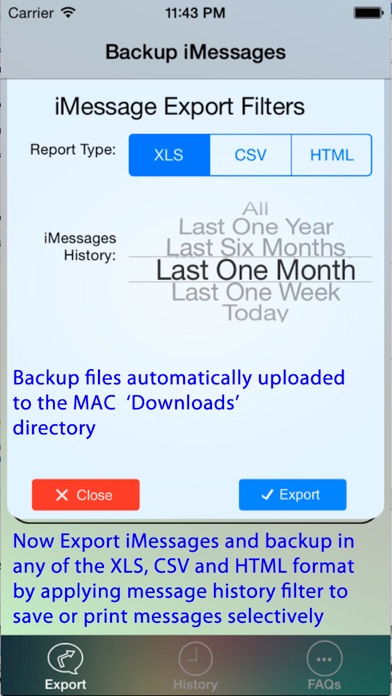
+ Please follow instructions given in FAQ tab of the App to get started and save/print messages, no need to fill login details in export messages tab + iOS 11 support added with companion computer application from http://backupsms.weebly.com/ + All Encrypted backups supported + Save Pictures, MMS, GIFs, Videos, Contacts and other attachments supported + Filter Messages by Contact + Voice Messages export + Emoji characters support + PDF generation supported + Filter Messages based on Date range supported
Details