

norisbank photoTAN
norisbank GmbH · Finance
Independent analytics for this App Store listing. AppTracker is not affiliated with norisbank GmbH.
Chart standing · US
What changed · US
Listing changes AppTracker has observed for this app in this storefront — new versions, price moves, rating shifts, and store copy.
Since 25 August 2025, it is no longer possible to set up a new photoTAN security procedure. Active photoTAN procedures can continue to be used. Our BestSign security procedure will replace photoTAN. BestSign is set up directly in the norisbank app. This means that your banking and security procedure will be available in one app in the future.
In-app purchases · US
No in-app purchases.
Screenshots


About
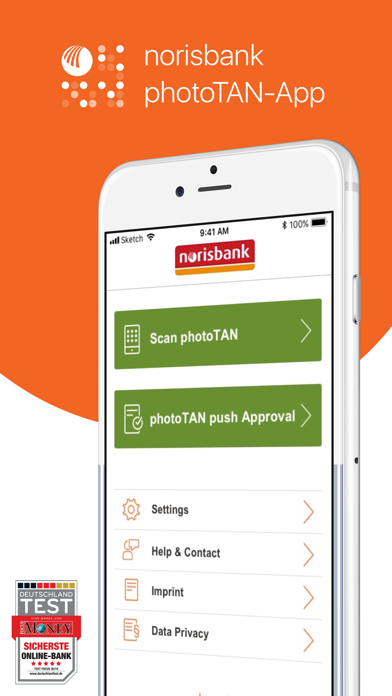
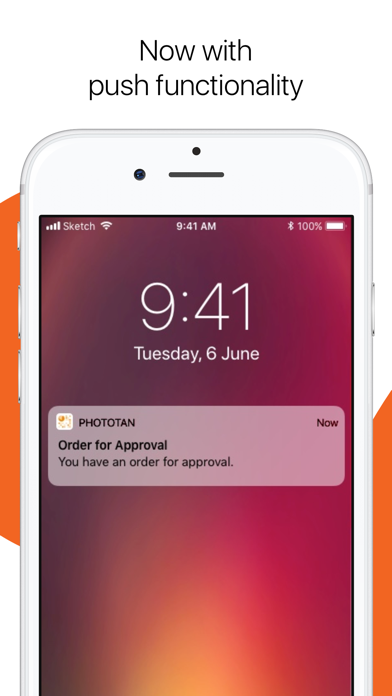
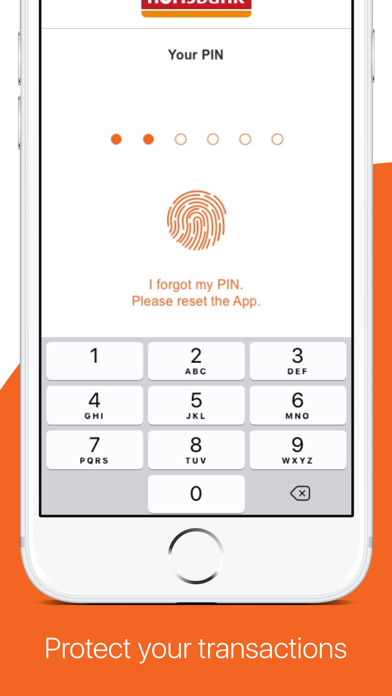
APPROVE ORDERS SECURLY AND QUICKLY With the photoTAN app, you can easily and securely approve your orders such as transfers in online and mobile banking. To do this, the photoTAN security procedure must be activated by scanning a graphic in the activation letter. photoTAN AND photoTAN push With an active photoTAN procedure, you have 2 options to approve an order: photoTAN – here you scan a graphic and enter the generated TAN (transaction number) in the order. This confirms the order and approves it. For more convenience, we recommend photoTAN push – you confirm the order directly in the app after checking the data. SECURITY The photoTAN app is protected by a PIN chosen by you or by biometric data. ACTIVATE photoTAN Since May 23, 2025, no new photoTAN security procedure can be set up. Active photoTAN methods can still be used. Our BestSign security process will replace photoTAN. BestSign is set up directly in the norisbank app. In the future, you will have your banking and security procedure in one app! LEARN MORE (only available in German) https://www.norisbank.de/service/banking/sicherheitsverfahren/tan-verfahren.html
What's new · 3.10.0
Since 25 August 2025, it is no longer possible to set up a new photoTAN security procedure. Active photoTAN procedures can continue to be used. Our BestSign security procedure will replace photoTAN. BestSign is set up directly in the norisbank app. This means that your banking and security procedure will be available in one app in the future.
Details