

Shot Remote [Google street view edition]
TAKESHI HIRATO · Navigation
Independent analytics for this App Store listing. AppTracker is not affiliated with TAKESHI HIRATO.
Chart standing · US
Screenshots
About
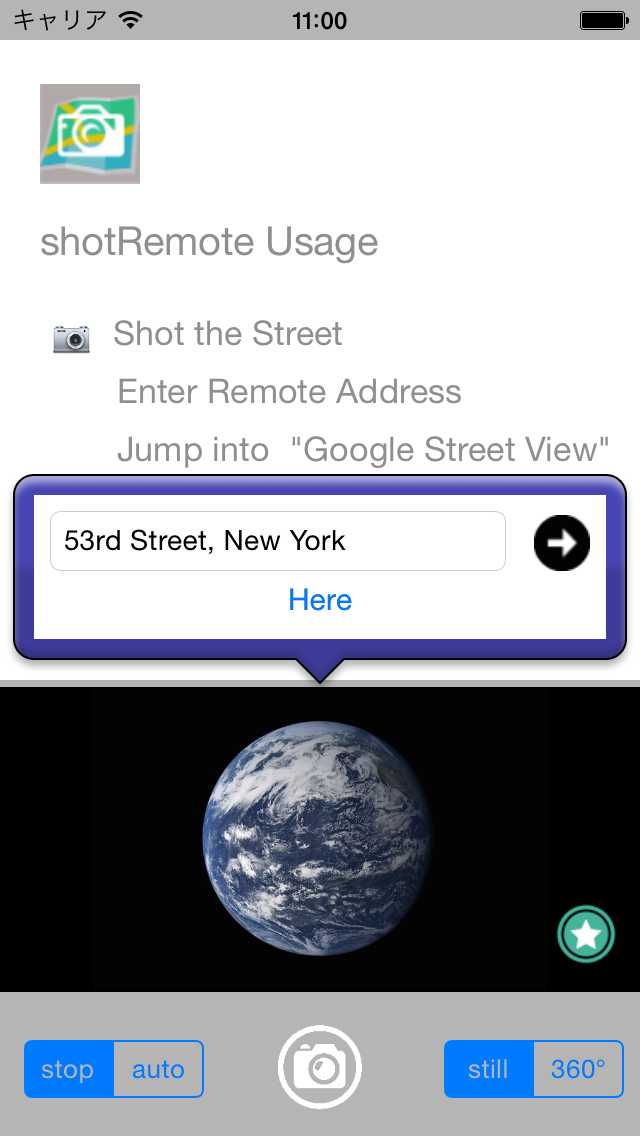
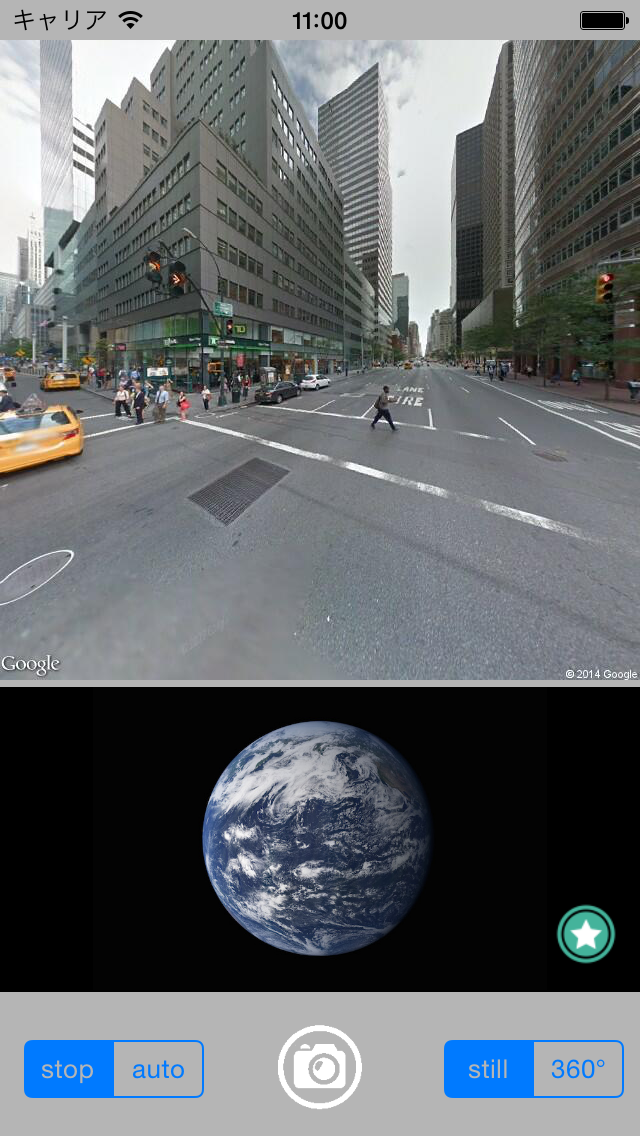
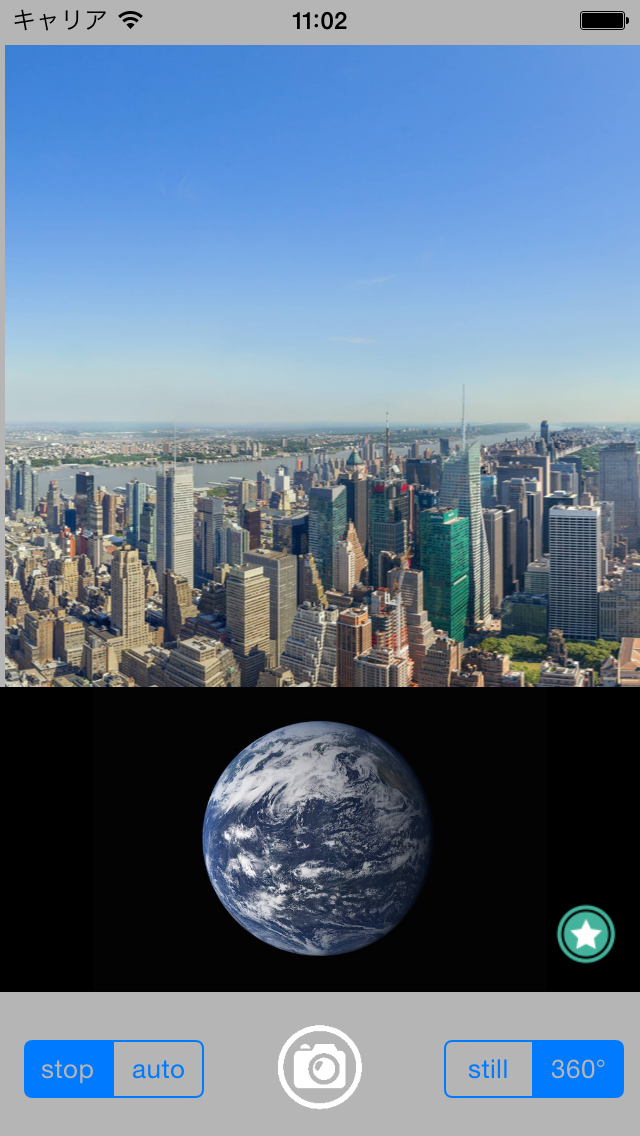
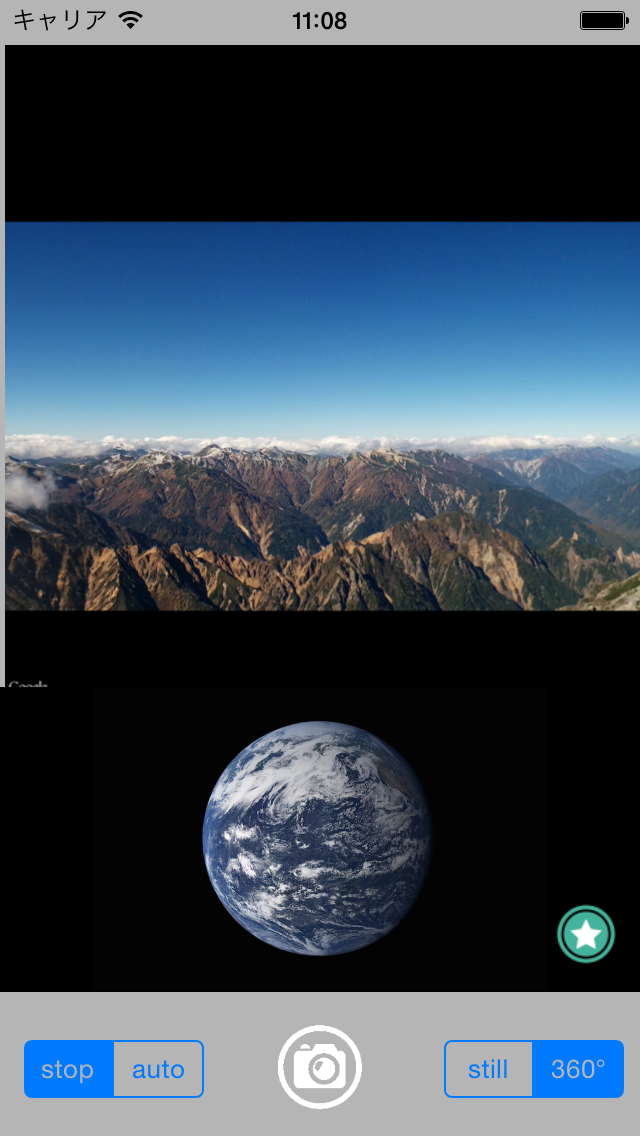
Wherever you shoot , the photograph or panorama view around the place will be displayed using Google Street View. Moreover, if an address, a building name, and a landmark name are specified, the photograph or panorama most near the specified place will be displayed. By Auto mode display panorama like a VR app. In order to use all the functions, it is necessary to turn ON a location-based service. Attention: It is difficult to fetch current position by the device with no GPS function . [Usage] A white camera button: Display the photograph and panorama of a current position. STOP: stop update of the position and direction of a device. AUTO: update the position and direction of a device. STILL: take a photograph. 360 degree:take a panorama. pin button:set the street address or landmark name the earth -- touch: show camera button and history Navi buttons Camera button:take a photo by device camera. History Navi button (back): go back the display history of a still/panorama. History Navi button (next): go next to the history of a still/panorama.
Details