

RICOH Smart Device Connector
RICOH COMPANY,LTD. · Business
Independent analytics for this App Store listing. AppTracker is not affiliated with RICOH COMPANY,LTD.
Chart standing · US
What changed · US
Listing changes AppTracker has observed for this app in this storefront — new versions, price moves, rating shifts, and store copy.
Added support for iOS17 and iPadOS27.
Price & rating history · US
Reconstructed from the listing changes AppTracker has observed in this storefront. A field is charted once it has changed more than once, and each line starts at the value it moved from.
Average rating · ★ 2.31 now · 2 changes on record
Ratings breakdown · US
The star breakdown behind this app's rating in this storefront.
Screenshots
About
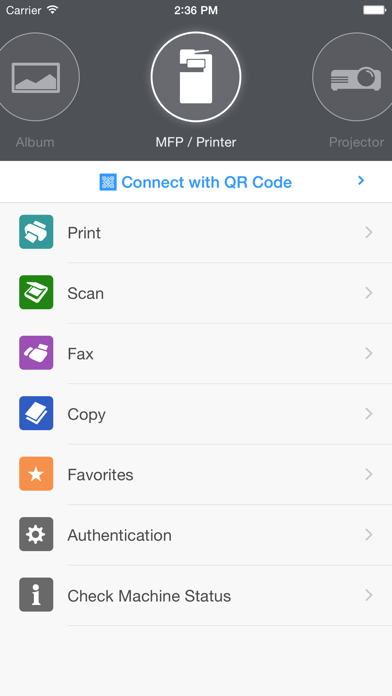
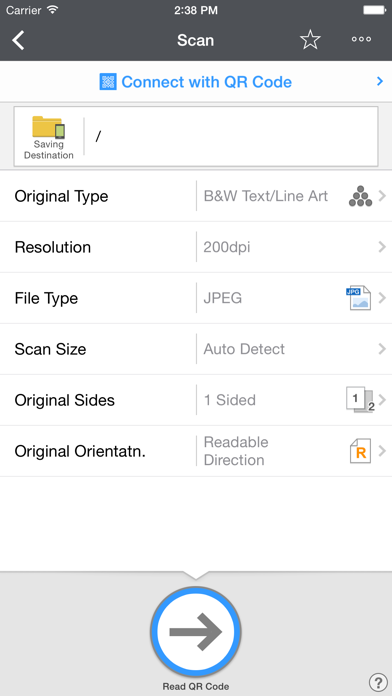
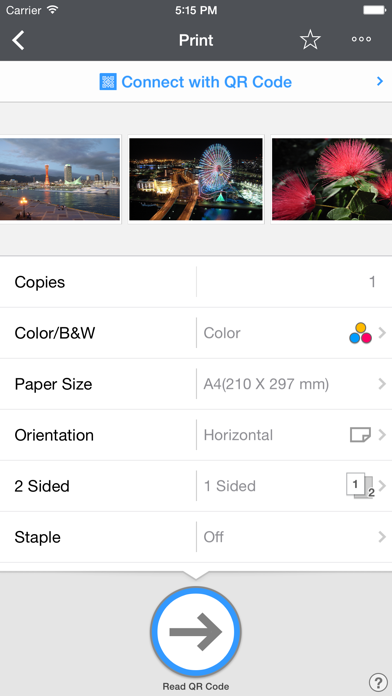
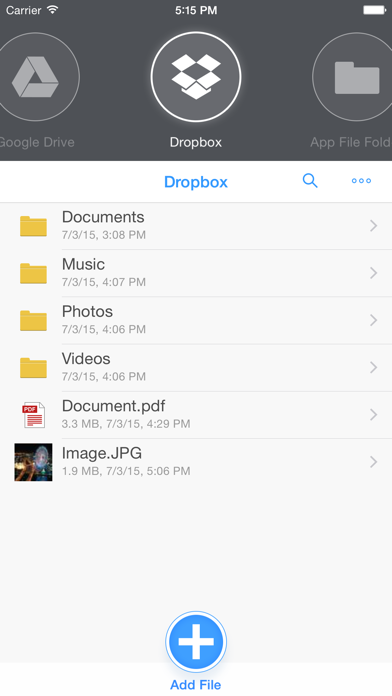
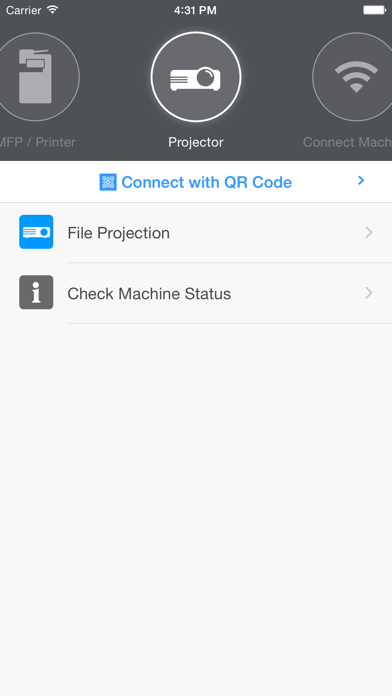
RICOH Smart Device Connector lets you quickly access a RICOH multifunction printer (MFP) or projector by registering it with a smart device via Bluetooth Low Energy, a QR code, or the IP address or hostname of an MFP. Print-related features: - Print or project documents and images stored on a smart device or on Box, Dropbox, Google Drive, Microsoft OneDrive. - Print emails, file attachments, and webpages. - Print from print server. Scan-related features: - Scan to a smart device or to Box, Dropbox, Google Drive, Microsoft OneDrive. Projection-related features: - Project documents and images on a smart device or in Box, Dropbox, Google Drive, or Microsoft OneDrive. to a RICOH projector and the RICOH Interactive Whiteboard.* - Project emails, file attachments, and webpages. - Save documents that have been annotated on the RICOH Interactive Whiteboard. - Added support for Apple TV to project the movie file. Other features: - Conduct user authentication by using a smart device. - Automatically search for available machines on the same network.** - Print Microsoft Office documents. *** Supported languages: Arabic, Brazilian Portuguese, Catalan, Chinese (Traditional and Simplified), Czech, Denmark, Dutch, English, Finnish, French, German, Greek, Hebrew, Hungarian, Italian, Japanese, Korean, Norwegian, Polish, Portuguese, Russian, Spanish, Swedish, Thai, Turkish, Vietnamese Supported models: https://www.ricoh.com/software/connector/ *RICOH Interactive White Board D6500/D5510 requires firmware v1.7 or later. **Except for the RICOH Interactive Whiteboard. ***Layout might change.
What's new · 3.17.0
Added support for iOS17 and iPadOS27.
Details