

Photo Saver
INTEGRATED UNITS PVT LTD · Utilities
Independent analytics for this App Store listing. AppTracker is not affiliated with INTEGRATED UNITS PVT LTD.
Chart standing · US
In-app purchases · US
No in-app purchases.
Screenshots


About
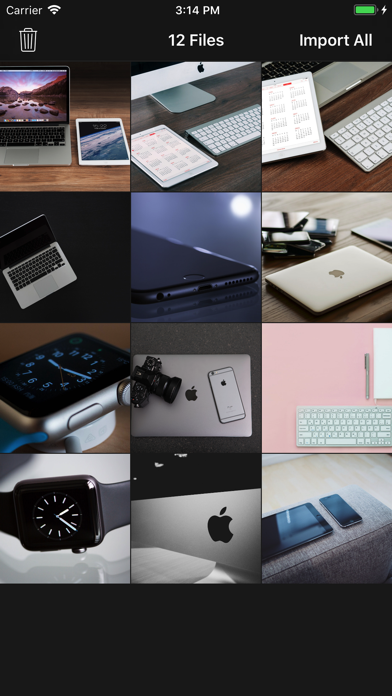
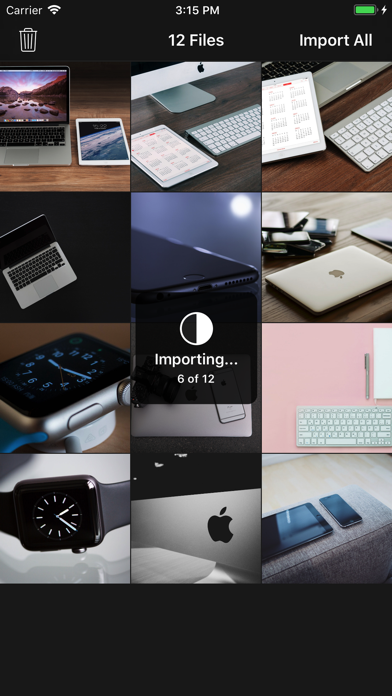
Photo Saver app lets you easily copy your images from any MAC/PC to iOS Device's Camera Roll. Nothing Complicated, Nothing Extra. STEPS: 1) Install Photo Saver App on your Device 2) Connect your Device with MAC or PC & open iTunes 4) Copy your images to Photo Saver app 5) On you device, Open Photo Saver app & Click "Import All" --All images will be stored in Camera Roll & Deleted from Photo Saver App
What's new · 2.1
This update from Apple will improve the functionality of this app. No new features are included. - Fixed a crash for devices running iOS 10 and lower - Better image optimization
Details