

MyImageToVideo
kazuki oota · Photo & Video
Independent analytics for this App Store listing. AppTracker is not affiliated with kazuki oota.
Chart standing · US
What changed · US
Listing changes AppTracker has observed for this app in this storefront — new versions, price moves, rating shifts, and store copy.
Price & rating history · US
Reconstructed from the listing changes AppTracker has observed in this storefront. A field is charted once it has changed more than once, and each line starts at the value it moved from.
Average rating · ★ 4.30 now · 2 changes on record
Ratings breakdown · US
The star breakdown behind this app's rating in this storefront.
In-app purchases · US
No in-app purchases.
Screenshots
About
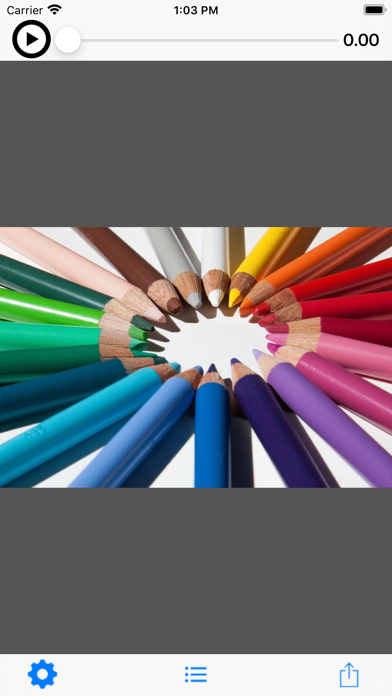
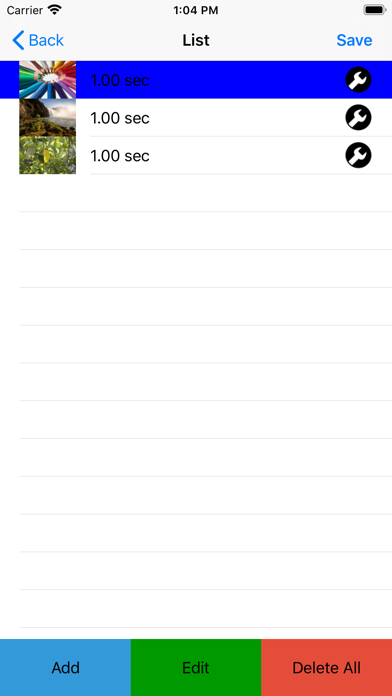
This app generates videos from multiple images. ---- Function * Tutorial video 1. Press the play button at the top left of the top screen to play the tutorial video. * Make videos from images. 1. Press the icon circle button in the center of the tool bar at the bottom of the top screen to move to the image list screen. 2. Select an image. -You can select the image you want to add to the video from the ADD button. (Multiple selections are possible). If you want to add between lines, select the line you want to add first (the background color changes to blue) and then add it with the ADD button. If you press the i button at the right end of the line, you can change the image and change the playback time. -Press the EDIT button to change or delete the image playback order. -Press the DEL button to delete all lines. 3. Once you have selected an image, press the Create Movie button on the top right to return to the top screen. 4. Press the play button on the top left of the top screen to play the created video. 5. From the arrow button on the right side of the toolbar, select “Save” to save the video. * Set the movie playback time (initial value 1 second) for each image. 1. Press the gear button on the left of the tool bar at the bottom of the top screen to move to the setting screen. 2. After changing the playback time, confirm with the save button in the upper right.
What's new · 6.0.0
- iOS14 is now supported.
Details