
Chart standing · US
What changed · US
Listing changes AppTracker has observed for this app in this storefront — new versions, price moves, rating shifts, and store copy.
Screenshots

About
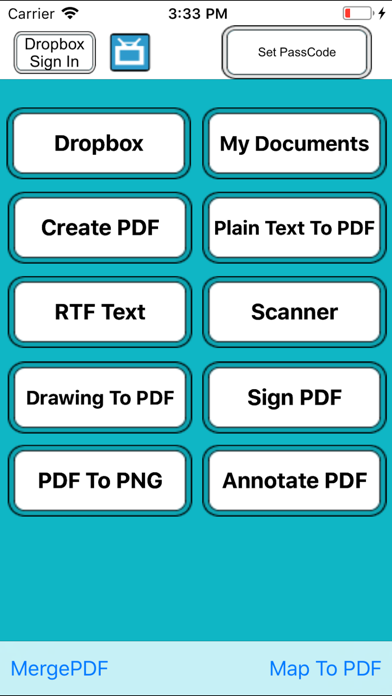
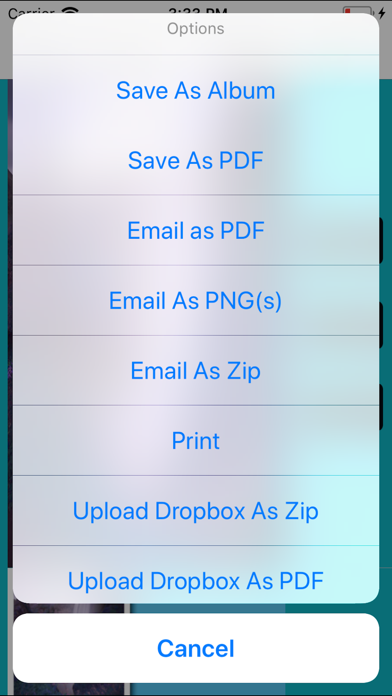
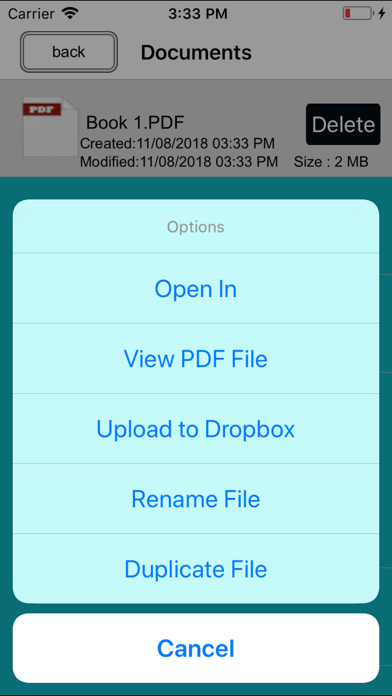
Must Have App + PDF writer : - Create and Edit Rich Text Documents on your iPhone or iPad. Work on your Documents even when not connected to the internet. Open , Edit files created through this app from any other app that supports the “Open In” feature . - View/Edit/Create Rich Text Documents and PDF - Fonts, Styles,Font Sizes, Bold, italic, Underline, Strike out , Text Color, Background Color selection, Text Alignment, Undo Changes, Easy Copy and Paste etc + Smart Management: • Keep track your document by the time it scanned or last edit. • Keep track the size of document and files. • Multipage editing: view, delete pages • Document naming ,Merge, Export , Rename your documents or even Create a Copy of file and storage inside the app . + Build-in PDF Merger • easy PDF file Combiner & Joiner designed to merge multiple PDF files . (No Limit Of PDF Files to Combine ) + Built-in viewer for PDF : • Thumbnail, Fit to Screen, Fit to Width, Actual Size & full screen views • Go to/rotate page • Multiple Bookmarks • Printing PDF Files to AirPrint Printers in your wifi network • Email Attachments + Draw with your finger- Use it to make handwritten notes or highlight text in scanned books. + Sign Contracts - Sign PDF Document On the Go any time any where. + Annotate PDF - Annotate PDF Document On the Go any time any where. + Read PDFs on the go One of the best PDF viewers for iPad and iPhone. It opens large files. + Copy Files From Mac or PC via Wi-Fi and USB Use iTunes file sharing to transfer files directly to your iPad or iPhone via USB cable. No additional software is required. + Save Email Attachments Open attachments directly from the Mail app. Also, you can open PDF files from any other application on the iPad or iPhone via "Open In..." dialogue. + Sync your files with cloud services This App allows you to download and upload files from Dropbox, and other services. + Password Options Restrict access with a password to protect your files from unauthorized reading. More Feature Coming Soon
What's new · 2.0
This update from Apple will improve the functionality of this app. No new features are included. - bug fixed
Details