

Google Slides
Google · Productivity
Independent analytics for this App Store listing. AppTracker is not affiliated with Google.
Chart standing · US
What changed · US
Listing changes AppTracker has observed for this app in this storefront — new versions, price moves, rating shifts, and store copy.
* Security improvements, bug fixes, and performance improvements.
Ratings breakdown · US
The star breakdown behind this app's rating in this storefront.
In-app purchases · US
No in-app purchases.
Screenshots


Keywords this app targets
Search terms AppTracker associates with this app — estimates, not search volume. ❝ = in the app's title; a highlighted number is its current position for that term.
Similar apps
Competitors and close alternatives, as estimated by AppTracker.
 Microsoft PowerPoint
Microsoft Corporation
1 shared topic
Microsoft PowerPoint
Microsoft Corporation
1 shared topic
 Skywork
SKYWORK AI PTE LTD
1 shared topic
Skywork
SKYWORK AI PTE LTD
1 shared topic
 AI Presentation Maker: Slides
Dmitriy Migunov
AI Presentation Maker: Slides
Dmitriy Migunov
 Presentation Creator
Desygner Pty Ltd
Presentation Creator
Desygner Pty Ltd
 PhotoSlide - Photo to Video
Suresh Verma
PhotoSlide - Photo to Video
Suresh Verma
 Genspark AI Workspace
GENSPARK INC
1 shared topic
Genspark AI Workspace
GENSPARK INC
1 shared topic
 Microsoft Teams
Microsoft Corporation
1 shared topic
Microsoft Teams
Microsoft Corporation
1 shared topic
 Gamma: AI Slides & Design
Gamma Tech, Inc.
Gamma: AI Slides & Design
Gamma Tech, Inc.
About
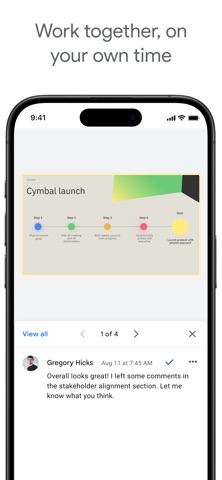
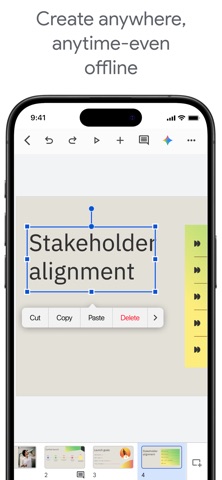
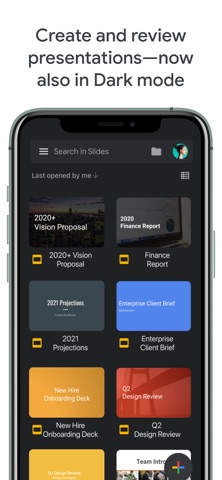
Create, edit, and collaborate on presentations with the Google Slides app. With Slides you can: * Create new presentations or edit existing ones * Share presentations and collaborate with others in the same presentation at the same time * Work anywhere, anytime - even offline * Add and rearrange slides, format text and shapes, and more * Present right from your device * Never worry about losing your work -- everything is automatically saved as you type * Present slides to video calls - scheduled meetings will automatically appear * Open, edit, and save PowerPoint files Google Slides is part of Google Workspace: where teams of any size can chat, create, and collaborate. Google Workspace subscribers have access to additional Google Slides features, including: * Collaborating on a single presentation online with your business partner, your whole team, or external contacts. You control who gets permission to edit, view, or just add comments. * Starting from scratch or expediting the process by choosing a template. You can enhance your presentations with videos, images, drawings, and smooth transitions. * Working across PCs, Macs, mobiles, and tablets—View or even present your slides from your phone or tablet, so you have the option to practice your presentation up until the last minute. Permissions Notice Camera: This is used for camera mode in video calls and to insert images taken with the camera. Microphone: This is used to transmit audio in video calls. Photos: This is used to access photos under the control of Photos application to let the users pick images to insert into slides.
What's new · 1.2026.41103
* Security improvements, bug fixes, and performance improvements.
Details