

Player & Playlist for Youtube
Do Tri · Photo & Video
Independent analytics for this App Store listing. AppTracker is not affiliated with Do Tri.
Chart standing · US
What changed · US
Listing changes AppTracker has observed for this app in this storefront — new versions, price moves, rating shifts, and store copy.
Price & rating history · US
Reconstructed from the listing changes AppTracker has observed in this storefront. A field is charted once it has changed more than once, and each line starts at the value it moved from.
Average rating · ★ 4.49 now · 8 changes on record
Ratings breakdown · US
The star breakdown behind this app's rating in this storefront.
In-app purchases · US
What this app sells inside itself, grouped by kind and priced for this storefront.
Screenshots


About
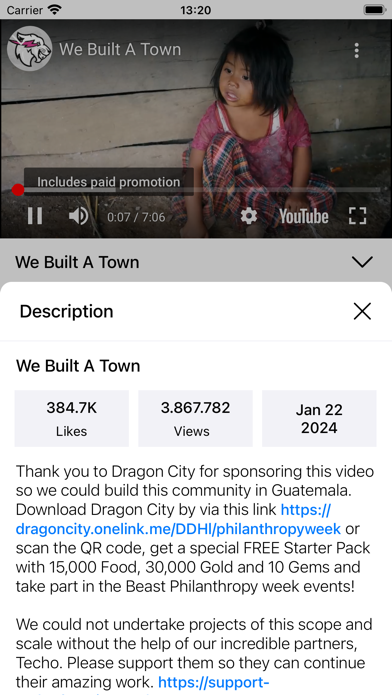
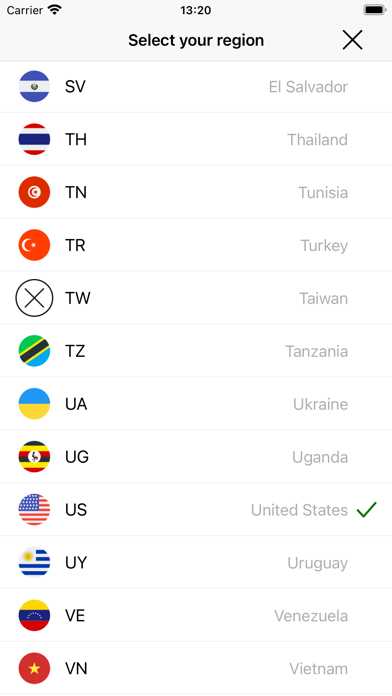
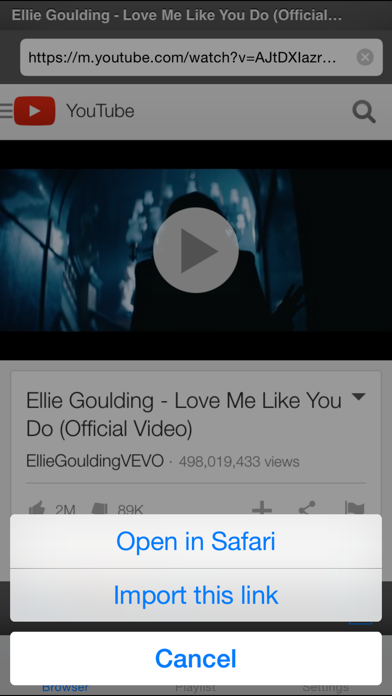
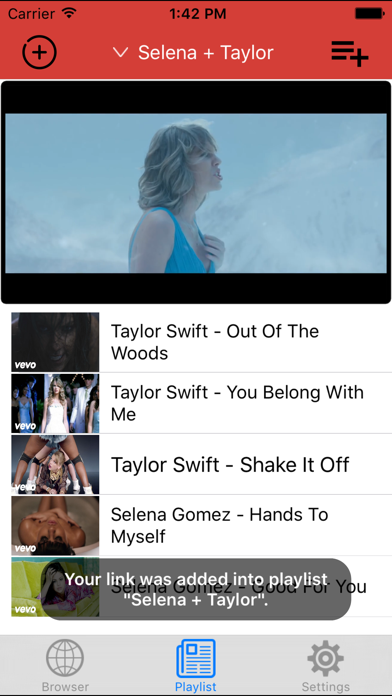
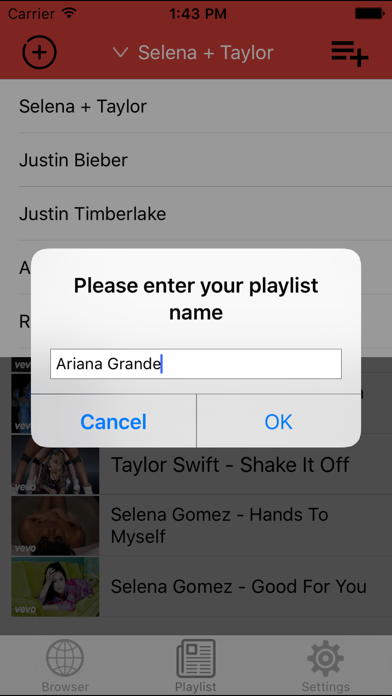
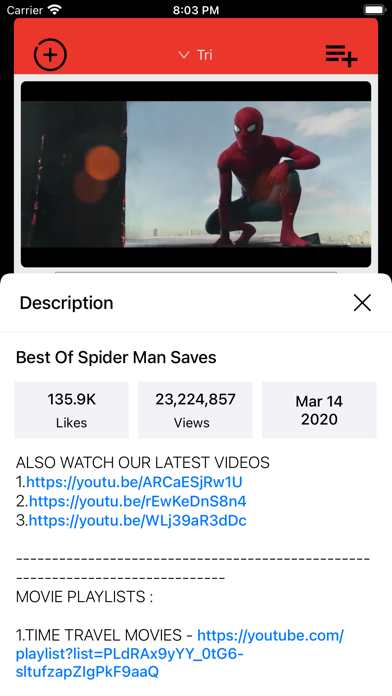
Yt Player is designed to play YouTube videos one by one in a loop. This is the entertainment application for everyday use to see favorite video(s) in a loop without tapping play next and fullscreen button. You can create your favorite playlist and let it run in loop. You can easily do anything like you do on Youtube website, add your videos with only ONE CLICK. If you like one Youtube video and want to share with friends, long touch on one song and share it easily. Yt Player also supports AirPlay and TV-Out. Features include: * 100% FREE. - No Ads when playing video * Play videos continuously without EXITING full screen mode * Best Youtube player * Switch different countries to watch their trending videos * Long touch on one song in Playlist and share video link to any social network apps in your iPhone/iPad/iPod Touch devices. * YouTube video search * Watch your channels like you are on Youtube web (all functions on Youtube will available in this app) * AirPlay support * TV-Out support * Add videos from Youtube to your playlist and watch it in loop * Manage Your Playlist (swipe to delete any youtube link) * Universal app for iPhone and iPad * Use app in both Portrait and Landscape * Background Play - Play videos in background by closing app and using the multitasking music controls to resume playback. * View video info * Import all videos in the same playlist (Just open one video in the playlist and choose to import all) Video formats: .mp4, .avi, .mkv, .mpeg Tube it and enjoy! Thanks! All trademarks belong to their respective parties. YouTube, YouTube logo is used for informational purposes only. All rights reserved.
What's new · 2.70
Bug fixes and more improvements.
Details