

Install New Fonts
Denis Tokarev · Productivity
Independent analytics for this App Store listing. AppTracker is not affiliated with Denis Tokarev.
Chart standing · US
In-app purchases · US
What this app sells inside itself, grouped by kind and priced for this storefront.
Screenshots
About
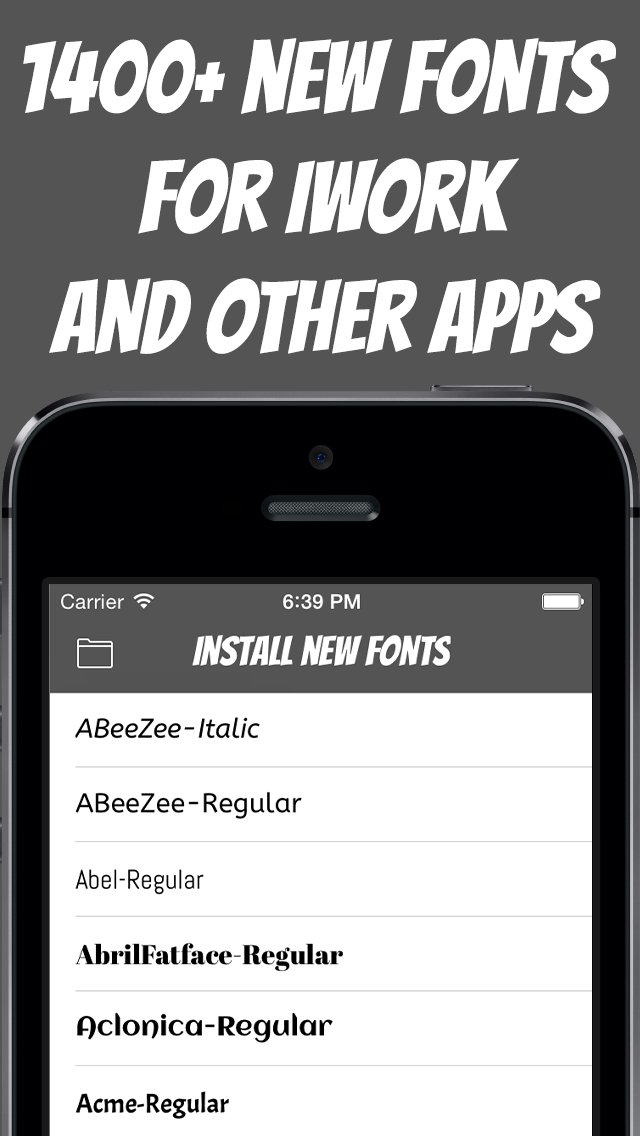
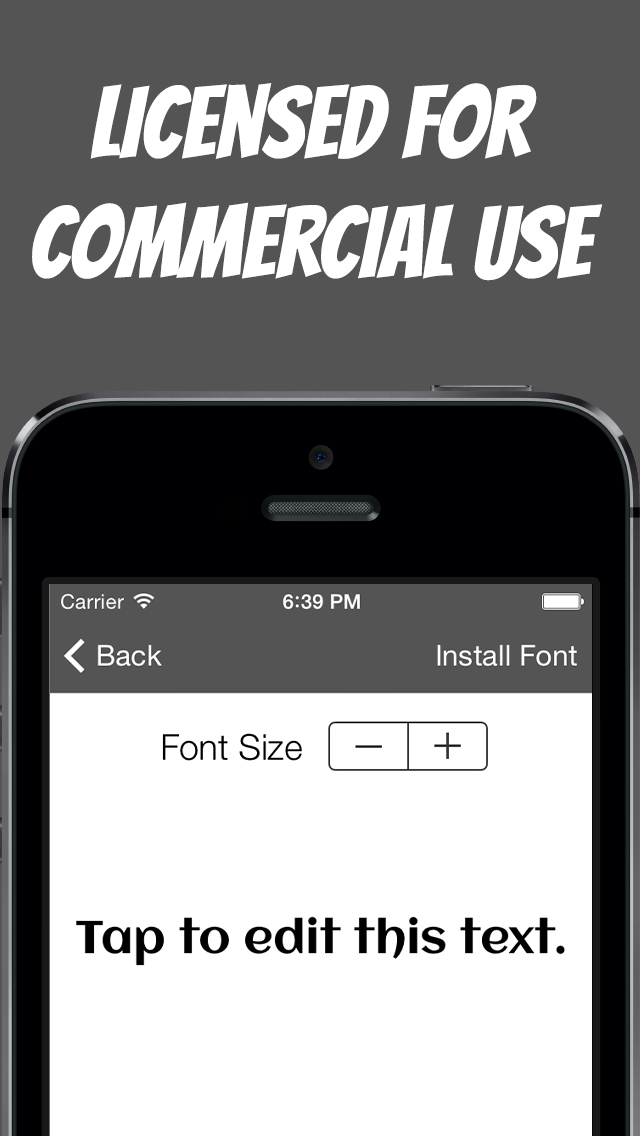
Install more than 800 font families for use in iWork and many other apps. You may use these fonts for personal and commercial purposes. In order for the new fonts to appear within some app, you should restart that app (double tap Home Button and swipe up). If you want to remove any font, you should open Settings->General->Profiles and uninstall its profile. You can install your own .ttf and .otf fonts. Select .ttf or .otf file in any other app (Safari, Mail, Dropbox), tap "Open In..." and select "Install New Fonts". Some of the supported apps (there are many more): Pages Numbers Keynote BibleReader Daedalus WriteRoom WritePad Notes Plus Moleskine Drafts Halftone 2 Notepad + Typing Tutor for iPad
What's new · 1.1.1
Fixed a problem when newly installed font overwrote the last one.
Details