

Musk MIDI Player
Joerg Garbers · Music
Independent analytics for this App Store listing. AppTracker is not affiliated with Joerg Garbers.
Chart standing · US
What changed · US
Listing changes AppTracker has observed for this app in this storefront — new versions, price moves, rating shifts, and store copy.
Price & rating history · US
Reconstructed from the listing changes AppTracker has observed in this storefront. A field is charted once it has changed more than once, and each line starts at the value it moved from.
Average rating · ★ 4.50 now · 2 changes on record
In-app purchases · US
No in-app purchases.
Screenshots

Keywords this app targets
Search terms AppTracker associates with this app — estimates, not search volume. ❝ = in the app's title; a highlighted number is its current position for that term.
Similar apps
Competitors and close alternatives, as estimated by AppTracker.
 GM MIDI Player
Jens Guell
GM MIDI Player
Jens Guell
 Midi Studio
VITALIY TARASYUK
1 shared topic · 1 shared title word
Midi Studio
VITALIY TARASYUK
1 shared topic · 1 shared title word
 Musix Pro - MIDI Controller
Shiverware Interactive Software Developments Inc.
1 shared title word
Musix Pro - MIDI Controller
Shiverware Interactive Software Developments Inc.
1 shared title word
 MIDIWriter
正行 Akamatsu
MIDIWriter
正行 Akamatsu
 mimiCopy - Slow Down Player
ART Teknika, Inc.
1 shared topic · 1 shared title word
mimiCopy - Slow Down Player
ART Teknika, Inc.
1 shared topic · 1 shared title word
 Mobile MIDI
Adam Hammad
1 shared title word
Mobile MIDI
Adam Hammad
1 shared title word
 MidiFire
Soft Audio
1 shared topic
MidiFire
Soft Audio
1 shared topic
 midi Sampler
Gianluca Natalini
midi Sampler
Gianluca Natalini
About
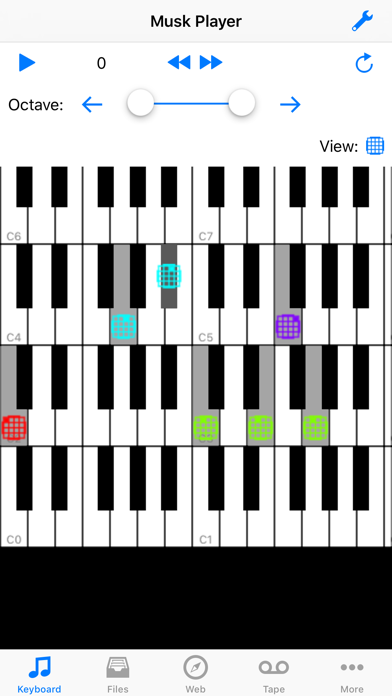
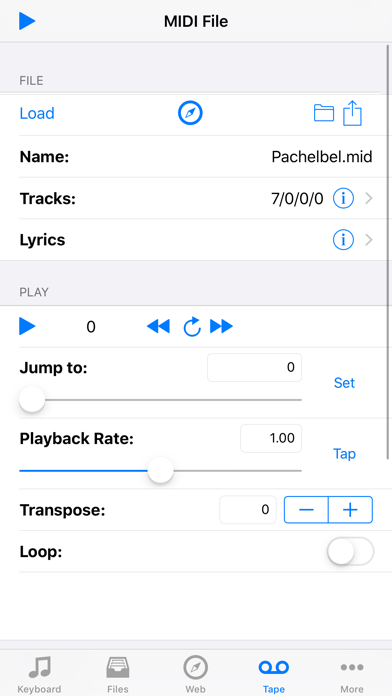
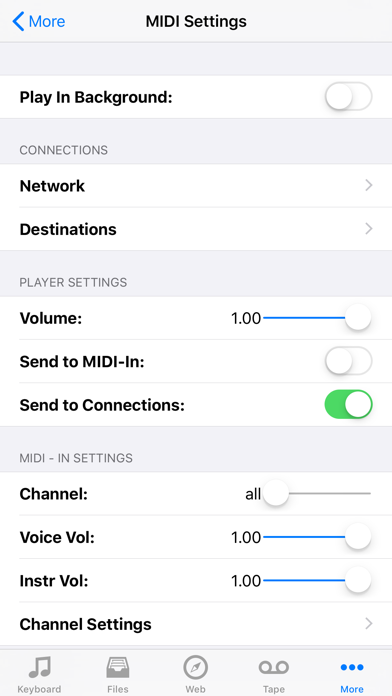
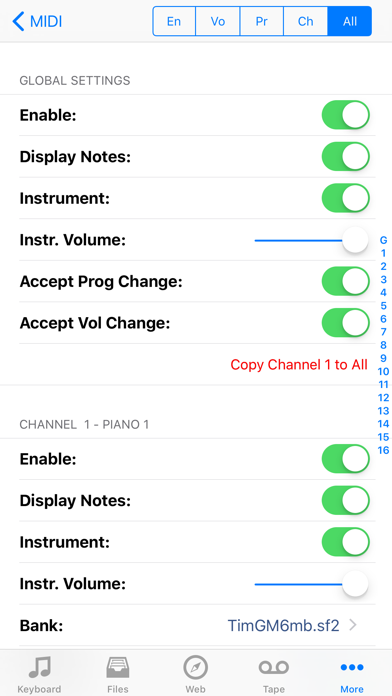
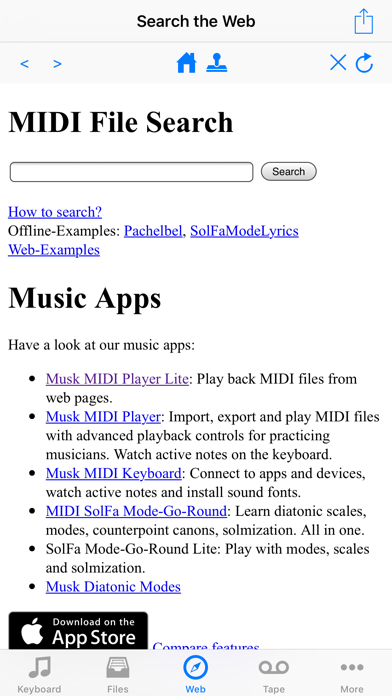
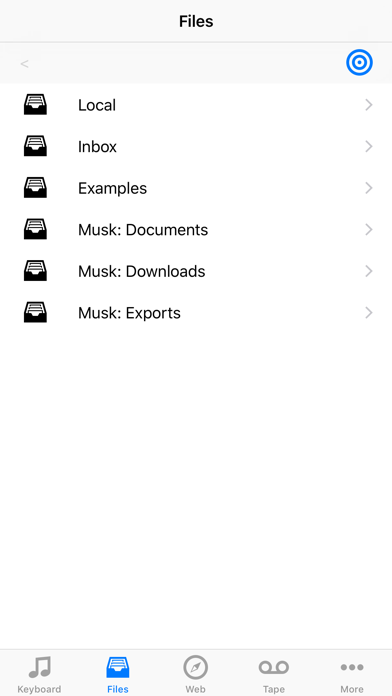
Musk MIDI Player: Your instant MIDI player - just add sounds and MIDI files! * Load any MIDI file and sound library (a small General MIDI sound font is included) * You can search the web for MIDI files and download. * Play MIDI files up to 8 times slower or faster * Transpose MIDI files. * Follow the MIDI notes on the keyboard and distinguish different MIDI channels * Read along the lyrics * Let the app speak the lyrics during playback * Let the app announce the bar and beat numbers. So you can easier follow the notes in a printed score. * Mute or solo tracks or use them to navigate * Use automatic sound switching or customize the sound associated with each MIDI channel. * Mix with the original sound. (Deactivated on iOS14, reactivated on iOS15) Integrated web search: * Use the built-in web browser to search for MIDI files on the web. * The browser highlights MIDI (.mid, .midi) and Karaoke (.kar) links. * Downloaded files play back immediately. Navigation: * Jump to a specific position using a slider * To jump back to that position using the repeat button * Jump to the position of certain meta-events (lyrics, markers, time signature, key signature and tempo changes) Supported file formats and extensions: * MIDI (mid, midi) * MIDI karaoke (kar) * Sound fonts (sf2) * Downloadable Sounds (dls) * Logic Pro EXS-24 instrument files (exs) * Audio Unit Presets (aupreset) * Zip files (zip) Importing files via: * ITunes: transmission via Mac or PC * ICloud: synchronizes the data on all your Apple devices. (Network connection required) * Other Apps from the manufacturer this app: All of his apps access to the same iCloud directory. (No network connection required) * Safari: search for a website that offers SoundFonts. Click on the file. Wait until it is downloaded. Then select this app in the "Open In" dialog. * Mail: Select the attachment and select this app in the "Open In" dialog. * Other apps: use the "Open In" dialog. (Dropbox, Google Drive, SkyDrive) Inter-App-Audio, Audiobus and Core-MIDI support: You can use the audio output of this app in other apps: * Record the mixed-down audio output in Garageband, AudioShare or other apps. * Add sound effects in GarageBand, VoiceSynth or other apps. * Use this App as a MIDI-Generator in Audiobus or in apps that can receive Core-MIDI notes. Limitations: * Speech output can not be sent to other apps. * Which app combinations are possible depends on Your hardware and Your sound fonts. * Playing MIDI files with many notes per second can push older devices to their limits. When you hear a scraping noise, try lowering the playback rate. Have fun!
What's new · 2.10
Fix iOS 17 related bugs and improve looping.
Details