

SymmetPical
yukihiro fujita · Photo & Video
Independent analytics for this App Store listing. AppTracker is not affiliated with yukihiro fujita.
Chart standing · US
In-app purchases · US
What this app sells inside itself, grouped by kind and priced for this storefront.
Screenshots


About
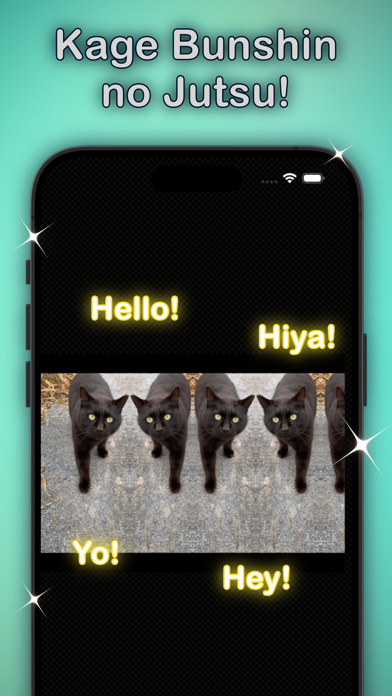
Your favorite photo can be changed to the symmetrical image. It is super easy to use. Try it! [ Features ] - Easy to use! - Just drag for editing! - Quick change the base side! - Saving the image you edited [ How to use it ] 1. Just tap the bottom left icon, then select your favorite photo. 2. Automatically load the photo on the display. 3. You can move the separate line. 4. The base side can be changed by right of album icon. 5. To save is the right of the base side icon. [ Tips ] - A width of the image does not be saved over the original width. - Edited image is saved without transparent elements. - You can choose to turn on/off a separate line in Settings. [ Utilities (In app purchase) ] - Extra Saving features! Support transparent images, and expanded width of a mirror side for saving. I hope you enjoy it!
What's new · 7.0
- Added simple editing functions when selecting a photo. *Scale, Move, etc. (setting required) - Added an item to the settings screen. - Updated the layout of the settings screen. - Updated app icon. - Other minor fixes.
Details