

Slideshow Maker & Music Video
LatentApps Company Limited · Photo & Video
Independent analytics for this App Store listing. AppTracker is not affiliated with LatentApps Company Limited.
Chart standing · US
What changed · US
Listing changes AppTracker has observed for this app in this storefront — new versions, price moves, rating shifts, and store copy.
Price & rating history · US
Reconstructed from the listing changes AppTracker has observed in this storefront. A field is charted once it has changed more than once, and each line starts at the value it moved from.
Average rating · ★ 4.31 now · 8 changes on record
Ratings breakdown · US
The star breakdown behind this app's rating in this storefront.
In-app purchases · US
What this app sells inside itself, grouped by kind and priced for this storefront.
Screenshots

About
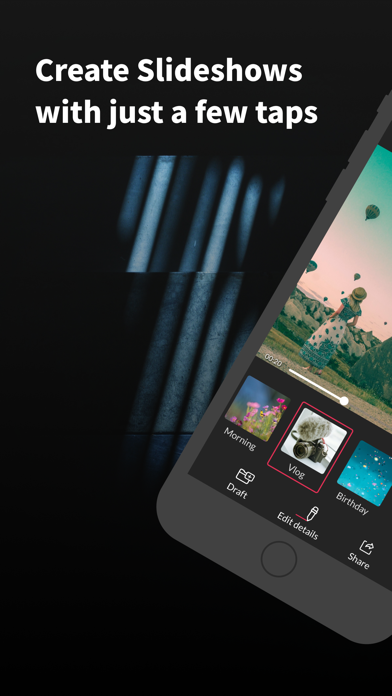
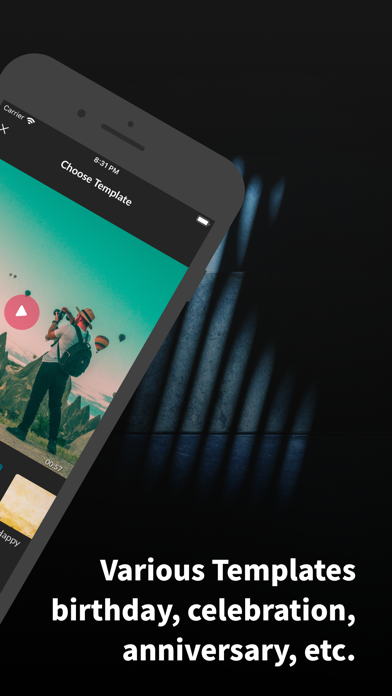
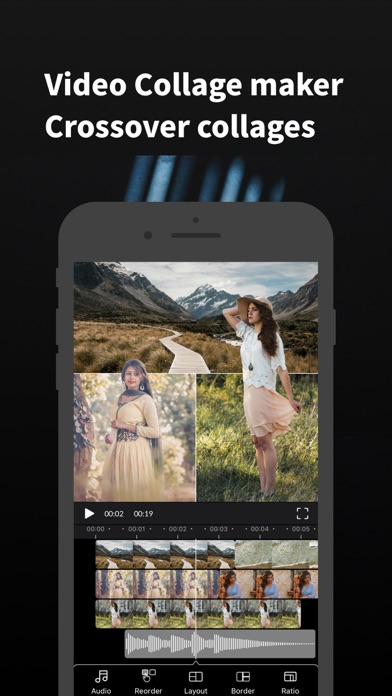
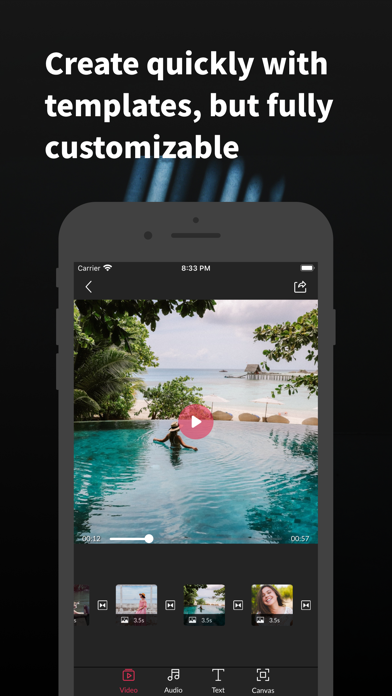
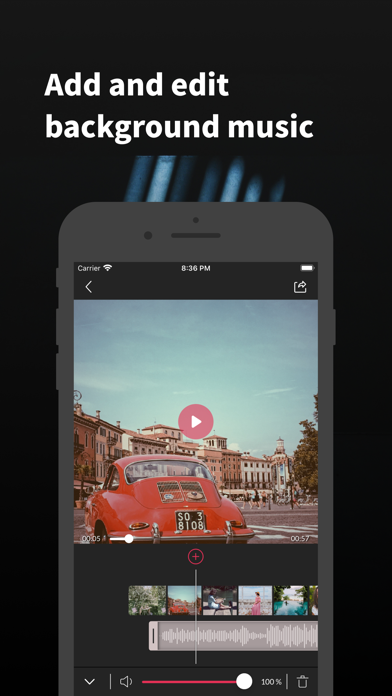
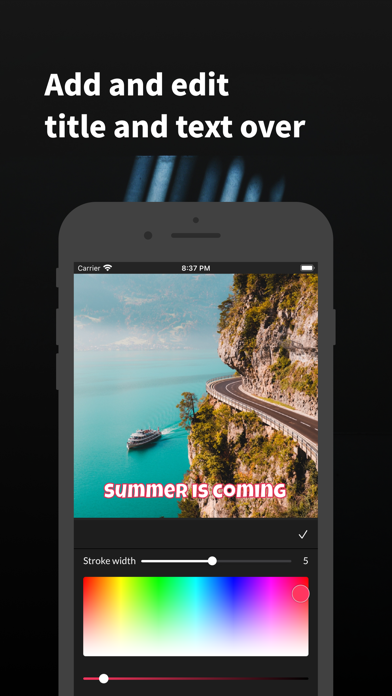
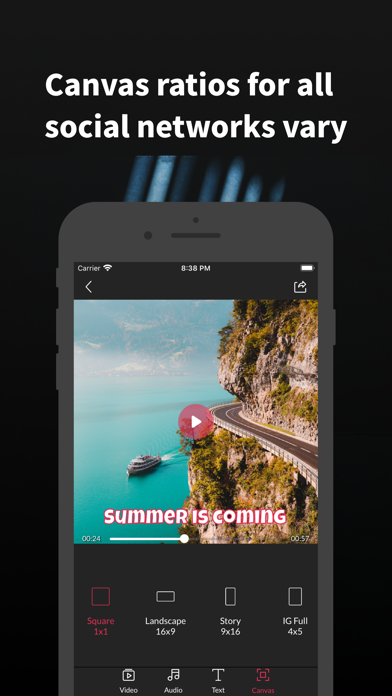
PicMusic: Slideshow Maker allows you to combine your photos, videos and background music to create your own unique slideshow videos in minutes. The app is very fun and easy to make slideshow videos. Starting by selecting photos and/or videos you want, then the application will automatically create a slideshow for you. After that, you can export or edit the slideshow using below tools: ◉ VIDEO TIMELINE - MANAGE SLIDES - This timeline shows a list of slides connected together by transition icons. - Tap on each slide for more options such as edit/delete the slide or you can insert one or more photos/videos/title just before or after the selected slide. - Tap on a transition icon which is in the middle of two slides to change transition types. - Re-order slides: Tap and hold on a slide to go to the re-order mode, then long press and drag the slide to change its order. ◉ SLIDE EDITOR - Control the duration for each photo slides, while video slides can be trimmed and change playing speed to 0.5x, 1x, 2x, 4x. - Control the start->end animations by scaling/positioning the image with your two fingers ◉ AUDIO TIMELINE - ADD & TRIM MUSIC - Switch to Audio tab, then tap on the Plus icon to add an audio item. - Find and select a background music, or load a song from your iTunes Library, or record your voice. - There is a slider to change the audio's volume. - Trim the song: Select the audio waveform to show its left/right handles, move these handles to trim the begin/end of the song respectively. - Choose when an audio item starts to play in the slideshow: Long press and drag the audio item to the position you want it to play at. ◉ TEXT TIMELINE - ADD TEXT TO VIDEOS - Switch to Text tab, then tap on the Plus icon to add a new text. - Change text's font, color, styles (background color, border), animations. - Text items in the timeline can be managed same as audio items in the audio timeline, which means you can change the text duration, when the text begins to appear in the slideshow. ◉ SAVE & SHARE - The slideshow can be exported in high resolution and up to 60 FPS. - Your works can be saved as projects to edit later. - The slideshow also supports many ratios: 1:1, 16:9, 9:16, 4:3, 3:4. ◉ PIC MUSIC PRO Pic Music Pro offers two subscription options: $5.99 Weekly $29.99 Annually Prices may vary by location. Should you choose to upgrade to a Pro subscription, payment will be charged to your iTunes account at confirmation of purchase. Subscription automatically renews unless auto-renew is turned off at least 24-hours before the end of the current period. Account will be charged for renewal within 24-hours prior to the end of the current period. You may cancel automatic renewal and manage your subscription by selecting Manage App Subscriptions in your iTunes Account settings and selecting the subscription you want to modify. Any unused portion of a free trial period, if offered, will be forfeited when you purchase a Pro subscription, where applicable. Privacy Policy: http://typimage.com/terms.html#privacy Terms of Use: http://typimage.com/terms.html Tag your videos with #picmusic and follow us on Instagram @picmusicapp for tutorials and future updates. Thank you for using PicMusic - Slideshow Maker.
What's new · 4.1.2
Thank you for using Slideshow Maker! In this version, we've made the following changes: - Fixed bugs and improved the user experience. If you enjoy using Pic Music, please consider rating us!
Details