

Doc Scanner by Dani
Daniel Ignacio Rodriguez-Pina · Productivity
Independent analytics for this App Store listing. AppTracker is not affiliated with Daniel Ignacio Rodriguez-Pina.
Chart standing · US
Screenshots



About
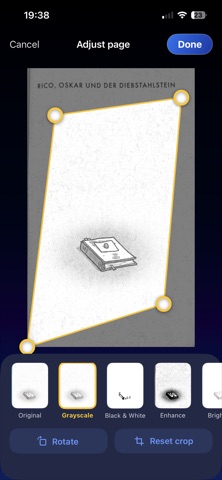
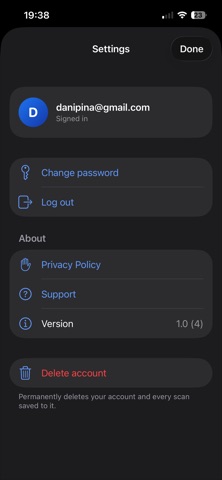
Turn your iPhone into a pocket document scanner. Scan a page, tidy it up and share it as a PDF in under a minute. No account needed. SCAN • Capture paper documents with automatic edge detection • Or add photos from your library, or import the pages of an existing PDF CLEAN UP • Drag the four corners to crop and straighten any page • Rotate pages, reorder them and delete the ones you don't need • One-tap filters: Original, Grayscale, Black & White, Enhance and Brighten, each with a live preview • Apply a filter to every page at once EXPORT • Create a multi-page PDF where every page fills the sheet edge to edge • Share it by email, Messages or AirDrop, or save it to Files KEEP YOUR SCANS (OPTIONAL) • Create a free account, or sign in with Apple, to save scans and open them again later • Or use Doc Scanner as a guest. Nothing is stored on our servers unless you choose to save a scan PRIVATE BY DEFAULT Scanning, cropping and filtering all happen on your device. Your pages are uploaded only if you choose to save a PDF to your account, and you can delete your account and every saved scan at any time in Settings. Perfect for receipts, contracts, homework, ID copies, notes and anything else that starts on paper.
Details