

To Markdown: PDF, Word, OCR
Buca Joint Stock Company · Productivity
Independent analytics for this App Store listing. AppTracker is not affiliated with Buca Joint Stock Company.
Chart standing · US
Screenshots



About
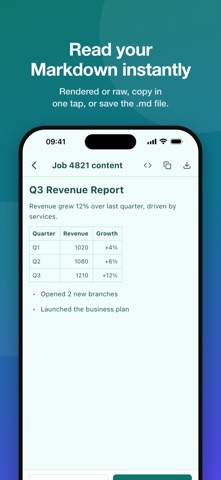
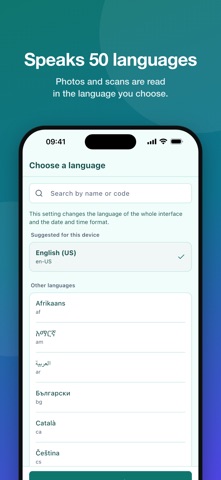
To Markdown turns the documents you already have into clean Markdown you can paste into notes, wikis, AI chats or your editor. CONVERT ALMOST ANY SOURCE • Word (doc, docx, docm), Excel (xls, xlsx, xlsm, xlsb, csv), PowerPoint (ppt, pptx, pptm, ppsx) • OpenDocument (odt, ods, odp), RTF, EPUB • PDF, including scanned PDFs • Photos and screenshots (jpg, png, webp, heic) • Any web page link TEXT RECOGNITION (OCR) Scans and photos are read with OCR in the language you choose, so headings, paragraphs and lists come out as text, not pictures. SEE THE RESULT RIGHT AWAY • Rendered preview or raw Markdown • Character count for every conversion • Copy with one tap, or save the .md file TRACK EVERY CONVERSION Your history shows what is running, done or failed, with the reason when something goes wrong. Results are kept on your device so you can open them again later. 50+ LANGUAGES The interface is available in more than 50 languages, with light and dark themes. FREE AND VIP • A number of free conversions every day • Watch a short ad to unlock VIP for one day • VIP subscription (weekly, monthly or yearly): unlimited conversions, no ads HOW IT WORKS Files and links are sent to our servers for conversion, then the Markdown is returned to your device. An internet connection is required. Terms of Use: https://www.apple.com/legal/internet-services/itunes/dev/stdeula/ Privacy Policy: https://dunglm.io.vn/to_markdown/privacy.html?lang=en
Details