

CapBox: Screenshot Cleaner
SungHyuk Yoon · Productivity
Independent analytics for this App Store listing. AppTracker is not affiliated with SungHyuk Yoon.
Chart standing · US
What changed · US
Listing changes AppTracker has observed for this app in this storefront — new versions, price moves, rating shifts, and store copy.
Added Simplified Chinese. Searching text in photos now also recognizes Simplified Chinese.
In-app purchases · US
No in-app purchases.
Screenshots


About
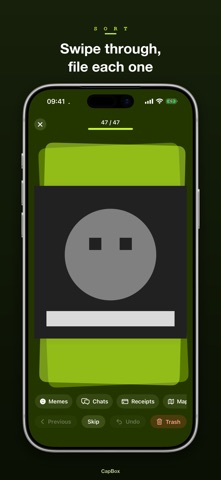
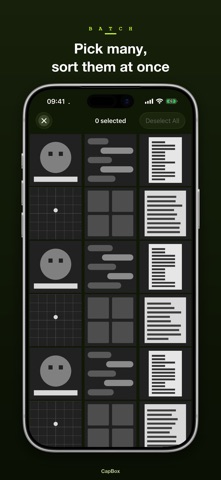
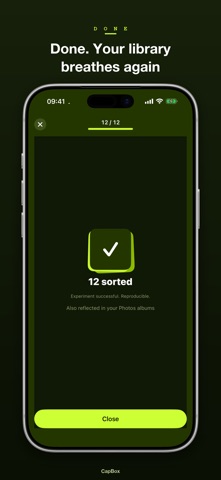
Your camera roll keeps filling up with screenshots you'll never find again. CapBox helps you file them into folders fast, so everything stays easy to find. What CapBox does - File screenshots and photos into folders one at a time or in batches. Folders are real albums in the Photos app, and you can import the albums you already have - Toss the ones you don't need into the trash, then delete them all at once - Search the text inside your photos to find the folder or shot you're looking for Everything happens on your device — nothing is ever uploaded anywhere. CapBox is free, with no in-app purchases. Privacy Policy: https://www.kkirukstudio.com/legal/privacy/
What's new · 1.0.1
Added Simplified Chinese. Searching text in photos now also recognizes Simplified Chinese.
Details