

OneHue: Selective Color
昀昊 陈 · Photo & Video
Independent analytics for this App Store listing. AppTracker is not affiliated with 昀昊 陈.
Chart standing · US
What changed · US
Listing changes AppTracker has observed for this app in this storefront — new versions, price moves, rating shifts, and store copy.
Improved photo re-export in the gallery: replace an existing item while keeping its favorite status. You can also open export from photo details, with more consistent filter labels.
Screenshots



About
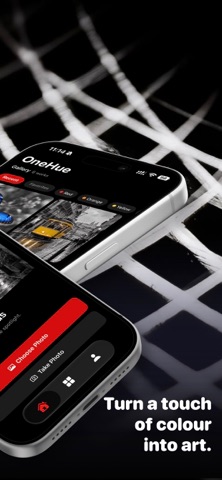
OneHue leaves a single color in your photo. Choose a photo, pick the color to keep, and turn the rest into black and white to make your subject stand out. Precise color picking • Tap to sample a color and use the magnifier to place your selection with precision. • Fine-tune color tolerance, minimum saturation, and feathering. • Use the brush and eraser to limit the effect to selected areas. Fine-tune the look • Adjust the kept color’s hue, saturation, and lightness. • Choose from monochrome, warm-tone, high-contrast, and soft presets. • Undo, redo, and compare your original photo with the result. Export your way • Choose an aspect ratio, border, background, and margins for a finished image. • Save to Photos or share with the system share sheet. Photo editing happens on your device. OneHue does not upload your photos or edits to our servers. Camera and save-to-library features request system permissions when needed. Terms of Use (EULA): https://www.apple.com/legal/internet-services/itunes/dev/stdeula/
What's new · 2.1.0
Improved photo re-export in the gallery: replace an existing item while keeping its favorite status. You can also open export from photo details, with more consistent filter labels.
Details