

RAW Camera: Film & Filters
YIFAN WANG · Photo & Video
Independent analytics for this App Store listing. AppTracker is not affiliated with YIFAN WANG.
Chart standing · US
Screenshots




About
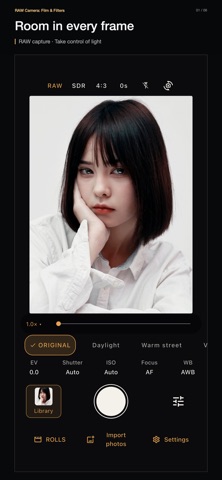
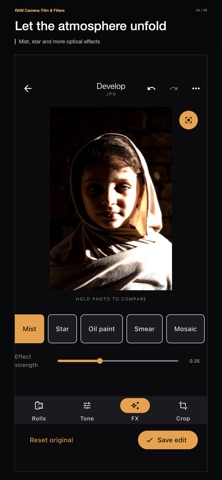
One original. More ways to see it. RAW Camera keeps your source photo so the look can evolve after you shoot. Return to a frame, choose a different film style and rebalance the light. Start with a new RAW capture on a supported camera, or a photo already in your library. MAKE THE FILM LOOK YOURS • Begin with eight built-in color and black-and-white looks. Set the strength, then refine warmth, tint, contrast, grain and vignette. • Use a reference photo as the starting point for a new look, and fine-tune it before saving. • Import .cube LUTs to bring your own color styles into the workflow. SHAPE THE SHOT • Adjust shutter speed, ISO, exposure compensation, focus and white balance. • Switch between available lenses and frame in 4:3, 3:2, 16:9 or 1:1. • Compose with grids, a level, focus peaking and overexposure warnings. • Choose RAW/DNG, including ProRAW where supported, or shoot in HEIC/JPEG. RETURN TO THE ORIGINAL • Your source stays separate from your edits. Change the film look, exposure and color, or crop and rotate later. • Import photos from Photos or Files and give older images a fresh interpretation. MORE ROOM TO CREATE • Explore mist, star and other FX, with adjustable intensity. • Zoom in to inspect the image, then reset the view when you need the whole frame. • Keep an editing draft and pick up where you left off. Save a new edit to Photos as a separate image, without replacing earlier exports. • Work on iPhone or iPad, with a choice of 14 interface languages. Available formats, resolution, lenses and manual controls depend on your device and camera. RAW capture requires compatible hardware.
Details