

Scanner App:PDF Documents Scan
WICRO TECHNOLOGY CO.,LIMITED · Utilities
Independent analytics for this App Store listing. AppTracker is not affiliated with WICRO TECHNOLOGY CO.,LIMITED.
Chart standing · US
What changed · US
Listing changes AppTracker has observed for this app in this storefront — new versions, price moves, rating shifts, and store copy.
This update: - Code optimization
Screenshots


About
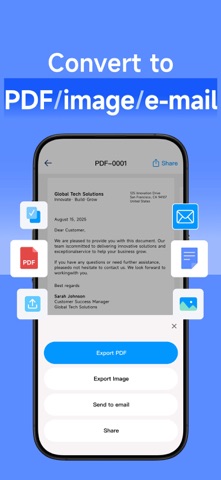
Turn paper documents into clear PDFs with your iPhone. Scan a receipt, capture a contract or save your notes in a file that is easy to share. SCAN EVERYDAY PAPERWORK Capture documents, receipts, invoices and book pages. Use dedicated card and passport modes for personal documents, and scan multiple pages for longer files. MAKE EVERY PAGE CLEARER Automatic edge detection and cropping help frame your document. Straighten scans, reduce shadows, rotate pages and choose an enhanced, black-and-white, grayscale or original look. ADD YOUR SIGNATURE Draw and add a signature to a scanned document before sharing it. EXPORT AND SHARE Save scans as PDF or image files, send them by email and revisit saved scans in your document history. From work paperwork to study notes, keep a document scanner close at hand. PREMIUM SUBSCRIPTION Premium access is available through an auto-renewable subscription. Pricing and any trial offer are shown before purchase. Manage or cancel your subscription in your Apple Account settings. Privacy Policy: https://wircrohk.com/scanprivate.html User Agreement: https://wircrohk.com/scanagreement.html
What's new · 1.0.2
This update: - Code optimization
Details