

Message Pics
RPA Tech, INC · Photo & Video
Independent analytics for this App Store listing. AppTracker is not affiliated with RPA Tech, INC.
Chart standing · US
What changed · US
Listing changes AppTracker has observed for this app in this storefront — new versions, price moves, rating shifts, and store copy.
In-app purchases · US
No in-app purchases.
Screenshots


About
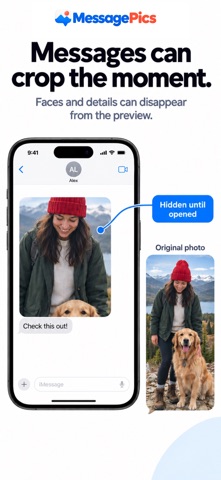
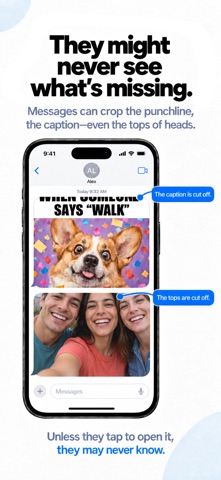
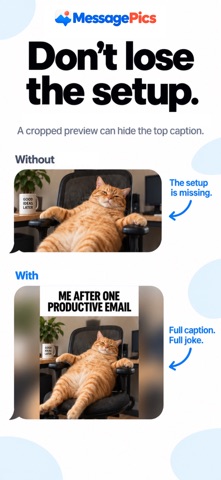
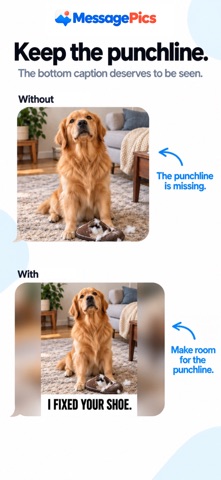
Ever sent a photo in Messages only to have the preview cut off the punchline, the caption, or the tops of everyone’s heads? Unless the recipient taps to open it, they might never see what they’re missing. MessagePics adds just enough padding to help your entire photo fit in the message bubble—so recipients can see more at a glance. Open MessagePics in the Messages app, choose a photo, and it’s placed straight into your message draft, ready to send. MAKE EVERY DETAIL COUNT Give tall portraits, wide photos, and screenshots room to show without cutting away parts of the original image. CHOOSE YOUR BACKGROUND Use Soft Blur to blend the added space with your photo’s colors, or choose white, black, Message Gray, or a color drawn from the image. Message Pics remembers your preference. KEEP YOUR ORIGINAL Message Pics prepares a separate image for sending. Your original photo stays unchanged, and recipients don’t need the app to see the result. SIMPLE AND PRIVATE Photos are processed on your device. No analytics. No uploads to a Message Pics server. Photo previews can vary by device and Messages layout. Live Photos and animated images are sent as still images. Privacy Policy: https://pic2msg.com/privacy
Details