

Image Converter - Tiny IMG
Danila Dundukov · Productivity
Independent analytics for this App Store listing. AppTracker is not affiliated with Danila Dundukov.
Chart standing · US
In-app purchases · US
No in-app purchases.
Screenshots
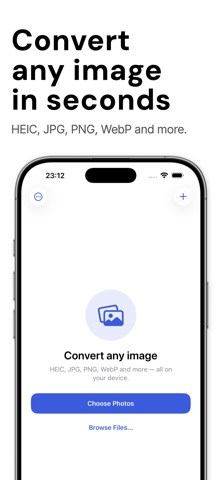


About
Convert images in batches, entirely on your iPhone. Image Converter turns HEIC, JPG, PNG, WebP, TIFF, BMP and GIF files into the format you need — one photo or hundreds at a time. Pick your photos, choose an output format, and convert. Private by design. The app has no network access at all, so your photos cannot be uploaded. There are no ads, no analytics, and no account. Batch-first Select hundreds of images at once and convert them in a single pass. Import from Photos or from Files, including images saved from the web. Leave the app mid-batch and the conversion keeps going. Output you control Write JPEG, PNG, HEIC, WebP or TIFF. Quality slider for lossy formats, with the estimated size before you convert and the space saved after. Color profiles and orientation are preserved, so converted images look right everywhere. Metadata, your choice Strip location and EXIF before sharing, or keep the original metadata. The choice is visible on every batch, and stripping is the default. Export anywhere Save to Photos, save to Files, or send through the share sheet. Photos access is add-only: the app can save new images but can never read your library. Free, with no subscription and no paywall.
Details