

JellyCinema
Andreas Halse Gravesen · Entertainment
Independent analytics for this App Store listing. AppTracker is not affiliated with Andreas Halse Gravesen.
Chart standing · US
What changed · US
Listing changes AppTracker has observed for this app in this storefront — new versions, price moves, rating shifts, and store copy.
Keep your library tidy without leaving the couch. • Clean Up — a new screen in Settings that lists what you've already watched, oldest first, and shows how much space you'll free. Select several titles and delete them in one go. • Delete movies, series and episodes right from the title page (on Apple TV, long-press an episode). • Refresh Metadata — fix wrong or missing info and artwork with the same options as the Jellyfin dashboard. These options only appear for accounts your server allows to delete or manage content, so shared family profiles stay exactly as they were. Deleting always asks first and shows what will be removed.
In-app purchases · US
No in-app purchases.
Screenshots





About
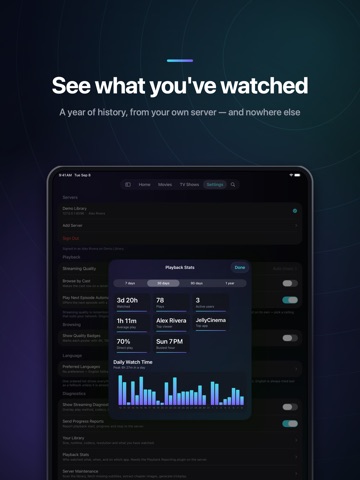
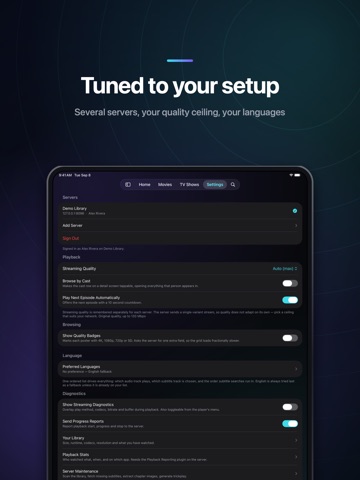
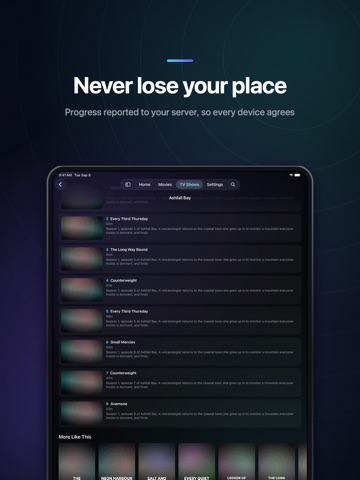
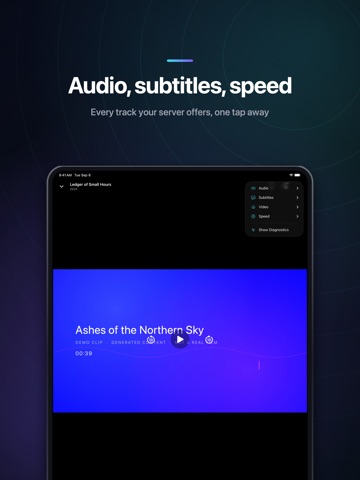
JellyCinema is a Jellyfin client for iPad. Point it at the server you already run, sign in, and your movies and TV series are there — artwork, resume positions and watch history intact. Buy it once and you get both platforms. A purchase on iPad includes the Apple TV version at no extra cost, and the other way round. No subscription, no ads, no in-app purchases. A PLAYER BUILT FOR TOUCH The player is the app's own, which buys things a stock player cannot do. Picture in Picture keeps a film running while you do something else. Audio carries on with the screen locked, with proper lock-screen controls. Tap to show the controls, double-tap either side to skip ten seconds, pinch to switch between fit and fill. The menu covers audio tracks, subtitles with timing and appearance controls, quality, playback speed, chapters and play-next. Subtitles that cannot be delivered without a full re-encode are listed with the reason rather than silently burned in. PLAYS WHAT YOU HAVE JellyCinema asks your server for the cheapest path that will actually play. Files that play as they are do exactly that, with no server work at all. Where they cannot, the video stream is copied into a new container rather than re-encoded, which is how MKV, HEVC and E-AC-3 are handled. Full re-encoding is the last resort, not the default. How much work your server does depends on what is in your library. Turn on Streaming Diagnostics to see exactly what is happening: play method, container, codecs, observed bitrate, dropped frames and buffer. AT HOME ON IPAD The layout follows the window, from an iPad mini in portrait to a 13-inch in landscape, and works in Split View and Stage Manager. Libraries live in a sidebar that expands or collapses. Pull to refresh, swipe episodes for actions, drag to reorder your preferred audio and subtitle languages. YOUR SERVER, YOUR DATA JellyCinema talks to your Jellyfin server and nothing else. No analytics, no accounts, no telemetry. Sign-in tokens are stored in the Keychain. Progress is reported back to your server so a title you start on iPad resumes on Apple TV — and you can turn that off. Add as many servers as you like and switch between them. REQUIREMENTS A Jellyfin server you can reach, tested against Jellyfin 10.11. JellyCinema is a client only — it ships with no media and does not include a server. Plain HTTP addresses on a local network work, which is how most home servers are set up. Covers movies and TV series. Music, Live TV, books, photos and offline downloads are not supported. JellyCinema is an independent client. It is not affiliated with, endorsed by, or supported by the Jellyfin project.
What's new · 1.1
Keep your library tidy without leaving the couch. • Clean Up — a new screen in Settings that lists what you've already watched, oldest first, and shows how much space you'll free. Select several titles and delete them in one go. • Delete movies, series and episodes right from the title page (on Apple TV, long-press an episode). • Refresh Metadata — fix wrong or missing info and artwork with the same options as the Jellyfin dashboard. These options only appear for accounts your server allows to delete or manage content, so shared family profiles stay exactly as they were. Deleting always asks first and shows what will be removed.
Details