

Scan to CAD: CAD Reader
RETOUCH AI PTE. LTD. · Utilities
Independent analytics for this App Store listing. AppTracker is not affiliated with RETOUCH AI PTE. LTD.
Chart standing · US
What changed · US
Listing changes AppTracker has observed for this app in this storefront — new versions, price moves, rating shifts, and store copy.
This update includes performance improvements, bug fixes, and general enhancements to make the app faster, smoother, and more reliable.
In-app purchases · US
No in-app purchases.
Screenshots



About
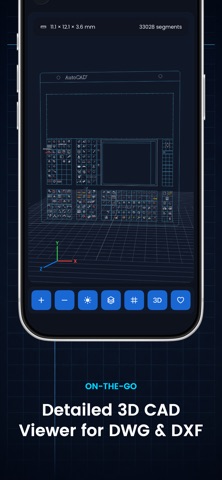
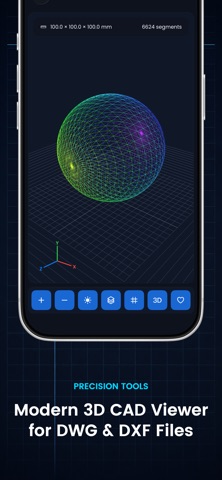
CAD Viewer is a fast and simple way to open, explore, and inspect CAD drawings directly on your iPhone. View detailed DWG and DXF files, navigate complex technical drawings, explore 3D models, manage layers, and review important dimensions wherever you are. Built for engineers, architects, designers, construction professionals, and anyone working with CAD files, the app gives you the essential tools you need without a complicated desktop workflow. Key features: • Open and view DWG and DXF CAD files • Explore 2D drawings and detailed 3D CAD models • Zoom and navigate large technical drawings smoothly • View drawing dimensions and model information • Inspect individual CAD layers • Show or hide layers for a clearer view • Review complex architectural and engineering drawings • Measure and inspect CAD details • Work with detailed models containing thousands of segments • Export and share your CAD drawings • Clean, modern interface designed for mobile use Whether you're checking architectural plans on site, reviewing engineering drawings, inspecting a 3D model, or simply opening a DWG or DXF file away from your computer, CAD Viewer keeps your technical files accessible wherever you go. Open your CAD files. Explore every detail. Work from anywhere. Privacy Policy: http://www.godimage.mobi/policy Terms of use: http://www.godimage.mobi/terms
What's new · 1.0.1
This update includes performance improvements, bug fixes, and general enhancements to make the app faster, smoother, and more reliable.
Details