

ShotSizer
SHUNJI KUSAKA · Developer Tools
Independent analytics for this App Store listing. AppTracker is not affiliated with SHUNJI KUSAKA.
Chart standing · US
What changed · US
Listing changes AppTracker has observed for this app in this storefront — new versions, price moves, rating shifts, and store copy.
Videos and icons are also supported.
In-app purchases · US
No in-app purchases.
Screenshots

Keywords this app targets
Search terms AppTracker associates with this app — estimates, not search volume. ❝ = in the app's title; a highlighted number is its current position for that term.
Similar apps
Competitors and close alternatives, as estimated by AppTracker.


About
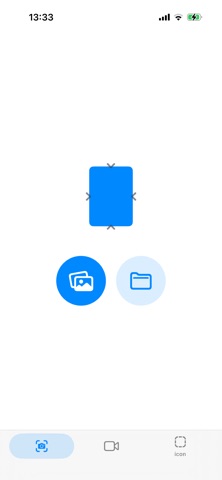
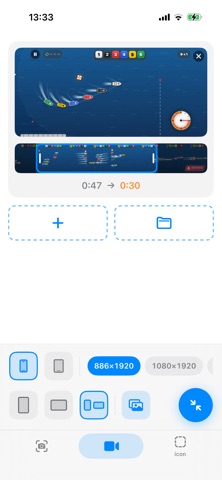
ShotSizer is a tool that converts screenshots taken on the actual machine into pixel-sized PNGs that can be submitted in bulk. Choose from the picture, choose the size, and press the round button. That's all. ■ Write in a format that cannot be played in the judging ・An opaque PNG without a transparent channel (with alpha will be played) ・sRGB color space ■ Corresponding size ・6.5 inches 1284×2778 / 1242×2688 ・6.9 inches 1320×2868 / 1290×2796 / 1260×2736 ・12.9 inches 2048 x 2732 ・13 inches 2064 x 2752 ・11 inches 1668 x 2388 ■ Vertical and horizontal orientation You can choose from three options: vertical fixing, horizontal fixing, and automatic matching to the original image for each sheet. Horizontal screenshots are exported to the horizontal submission size, so There is no need to disguise by putting a black belt up and down. ■ Operation without instructions I rarely use letters. Since you can operate with only pictures and icons, No matter what language you use, you won't hesitate. Because there is a mark on the image with a large cut edge, You won't submit it without realizing it. ■ You can choose the storage destination Do you want to save it directly in the photo library or write it to the file folder?
What's new · 2.0.0
Videos and icons are also supported.
Details