

Photo Quilt Auto Collage Maker
Seungman Kim · Photo & Video
Independent analytics for this App Store listing. AppTracker is not affiliated with Seungman Kim.
Chart standing · US
What changed · US
Listing changes AppTracker has observed for this app in this storefront — new versions, price moves, rating shifts, and store copy.
Ratings breakdown · US
The star breakdown behind this app's rating in this storefront.
In-app purchases · US
No in-app purchases.
Screenshots
About
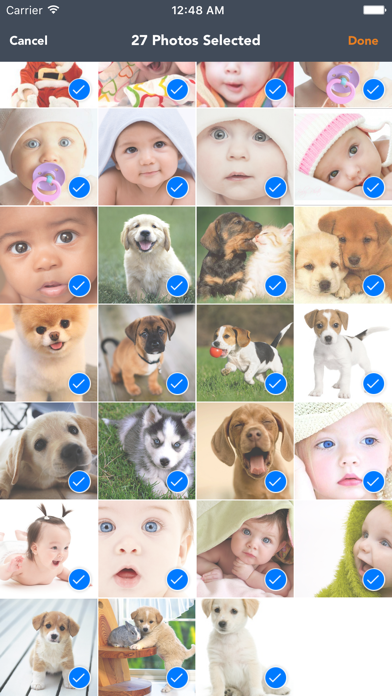
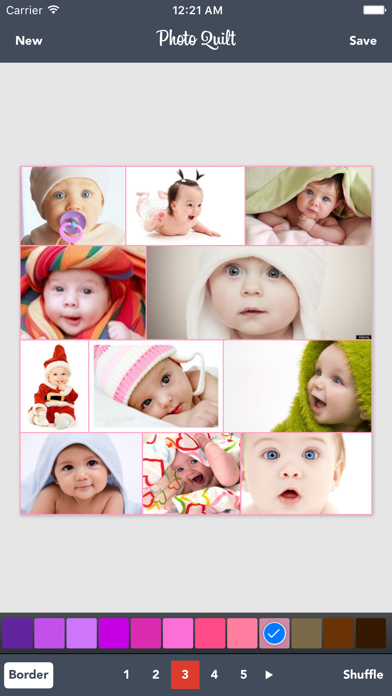
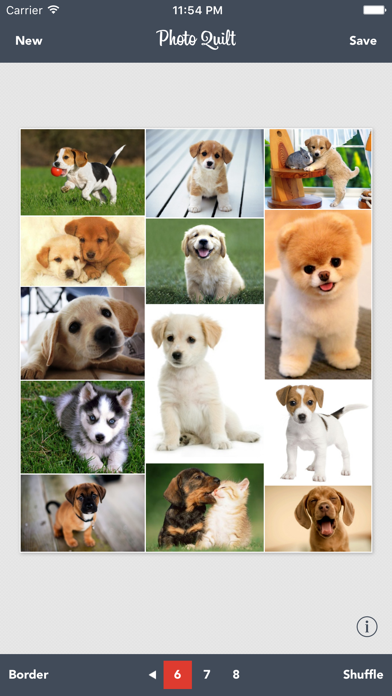
*** SUPER EASY & SUPER FAST *** NO NEED TO CROP YOUR PHOTOS *** EVERYTHING IS AUTOMATICALLY DONE No more hassle for selecting a picture frame, resizing or moving images to make a collage. All you have to do is just selecting images you want to make them into one big picture collage. Photo Quilt will take care of everything for you. HOW TO USE 1. Select images from your Photo Library 2. Choose one of the possible generated Photo Quilt layouts 3. Shuffle the order of images if you aren't satisfied 4. Save the final collage to your Photo Library or share it using e-mail, message, Twitter, Facebook or Instagram!!! CNET Editors' Review- by: Ben Markton on October 02, 2013 Photo Quilt is yet another entry in the crowded, framed photo collage creator genre, but it streamlines the process in such a way that it can be a very useful tool for anyone that creates a lot of these collages to share. The app strips out a lot of common options offered by others in the category, but it makes it so you can create a framed collage in less than 30 seconds and share it with friends. It's a great tool because of its speed, alone.
What's new · 1.6.0
Minor improvements
Details