

PDF Scanner OCR: PixaDoc Docs
Danil Tsekhovskiy · Business
Independent analytics for this App Store listing. AppTracker is not affiliated with Danil Tsekhovskiy.
Chart standing · US
What changed · US
Listing changes AppTracker has observed for this app in this storefront — new versions, price moves, rating shifts, and store copy.
We improved stability and performance and fixed minor issues.
In-app purchases · US
What this app sells inside itself, grouped by kind and priced for this storefront.
Screenshots
About
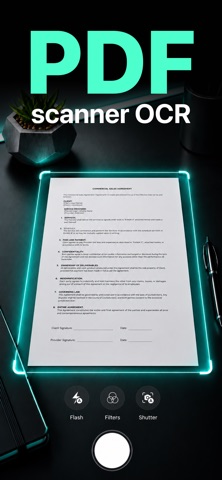
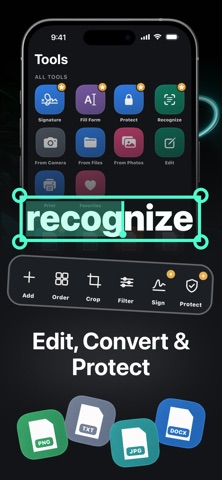
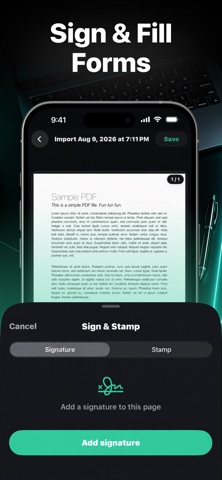
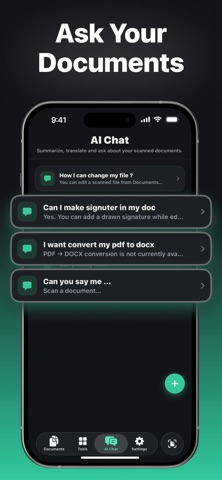
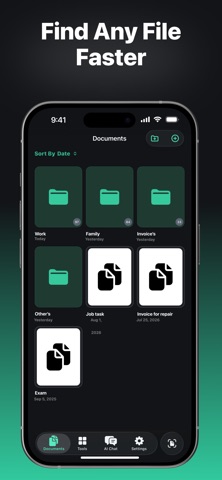
Paperwork in. A clean, ready-to-share PDF out. PixaDoc turns your iPhone or iPad into a fast document scanner for receipts, invoices, contracts, IDs, notes, books, photos, and forms. Capture several pages, clean them up, recognize text, edit, sign, organize, and export without jumping between apps. SCAN CLEAR DOCUMENTS • Automatic edge detection and auto-scan • Crop, straighten, perspective correction, brightness, contrast, and filters • Batch scanning for multi-page documents • Import from Camera, Photos, or Files EXTRACT TEXT WITH OCR Recognize text in scans and images, search the result, and copy the text you need. EDIT, FILL, AND SIGN • Add, delete, crop, rotate, and reorder pages • Add text and fill out forms • Draw and reuse your electronic signature • Choose common page sizes such as A4, Letter, Legal, A3, A5, Ledger, Tabloid, and Business Card CONVERT AND EXPORT Export PDF files to DOCX, XLSX, PPTX, TXT, PNG, or JPG. Save scans as PDF, JPG, or PNG. ORGANIZE AND PROTECT • Sort documents into folders and mark favorites • Lock documents with a passcode • Lock the app with a passcode or Face ID PRINT AND SHARE Print, use the iOS share sheet, or save a copy to Files. From the first photo to the final signed file, PixaDoc keeps the whole document workflow in one place. Privacy Policy: https://docs.google.com/document/d/12kNeQNTe2jX4QrJD2c6CY-is2h1lRrWz6TDAVWSKxcQ/edit?tab=t.0#heading=h.6pt0pzc7p7x7 Terms of Use: https://www.apple.com/legal/internet-services/itunes/dev/stdeula/
What's new · 1.3.2
We improved stability and performance and fixed minor issues.
Details