
Chart standing · US
Screenshots





About
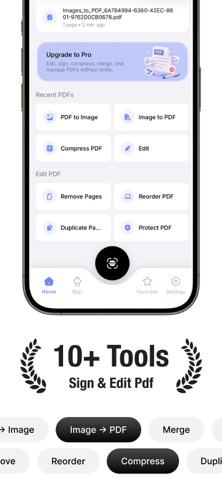
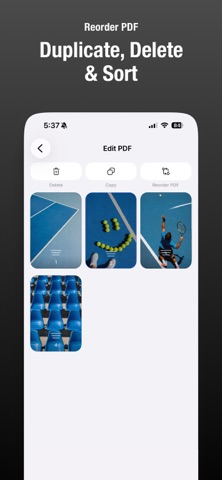
PDF Editor brings all the essential document tools you need into one simple, powerful app. Scan, sign, edit, convert, organize, compress, and protect PDFs directly from your iPhone. Whether you’re signing a document, combining files, reorganizing pages, or creating a PDF from photos, PDF Editor makes the entire process quick and convenient. KEY FEATURES • Scan Documents Use your device camera to scan paper documents and create clear, multi-page PDFs. • Sign and Fill PDFs Create reusable signatures by drawing, typing your name, or importing an image. Add signatures, text, and dates, then position, resize, and rotate them precisely. • Edit PDF Pages Reorder, remove, or duplicate pages to create the document you need. • Merge PDFs Combine multiple PDF documents into one file and choose a custom filename. • Split PDFs Split every page, divide files at regular intervals, or select a custom page range. • Convert PDF to Images Export selected PDF pages as high-quality PNG or JPG images with adjustable quality and resolution. • Convert Images to PDF Create PDFs from photos or camera images, arrange them in your preferred order, and adjust page margins. • Compress PDFs Reduce file sizes with multiple compression levels, image optimization, and optional metadata removal. • Protect Sensitive Documents Add password protection and manage permissions for printing, copying, and editing. • Organize Your Documents Import PDFs, search your library, access recent documents, and mark important files as favorites. • Preview, Share, and Export Preview generated documents, share them with other apps, or save them anywhere using Apple’s Files app. • Available in 24 Languages Use the app in your preferred supported language. PDF Editor Pro provides access to premium PDF editing, conversion, compression, protection, and document-management tools. Available purchase options and pricing are displayed in the app. Privacy Policy: https://sites.google.com/view/centillion-policy/home EULA: https://www.apple.com/legal/internet-services/itunes/dev/stdeula/
Details