

AR Ruler: Tape Measure App
Beijing iDOTOOLS Technology Co., Ltd · Utilities
Independent analytics for this App Store listing. AppTracker is not affiliated with Beijing iDOTOOLS Technology Co., Ltd.
Chart standing · US
What changed · US
Listing changes AppTracker has observed for this app in this storefront — new versions, price moves, rating shifts, and store copy.
Fix known issues.
In-app purchases · US
What this app sells inside itself, grouped by kind and priced for this storefront.
Screenshots


About
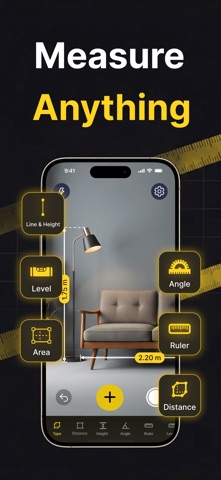
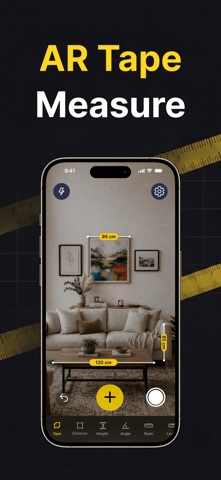
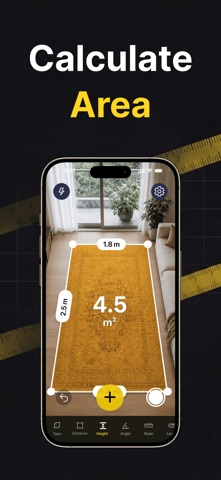
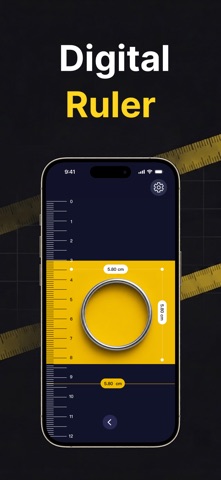
Measure anything, anywhere — your phone is the only measuring tool you’ll ever need. AR Ruler: Tape Measure App uses AR to turn your camera into a digital tape measure, ruler, level, and protractor. Point, tap, and measure things with your phone in seconds. No physical tape required. MEASURE ANYTHING - Length — Tap to drop points and measure length across every connected segment. - Distance — Mark a far-off point from where you stand and measure distance with camera instantly. - Height — Tap once and a vertical line snaps up or down; tap again to measure height. - Angle — Drop points to form segments and read the exact angle between them. - Area — Trace connected segments and measure area enclosed. Great for a quick measure of furniture, a room measure before you move, or a floor plan for your next project. SNAP, SAVE & SHARE Capture any measurement as a photo and share it in one tap — length, distance, height, angle, or area. MORE TOOLS INSIDE - Ruler — An easy measure for small objects’ length, width, and height on screen. - Level — Check any horizontal or vertical surface for perfect alignment. - Units — Switch instantly between cm, m, feet, and inches. Point. Tap. Measure. Download AR Ruler: Tape Measure App and never hunt for a tape measure again. To use AR Ruler, you need to purchase AR Ruler, which is offered on a subscription basis. Payment will be charged to your iTunes Account at confirmation of purchase and will automatically renew at the same price unless auto-renew is turned off in your iTunes Account Settings at least 24 hours before the end of the current period. You can manage your subscription in your iTunes Account Settings. Any unused portion of a free trial period, if offered, will be forfeited when you purchase a subscription. Terms of Use: https://ar-ruler-8hp.pages.dev/ar_ruler_tape_measure_terms_en-US.html Privacy Policy: https://ar-ruler-8hp.pages.dev/ar_ruler_tape_measure_privacy_en-US.html
What's new · 1.0.2
Fix known issues.
Details