

Video Compressor: Photo Resize
逸文 周 · Photo & Video
Independent analytics for this App Store listing. AppTracker is not affiliated with 逸文 周.
Chart standing · US
Screenshots




About
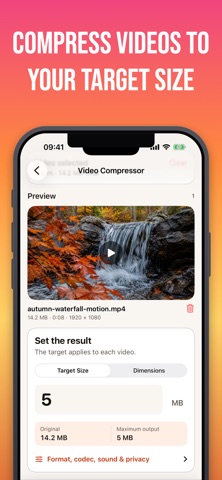
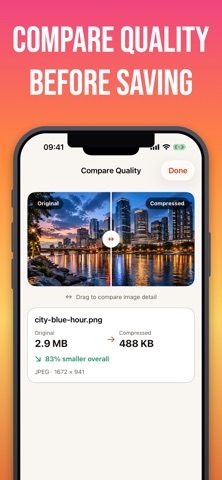
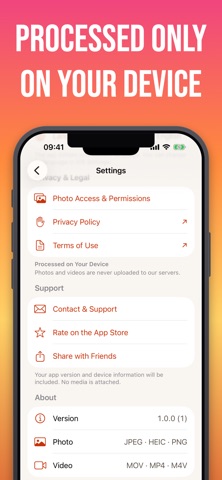
Compress photos and videos to the size you need—without uploading your media. CONTROL THE RESULT • Enter a target file size in KB or MB, or choose a target resolution. • Preview the original and compressed file sizes before saving. • Choose JPEG or HEIC for photos. • Export videos as MP4 or MOV using H.264 or HEVC. • Keep or remove audio from compressed videos. PRIVATE BY DESIGN • Compression happens locally on your device. • Preserve metadata, or remove location and nonessential EXIF data. • Media Compressor always saves a new copy. It never replaces or deletes your original. • No account and no third-party analytics SDK. SINGLE OR BATCH Compress one photo or video for free. Upgrade once to Media Compressor Pro to permanently unlock batch compression and individual targets for each item. SUPPORTED MEDIA Photo input: JPEG, HEIC, PNG Photo output: JPEG, HEIC; transparent PNG remains PNG Video input: MOV, MP4, M4V Video output: MP4, MOV with H.264 or HEVC HDR video compression is not currently supported. Results depend on the source media and the requested target. When a target cannot be reached without unreasonable quality loss, the app shows the minimum practical result instead of continuing to degrade the media.
Details