
Chart standing · US
What changed · US
Listing changes AppTracker has observed for this app in this storefront — new versions, price moves, rating shifts, and store copy.
Price & rating history · US
Reconstructed from the listing changes AppTracker has observed in this storefront, so each line starts at the first change on record.
Average rating
Ratings breakdown · US
The star breakdown behind this app's rating in this storefront.
Screenshots



About
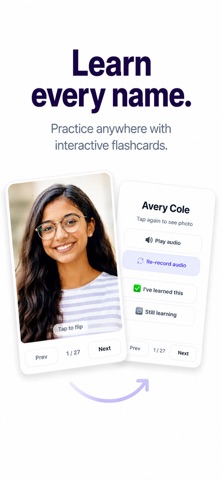
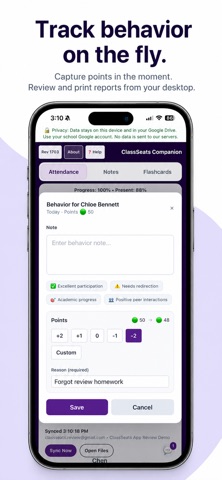
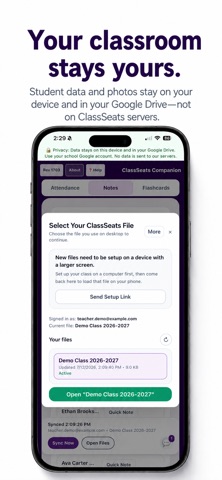
ClassSeats Companion puts your classroom in your pocket. Take attendance as you greet students, snap student photos, record name pronunciations, add quick notes, and review student information—all without carrying your laptop around the room. Designed for teachers who already use ClassSeats, Companion keeps the tasks that happen while you're moving around the classroom fast, simple, and always within reach. Set up your classes on your computer, then use ClassSeats Companion during the school day to stay organized and focused on your students. Features • Take attendance from your phone • Capture student photos • Record student name pronunciations • Add quick student notes • Review student flashcards • Open and switch ClassSeats files stored in your own Google Drive • Continue working through brief internet interruptions while syncing automatically resumes when you're back online Your data stays under your control ClassSeats stores your classroom files on your device and, if you choose, in your own Google Drive. ClassSeats servers manage sign-in, licensing, and account status—but never store your class rosters, seating charts, attendance records, student notes, student photos, or student audio. ClassSeats Companion requires an existing ClassSeats classroom created in the desktop/web application.
Details