

Screenr: Screenshots & Socials
Chris Wakefield · Photo & Video
Independent analytics for this App Store listing. AppTracker is not affiliated with Chris Wakefield.
Chart standing · US
In-app purchases · US
What this app sells inside itself, grouped by kind and priced for this storefront.
Screenshots


About
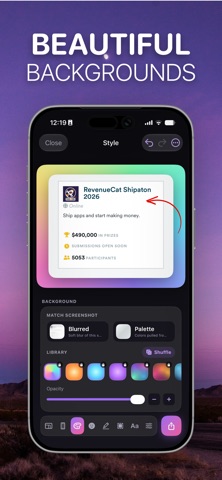
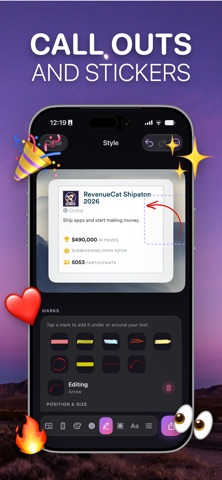
Screenshots, but gorgeous. Screenr turns plain screenshots into polished, on-brand images — for social media, or for your own App Store listing. Everything happens on your phone; nothing is ever uploaded. ONE APP, TWO JOBS Social posts Dress up any screenshot for X, Instagram, or anywhere else you post — device frames, backgrounds, and a headline in seconds. App Store sets Build up to 10 listing screenshots at 1290 × 2796 (iPhone 6.7"), all sharing one consistent style. HOW IT WORKS • Pick a screenshot from your library • Choose a backdrop — blurred from the screenshot itself, pulled from its colours, or a gradient • Drop it into an iPhone frame (or leave it frameless) • Fine-tune padding and shadow until it "reads" as designed • Add a headline, stickers, and text • Export straight to Photos FEATURES • Multiple aspect ratios: Square, Portrait, Story, Wide, and App Store (1290×2796) • iPhone device frames in black and white • Backdrop styles built from your screenshot's own colours, or custom gradients • Text overlays and emoji stickers • Crop and reposition tools • Save projects and revisit them later • Fast, on-device processing - no uploads, no accounts, no sign-in Screenr Studio (optional subscription) unlocks every gradient background, shadow control, and watermark-free export. No account required. No data leaves your phone except what you choose to save to Photos. Apple EULA: https://www.apple.com/legal/internet-services/itunes/dev/stdeula/
Details