

Air Screen Mirroring
Mikhail Tarasov · Photo & Video
Independent analytics for this App Store listing. AppTracker is not affiliated with Mikhail Tarasov.
Chart standing · US
What changed · US
Listing changes AppTracker has observed for this app in this storefront — new versions, price moves, rating shifts, and store copy.
If you have any problems or suggestions, please contact us at assistantpers163@gmail.com. What's new: Fixed the quality of screen duplication in landscape orientation.
Screenshots

About
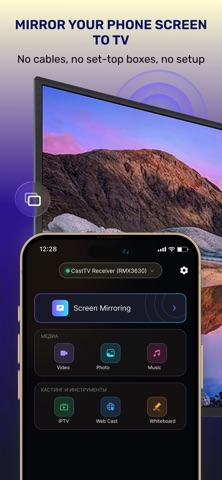
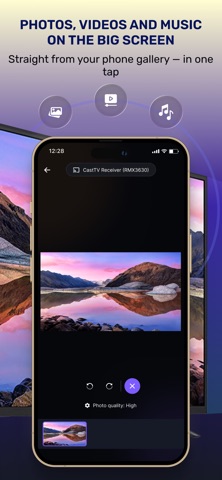
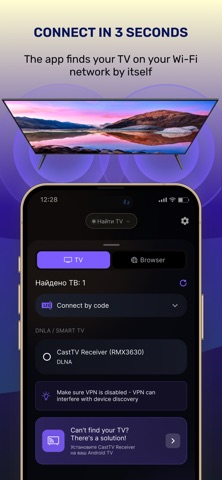
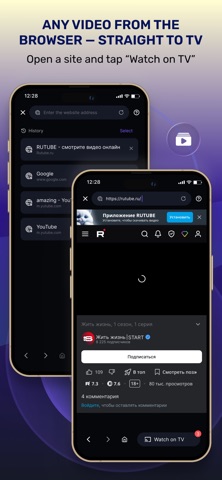
Mirror your iPhone or iPad screen to the big screen in seconds — no cables, no extra hardware. Air Screen Mirroring works over your home Wi-Fi and connects to virtually any modern TV. SCREEN MIRRORING Duplicate everything on your device — apps, games, presentations, video calls — directly to your TV. Adaptive quality keeps the picture smooth even on a busy network. PHOTOS AND VIDEOS ON TV Browse your gallery and send photos or videos to the TV in original quality. Rotate, zoom and switch between items right from your phone. WATCH WEB VIDEOS ON TV Open any website in the built-in browser, and the app will detect playable videos on the page. One tap — and the video plays on your TV while you keep using your phone. WORKS WITH YOUR TV • Google Chromecast and TVs with Chromecast built-in • Android TV and Google TV • Samsung Smart TV (Tizen) • LG Smart TV (webOS) • Roku and Amazon Fire TV • Any DLNA-compatible TV or media receiver • Any device with a web browser — via a simple link EASY TO CONNECT Phone and TV just need to be on the same Wi-Fi network. The app finds your TV automatically, or you can pair with a short code shown on the TV screen. Some features require a premium subscription. Payment is charged to your Apple ID account. Subscriptions renew automatically unless cancelled at least 24 hours before the end of the current period. Manage or cancel anytime in your App Store account settings. Terms of Use: https://person-assistant.com/air-screen-cast/terms_of_use.html Privacy Policy: https://person-assistant.com/air-screen-cast/policy.html
What's new · 1.0.8
If you have any problems or suggestions, please contact us at assistantpers163@gmail.com. What's new: Fixed the quality of screen duplication in landscape orientation.
Details