

Cast to TV: Screen Mirroring
NGUYEN THUY DUONG · Utilities
Independent analytics for this App Store listing. AppTracker is not affiliated with NGUYEN THUY DUONG.
Chart standing · US
What changed · US
Listing changes AppTracker has observed for this app in this storefront — new versions, price moves, rating shifts, and store copy.
bug fixes
Ratings breakdown · US
The star breakdown behind this app's rating in this storefront.
In-app purchases · US
What this app sells inside itself, grouped by kind and priced for this storefront.
Screenshots


About
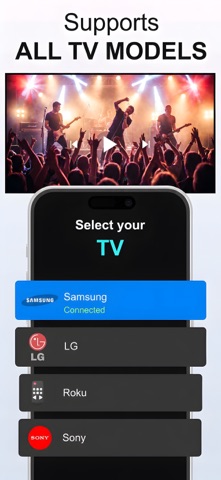
Cast to TV turns your iPhone or iPad into a powerful casting hub for the living room. Mirror your screen to Chromecast, AirPlay, and Smart TVs in real time, cast photos and videos from your library, and launch popular streaming apps on the big screen — all over Wi‑Fi with no extra hardware. SCREEN MIRRORING Share your full iPhone or iPad display on TV in seconds. Low-latency screen mirroring works with Google Cast, AirPlay 2, and DLNA receivers. Perfect for presentations, games, sports, and apps that do not support casting natively. CAST PHOTOS & VIDEOS Relive vacation memories and home videos on the big screen. Browse your photo library, tap to cast, and enjoy crisp playback on Chromecast and compatible Smart TVs. Adjustable quality from 480p to 1080p. APPS LAUNCHER Quick access to YouTube, Netflix, and more. Open your favorite streaming services and send content to the TV without juggling remotes. WHY CAST TO TV • Multi-protocol support — Chromecast, AirPlay, DLNA/UPnP • Stable Wi‑Fi connection with minimal lag • Premium dark UI designed for iPhone and iPad • No cables or dongles required Download Cast to TV and turn any TV night into a cinematic experience. Disclaimer: Screencast is a third-party app not affiliated with Google, Apple, Amazon, or Roku. Chromecast is a trademark of Google LLC; Fire TV is a trademark of Amazon Technologies, Inc.; Roku is a trademark of Roku, Inc.; Apple TV is a trademark of Apple Inc. Privacy: https://sites.google.com/view/ngthuyduong/privacy-of-policy Terms: https://sites.google.com/view/ngthuyduong/terms-of-use
What's new · 1.0.2
bug fixes
Details