

Export Contacts to Excel & CSV
Rich Soft Co., Ltd · Business
Independent analytics for this App Store listing. AppTracker is not affiliated with Rich Soft Co., Ltd.
Chart standing · US
What changed · US
Listing changes AppTracker has observed for this app in this storefront — new versions, price moves, rating shifts, and store copy.
Ratings breakdown · US
The star breakdown behind this app's rating in this storefront.
Screenshots



About
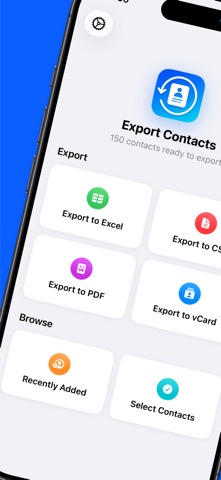
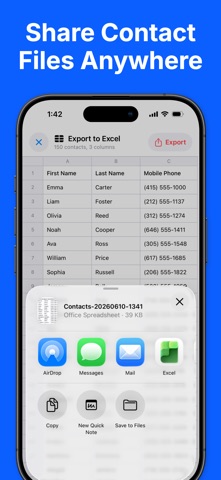
Export all your contacts to Excel, CSV, PDF, and vCard format - Easy to use - Safe and secure — contacts never leave your device - Export to Excel (XLSX), CSV, PDF, and vCard (VCF) - Send exported files via Email, iMessage, AirDrop, iCloud, Slack, Dropbox, … - Ready for Excel and Google Sheets - Back up and share your address book in 1 click Perfect for backing up your address book, moving contacts to a new phone, building a mailing list, or printing a clean contact sheet. Everything is processed on-device. Your contacts are never uploaded to any server. FREE: - Export up to 50 contacts at a time - All formats included: Excel, CSV, PDF, and vCard - Standard columns (name, phone, email, and more) PRO: - Export your entire address book — no 50-contact limit - Pick exactly which columns to export - Reorder columns to fit your needs - One-time purchase, no subscription Privacy policy: https://richsoft.app/contact/privacy Terms of service: https://www.apple.com/legal/internet-services/itunes/dev/stdeula/
What's new · 1.1
You can now export contact Notes! • New: your contacts' Notes are now included when you export to Excel, CSV, vCard, and PDF. • The Notes column is on by default — Pro users can show or hide it in Export Columns. • Stability improvements and minor bug fixes. As always, your contacts are processed entirely on your device and are never uploaded anywhere.
Details