

Factoro 2FA
Juan Carlos Herrera · Utilities
Independent analytics for this App Store listing. AppTracker is not affiliated with Juan Carlos Herrera.
Chart standing · US
Screenshots




About
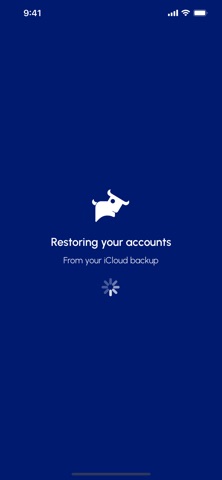
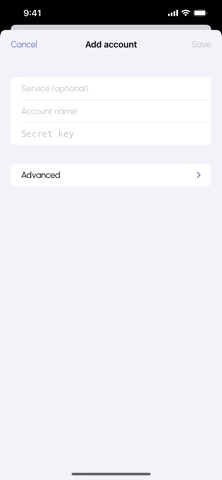
Factoro Authenticator keeps your two-factor authentication (2FA) codes safe, simple, and always with you — from Factoro. - Add any account that uses standard authenticator apps (Google, GitHub, AWS, Microsoft, your bank, and more) by scanning its QR code or entering the key by hand. Factoro - Authenticator generates the time-based codes you need to sign in, with a clear countdown and one tap to copy. Never lose your codes again. Turn on end-to-end encrypted iCloud backup and your accounts come back automatically when you set up a new iPhone — no passwords to remember, nothing to export. Your codes are encrypted on your device before they ever leave it, so neither Apple nor Factoro can read them. Private by design - No account and no sign-up — it just works. - No analytics, no tracking, no third-party SDKs. - No Factoro servers: the only place your data goes is your own iCloud. Built for trust - Works with any service that supports standard 2FA (TOTP) — not just Factoro. - Optional Face ID / Touch ID lock, with a privacy screen when you switch apps. - Copied codes clear from the clipboard automatically. - Full support for English and Spanish, VoiceOver, and Dynamic Type. Factoro Authenticator replaces "install another authenticator" with a polished, first-party app you can trust with your most important logins.
What's new · 1.1
You can now recover a deleted account. • Deleted accounts move to Recently Deleted, where you can restore them for 30 days before they're permanently removed. • Tap Undo right after deleting to bring an account straight back. • Deletions now sync reliably to your encrypted iCloud backup, so a deleted account stays deleted across all your devices.
Details