

Screen Mirror & Cast to TV
Tech Consolidated INC. · Utilities
Independent analytics for this App Store listing. AppTracker is not affiliated with Tech Consolidated INC.
Chart standing · US
What changed · US
Listing changes AppTracker has observed for this app in this storefront — new versions, price moves, rating shifts, and store copy.
Performance updates and bug fixes
Price & rating history · US
Reconstructed from the listing changes AppTracker has observed in this storefront. A field is charted once it has changed more than once, and each line starts at the value it moved from.
Average rating · ★ 2.88 now · 14 changes on record
Ratings breakdown · US
The star breakdown behind this app's rating in this storefront.
In-app purchases · US
What this app sells inside itself, grouped by kind and priced for this storefront.
Screenshots



About
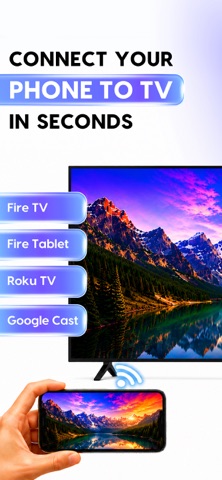
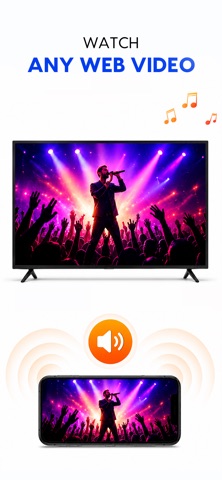
Mirror Cast turns your TV into a wireless display for your iPhone or iPad. Share your screen, photos, videos, and music on the big screen in seconds — no cables, no Apple TV, no extra hardware required. SCREEN MIRRORING Show your entire iPhone or iPad screen on your TV in real time. Perfect for presentations, browsing photos, showing apps to family, or sharing anything on a bigger display. Just pair with the code shown on your TV and start mirroring. CAST PHOTOS, VIDEOS & MUSIC • Photos — view your gallery on the TV, full screen • Videos — stream your videos with sound, straight from your phone • Music & audio — play your audio files through your TV WEB VIDEO CASTING Browse the web inside the app and cast videos you find directly to your TV. WHY YOU'LL LOVE IT • Fast, simple pairing — just enter the code on your TV • Works over your home Wi-Fi — no cables needed • Clean, easy-to-use design • Cast media or mirror your whole screen — your choice HOW IT WORKS 1. Open the Screen Mirror channel on your TV 2. Open this app and enter the 6-character code shown on your TV 3. Tap Start Mirroring, or pick a photo, video, or song to cast 4. Enjoy on the big screen! Download now and put your iPhone on the big screen! Terms of Use (EULA): https://www.apple.com/legal/internet-services/itunes/dev/stdeula/ Privacy Policy: http://techconsolidated.org/terms.html
What's new · 2.3.1
Performance updates and bug fixes
Details